
How to Choose the Right Hidden Camera Battery and Recording Time
You’ve been staring at two product listings for hours. One promises “long battery life.” The other claims “up to 128GB storage.” Neither number means much without context—and that’s exactly what manufacturers count on.
This guide cuts through the marketing fluff. Here’s what actually matters when matching a hidden camera’s power and storage specs to your real-world needs.
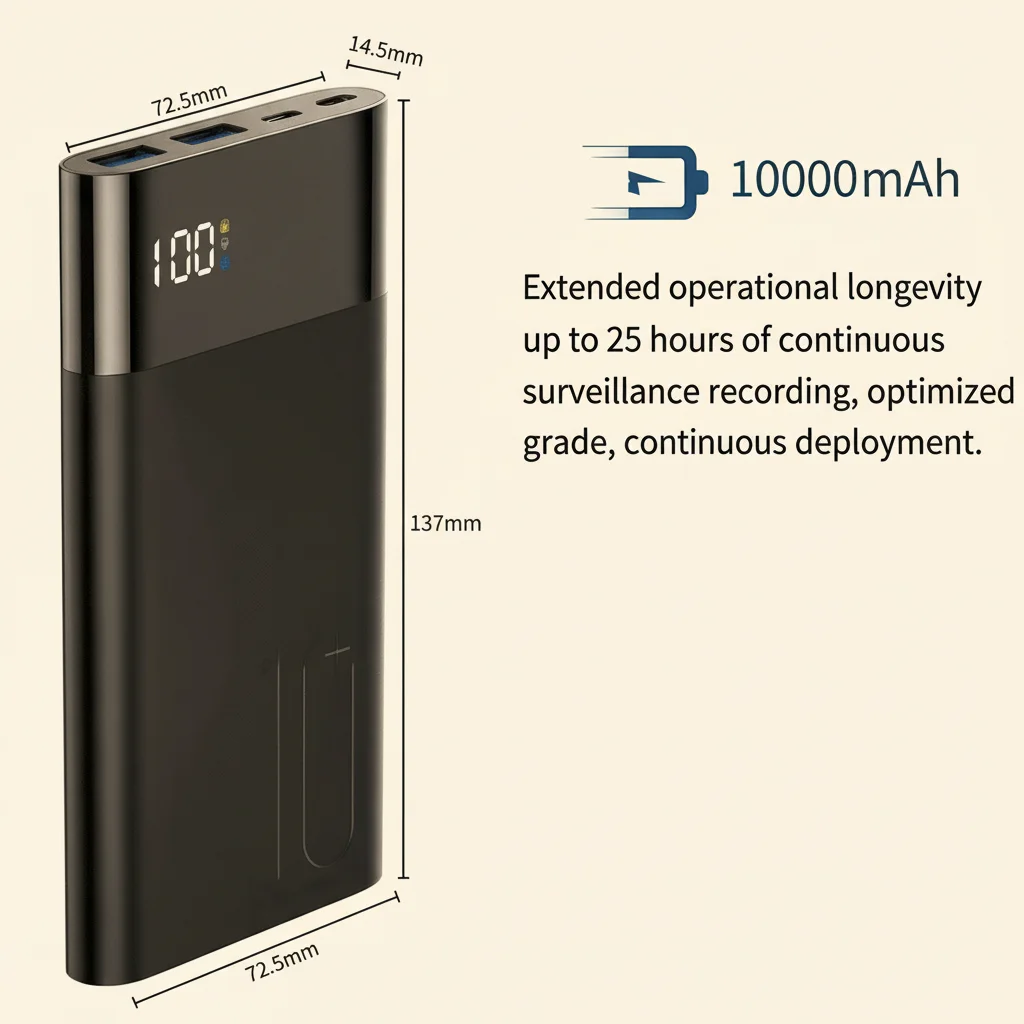
Why Battery Life Numbers Lie (And What to Look for Instead)
The “hours of continuous recording” figure printed on a box is almost useless on its own. It assumes ideal lab conditions: fresh battery, card almost empty, lens pointed at a static scene with no motion triggering new clips.
In reality, battery drain depends on three variables working together:
Resolution settings. 1080p recording at 30fps draws roughly twice the power of 720p. If you’re running a camera at maximum quality, expect 40–60% less runtime than the headline number suggests.
Motion detection behavior. A camera that wakes up and records only when it detects movement might run for days on a single charge. One that records continuously will drain in hours. This is the single biggest factor most buyers ignore.
Environmental factors. Cold temperatures kill batteries faster. A camera that lasts eight hours at 25°C might quit after three hours in an unheated warehouse in winter.
Most hidden cameras fall into two categories by power source:
| Power Type | Typical Continuous Runtime | Best For |
|---|---|---|
| Battery-operated (power bank, pen, key fob) | 2–8 hours continuous | Mobile use, short deployments |
| Plugged-in (USB charger, smoke detector, clock) | Unlimited (as long as power stays on) | Permanent installations |
| Hybrid (power bank with pass-through charging) | 6–12 hours standby + constant power option | All-day coverage, overnight recording |
Here’s the practical rule: if the camera needs to run overnight, it must plug into mains power. No consumer-grade battery camera will reliably record 8+ hours continuously at 1080p.
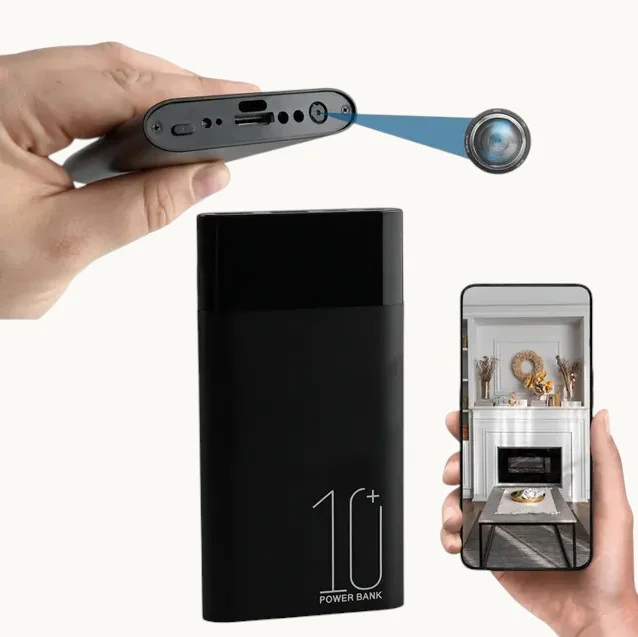
Understanding Recording Modes: Continuous vs. Motion-Activated vs. Scheduled
Most hidden cameras offer at least two recording modes, and picking the wrong one wastes both battery life and storage.
Continuous Recording
The camera records everything, non-stop, until storage fills up or power runs out. This is useful for:
– Documenting a specific event with known start and end times
– Situations where you can’t predict when something will happen
– Situations where reviewing the full timeline matters (legal evidence, detailed audit)
The problem is obvious: a 64GB card filled at 1080p / 4Mbps lasts roughly 36 hours. Miss the critical moment on hour 37, and you’ve got nothing.
Motion-Activated Recording
The camera stays in standby until its PIR (passive infrared) sensor detects heat movement, then starts recording. Files are usually saved in 1–5 minute clips per event.
This mode is ideal for most use cases. A WiFi smoke detector hidden camera mounted in a living room might capture 30–40 motion events per day while using the same battery that would die in four hours under continuous mode.
What motion detection can’t do: detect subtle movements outside the sensor’s line of sight, or work reliably through glass (infrared motion sensors don’t see through windows).

Scheduled Recording
The camera only records during pre-set time windows. You might set it to run from 9am to 6pm, Monday through Friday.
This mode is underused and extremely effective for business environments. A retailer who only needs to monitor the shop floor during opening hours can set the camera to auto-start each morning, eliminating hours of useless overnight footage and extending effective storage capacity dramatically.
Storage Capacity: The Math That Actually Helps
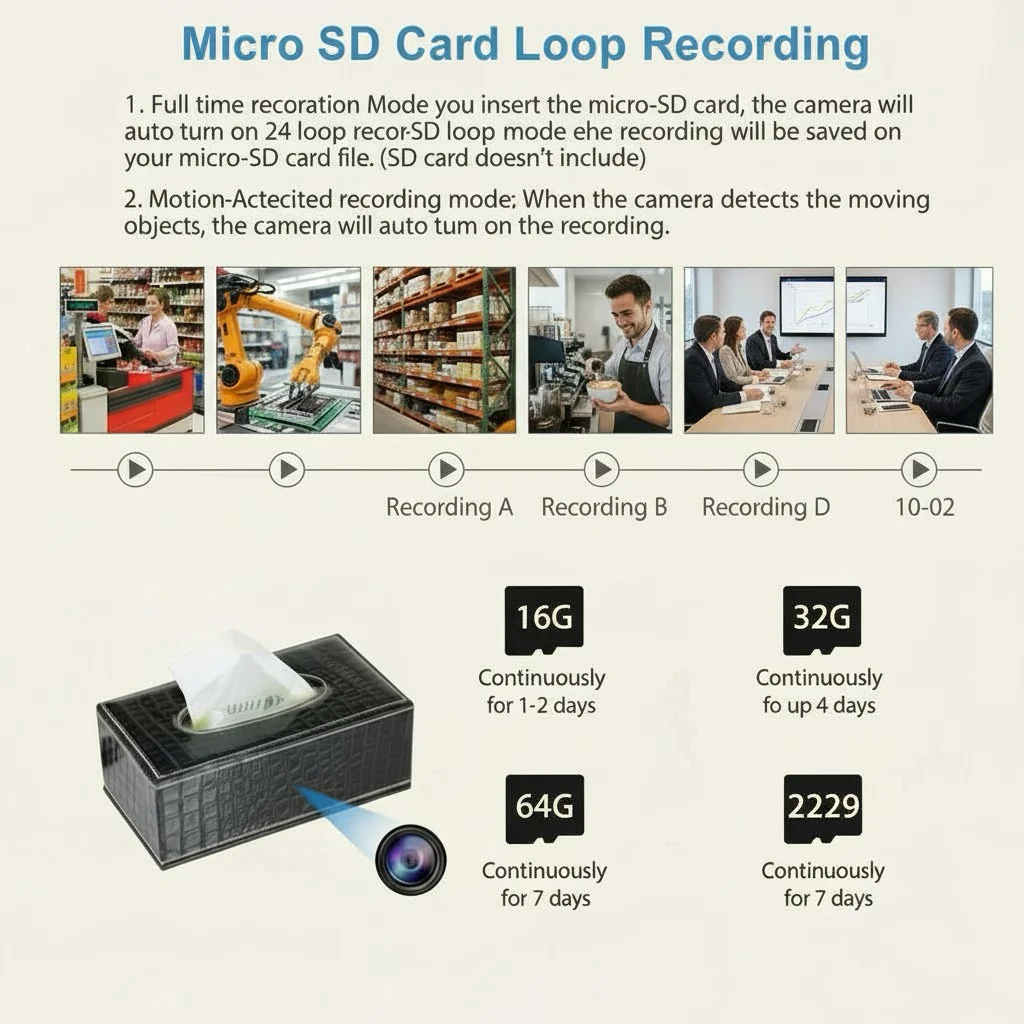
Most hidden cameras use microSD cards. The maximum supported card size varies by model—many top out at 128GB, some at 256GB.
Here’s what storage actually looks like in practice:
| Card Size | 720p @ 2Mbps | 1080p @ 4Mbps | 1080p @ 8Mbps |
|---|---|---|---|
| 32GB | ~36 hours | ~18 hours | ~9 hours |
| 64GB | ~72 hours | ~36 hours | ~18 hours |
| 128GB | ~144 hours | ~72 hours | ~36 hours |
“Loop recording” solves the storage problem by overwriting the oldest files when the card is full. Enable it and you effectively get indefinite recording—but only for the most recent footage. If evidence matters, don’t rely on loop recording alone: download important clips before the camera cycles past them.
One practical tip: check whether the camera supports OTA (over-the-air) cloud backup. A WiFi-enabled camera like the Z10 WiFi clock camera can automatically upload clips to cloud storage when motion is detected, meaning footage survives even if the camera itself is removed or the card is pulled.
Matching Specs to Your Use Case
Here’s where most buyers get it wrong: they buy based on the best spec available and then discover it doesn’t fit their actual scenario.
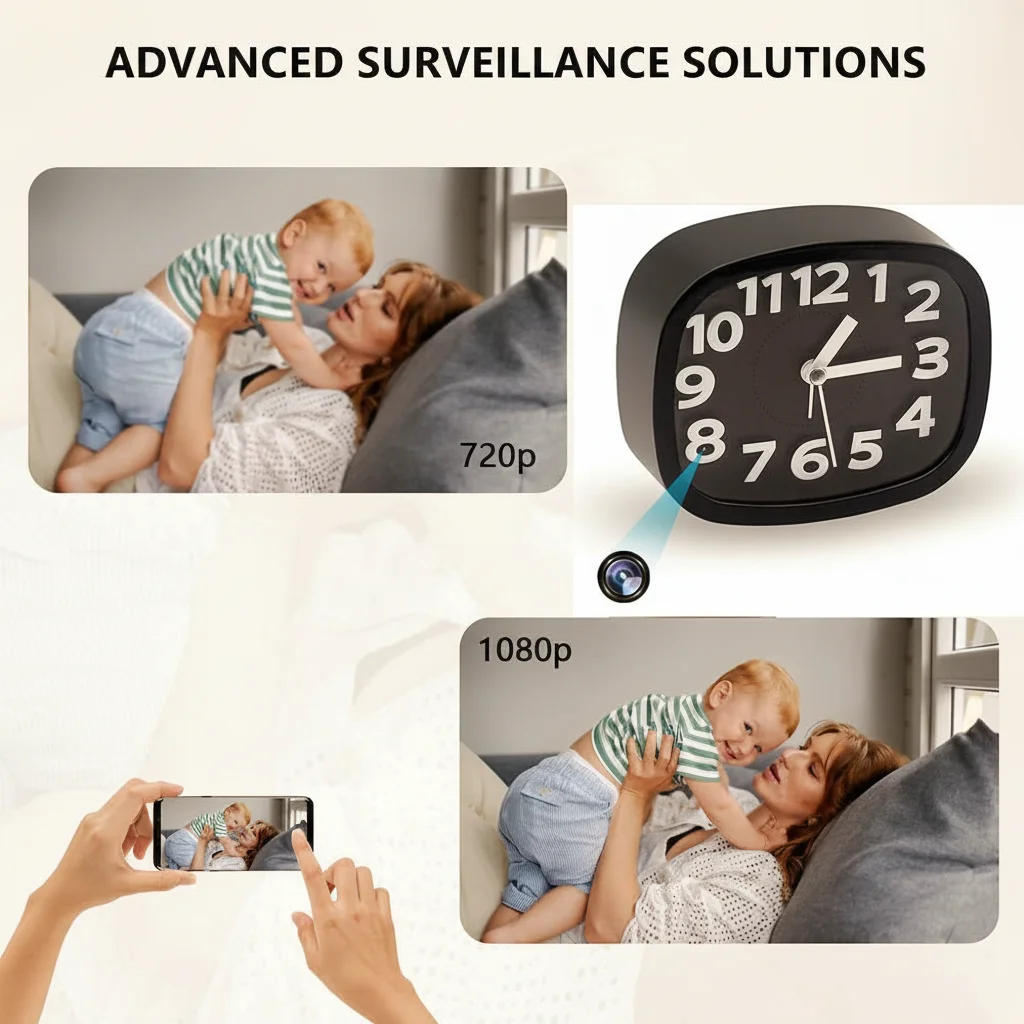
Scenario 1: Nanny Cam in a Living Room
You want to watch the caregiver when you’re at work. Your camera will be stationary, near a power outlet, running all day.
What you need: A plugged-in unit (smoke detector, clock, or USB charger camera) with motion detection. The WiFi USB charger camera is purpose-built for this: it looks like a normal desk charger, sits permanently on a shelf or desk, and only starts recording when someone enters the room. Storage at 1080p motion-activated will last weeks.
Scenario 2: Recording a Business Meeting or Interview
You need clear audio and video of a conversation. The camera needs to be portable, unobtrusive, and reliable.
What you need: A pen camera or voice recorder with a camera. The 1080P Spy Pen Camera 30MP with 128GB storage fits in a shirt pocket, looks like a normal ballpoint pen, and captures meetings without drawing attention. At 1080p it stores roughly 36 hours of footage on its built-in card—enough for a full week of meetings without offloading.
Scenario 3: Overnight Warehouse Surveillance
You suspect after-hours intruders but can’t run cables to the space.
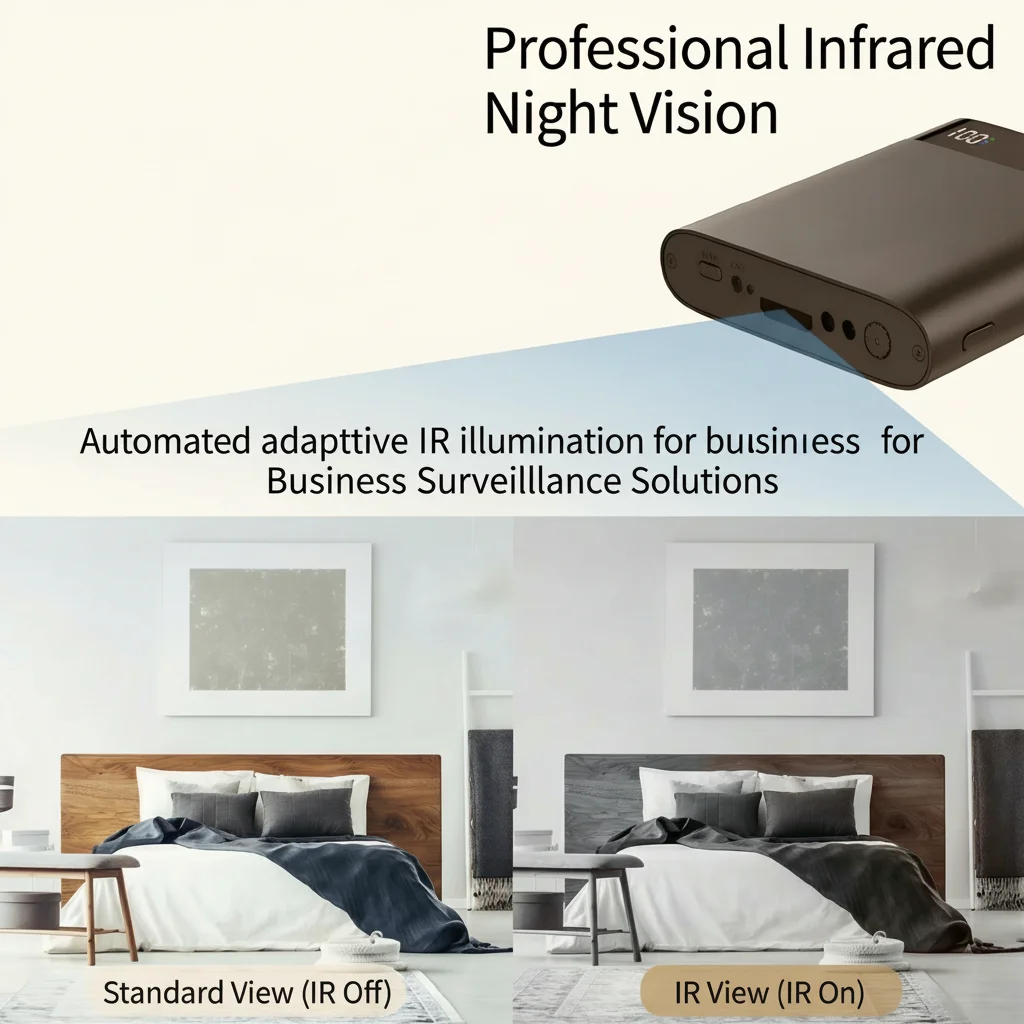
What you need: A hybrid power solution. Plug a power bank hidden camera into a mains outlet in the warehouse. The power bank acts as an UPS—if someone trips the power, the camera keeps running for 2–4 hours on battery backup. Set motion detection to start recording at sundown. Night vision IR LEDs will capture usable footage in complete darkness up to about 5 meters.
Scenario 4: Outdoor Monitoring of a Vehicle or Gate
You’re watching a parking area, driveway, or construction site.
What you need: This is where hidden cameras hit their limits. Without mains power and weather protection, battery cameras will struggle. A better approach is a visible deterrent (standard outdoor security camera) paired with a covert backup recorder. If a hidden approach is required, consider a car key spy camera placed inside a vehicle parked in view of the area—vehicle power keeps it running indefinitely.
WiFi Connectivity: Why It Changes Everything
An increasing number of hidden cameras now include WiFi (2.4GHz) connectivity. This isn’t just a convenience feature—it fundamentally changes what you can do with the footage.
Without WiFi, a camera is a standalone recorder. You retrieve the card, plug it into a computer, and watch the footage later. This works fine if you’re physically present to retrieve the camera regularly.
With WiFi and a companion app (Tuya Smart and TinyCam are common), you get:
– Live view from anywhere — watch the camera feed from your phone in real time
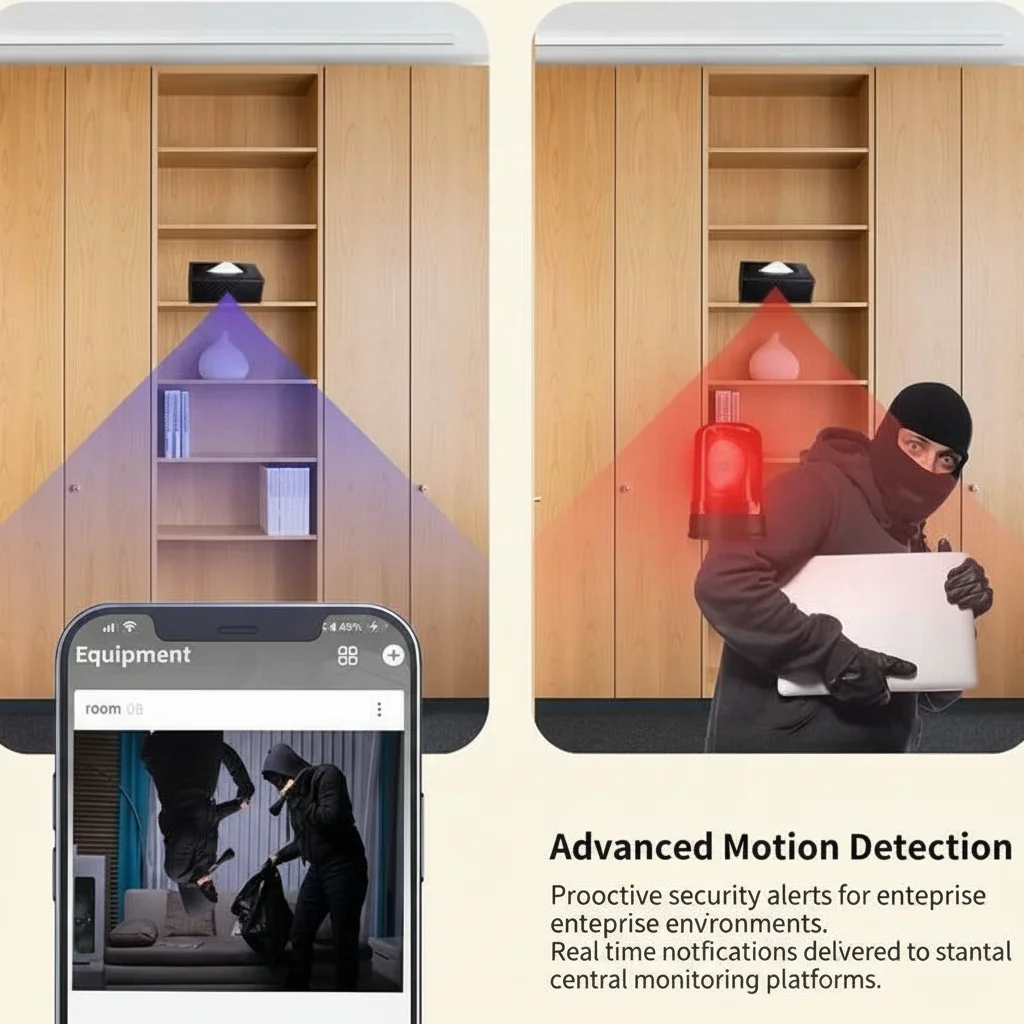
– Instant motion alerts — push notification the moment the camera detects activity
– Remote footage download — pull clips from the camera’s SD card without touching the device
– Cloud backup — footage uploaded automatically to cloud storage
For business use, WiFi connectivity is almost mandatory. A retailer who installs a covert camera in a back office and then has to visit the office to check footage hasn’t really solved their problem. WiFi-enabled covert cameras let you monitor multiple locations from a single app dashboard.
Most hidden cameras support only 2.4GHz WiFi, not 5GHz. This matters: if your router is 5GHz-only, the camera won’t connect without a 2.4GHz network available.
Key Takeaways
| Priority | What to Check |
|---|---|
| Battery life accuracy | Divide stated hours by 2 for real-world continuous recording |
| Overnight operation | Must be plugged in—no exceptions |
| Storage for evidence | Enable motion detection + loop recording + cloud backup |
| Remote monitoring | Must have WiFi + app support |
| Discreet placement | Match form factor to installation location |
| Cold environment | Battery capacity drops significantly below 10°C |
The best hidden camera isn’t the one with the highest specs on paper. It’s the one that matches your specific scenario: how long does it need to run, where does it need to be placed, and who needs to see the footage?
If you’re still unsure which model fits your situation, browse the full range of hidden cameras at QZT Security—each product page includes detailed spec sheets and real-world runtime estimates.
Frequently Asked Questions
Can a hidden camera record 24 hours a day?
Yes, but only if it’s plugged into mains power. Battery-operated cameras cannot reliably record continuously for 24 hours at 1080p. For 24/7 coverage, use a plugged-in unit like a smoke detector camera or USB charger camera with motion detection enabled.
How long does a 128GB card last on a hidden camera?
At 1080p recording quality (roughly 4Mbps), a 128GB card holds approximately 72 hours of footage. With motion-activated recording, this extends to days or weeks of real-world use depending on activity levels in the monitored space.
What’s the difference between PIR motion detection and standard motion detection?
PIR (Passive Infrared) detects heat signatures from people, animals, and vehicles. Standard pixel-change detection detects any visual movement in the frame, including shadows, curtains moving, or light changes. PIR is more accurate for security use; standard detection is more sensitive but prone to false triggers.
Do hidden cameras work in the dark?
Many do, but only if they have IR (infrared) LEDs. Without IR, a camera needs at least some ambient light to capture usable footage. Check the product specifications for “night vision range”—typically 3–8 meters for consumer-grade hidden cameras.
Can I access footage remotely without WiFi?
Some cameras support 4G/LTE cellular connectivity, but these are less common and require a separate data plan. Without WiFi or cellular, remote access is not possible. The footage stays on the card until you physically retrieve it.
What’s the best storage setting for preserving evidence?
Set the camera to record at the highest available resolution, enable motion detection, turn on loop recording (as a backup), and—if the camera supports it—enable cloud upload. Download and back up important clips within 48 hours to avoid losing them to loop overwriting.
Ready to find the right camera for your specific scenario? Contact QZT Security for product recommendations and bulk pricing.

 English
  Italiano
  Deutsch
  Français
  Español
  Polski