
How to Choose the Best WiFi Clock Camera for Home Security
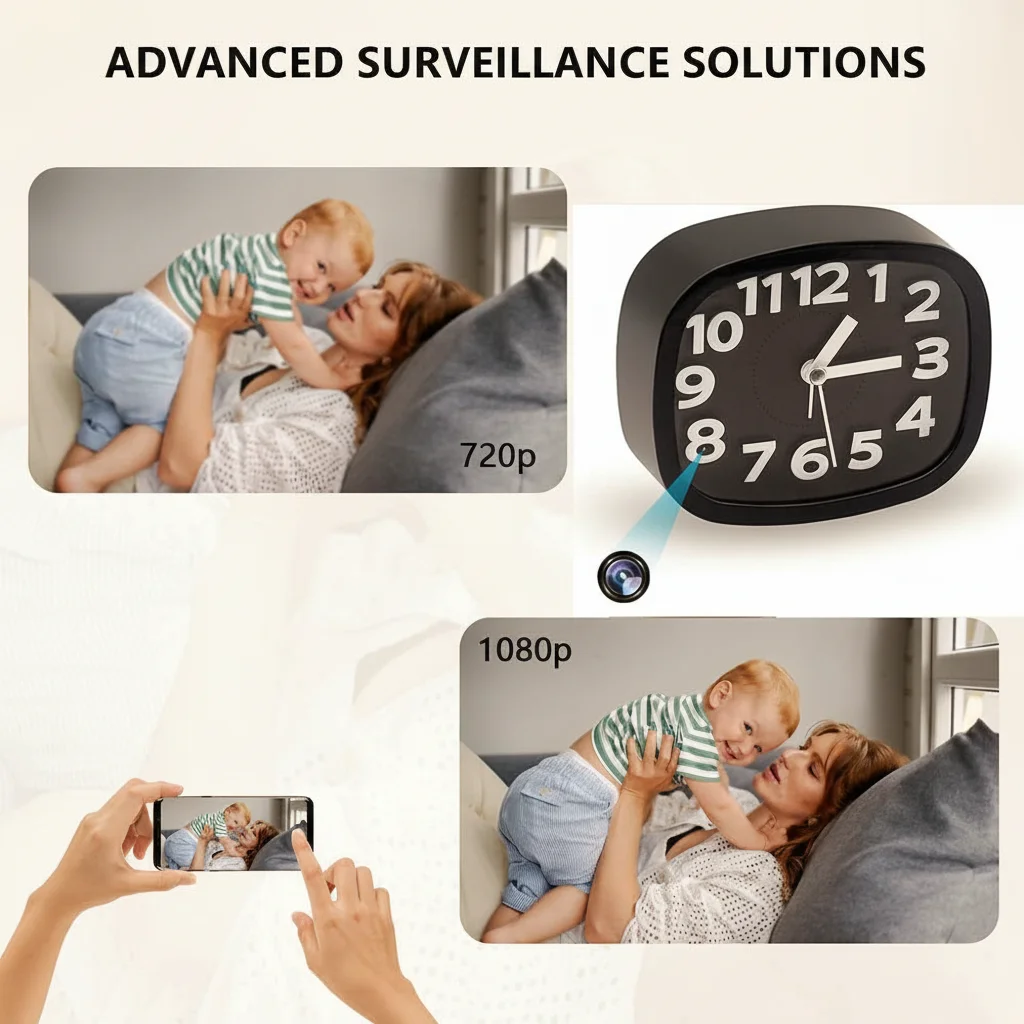
A WiFi clock camera combines a fully functional alarm clock with a hidden 1080P HD camera, giving you discreet 24/7 home monitoring without anyone knowing they are being recorded. The device looks completely ordinary on your nightstand or desk while streaming live video to your phone from anywhere in the world.
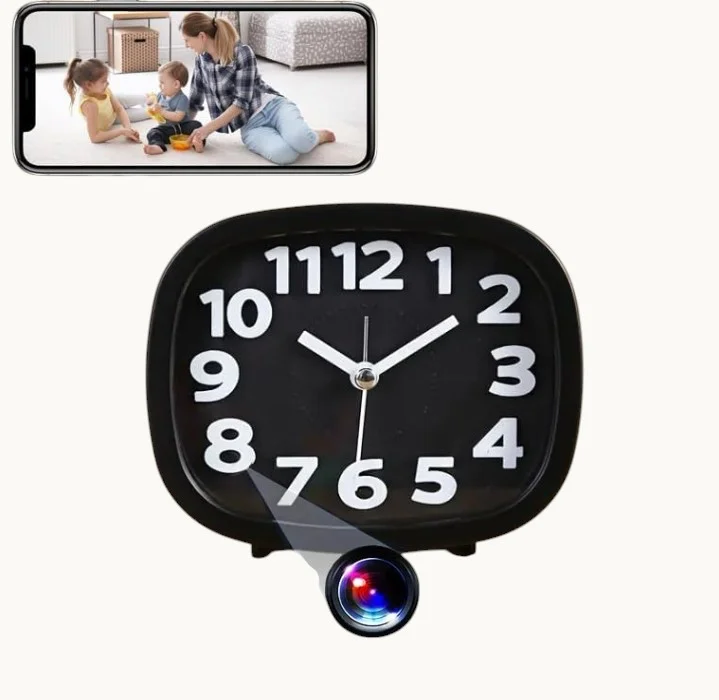
What Is a WiFi Clock Camera and How Does It Work
A WiFi clock camera is a digital alarm clock with a miniature HD camera lens hidden inside the casing. It connects to your home WiFi network and streams live footage to a smartphone app, letting you monitor your home in real time from anywhere. Most models record to a local SD card (up to 128GB) and support motion-triggered recording with instant push notifications when activity is detected.
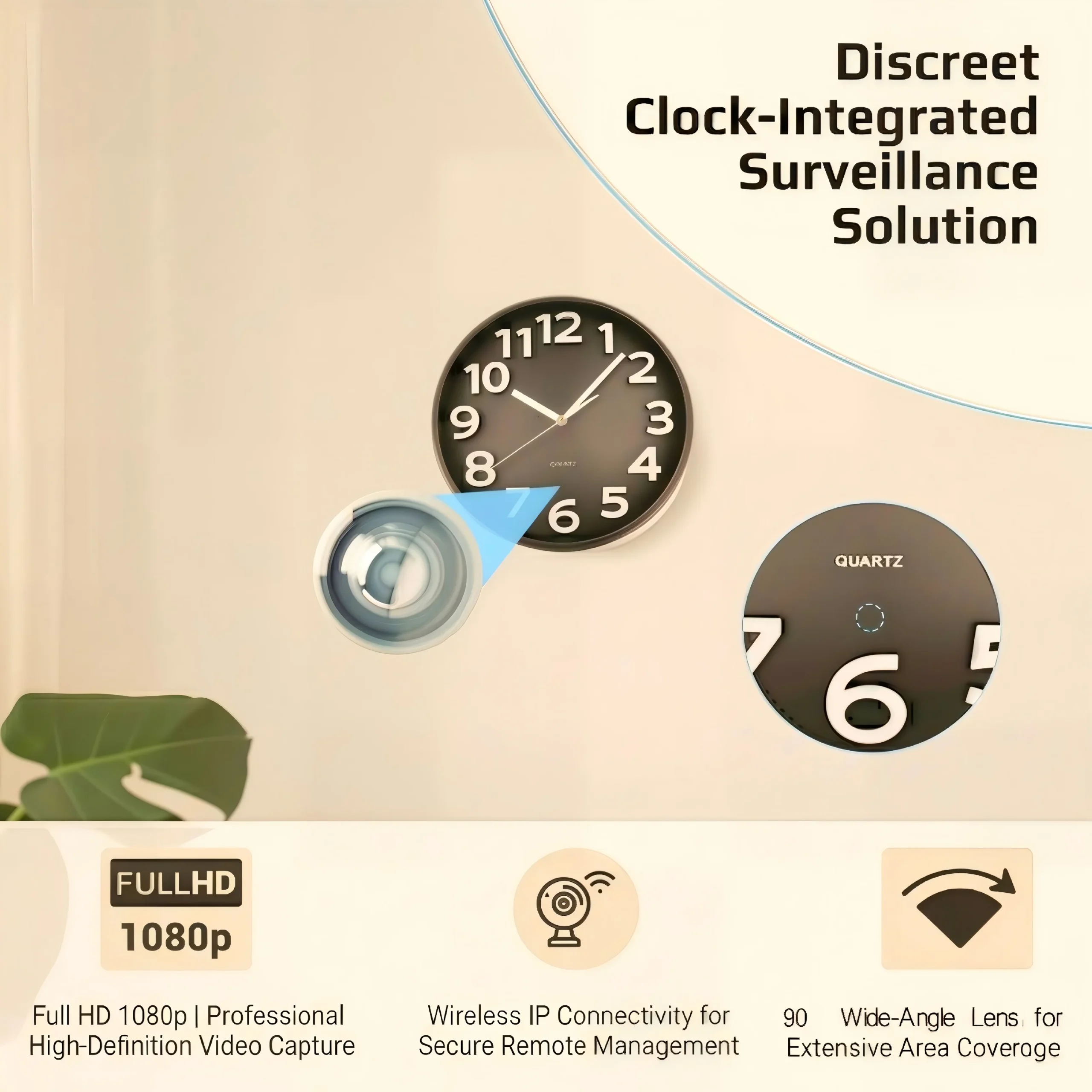
The camera lens is positioned behind the clock face or display panel, making it virtually undetectable. It runs on standard USB power for continuous operation, and infrared LEDs enable clear night vision recording in total darkness without any visible glow.
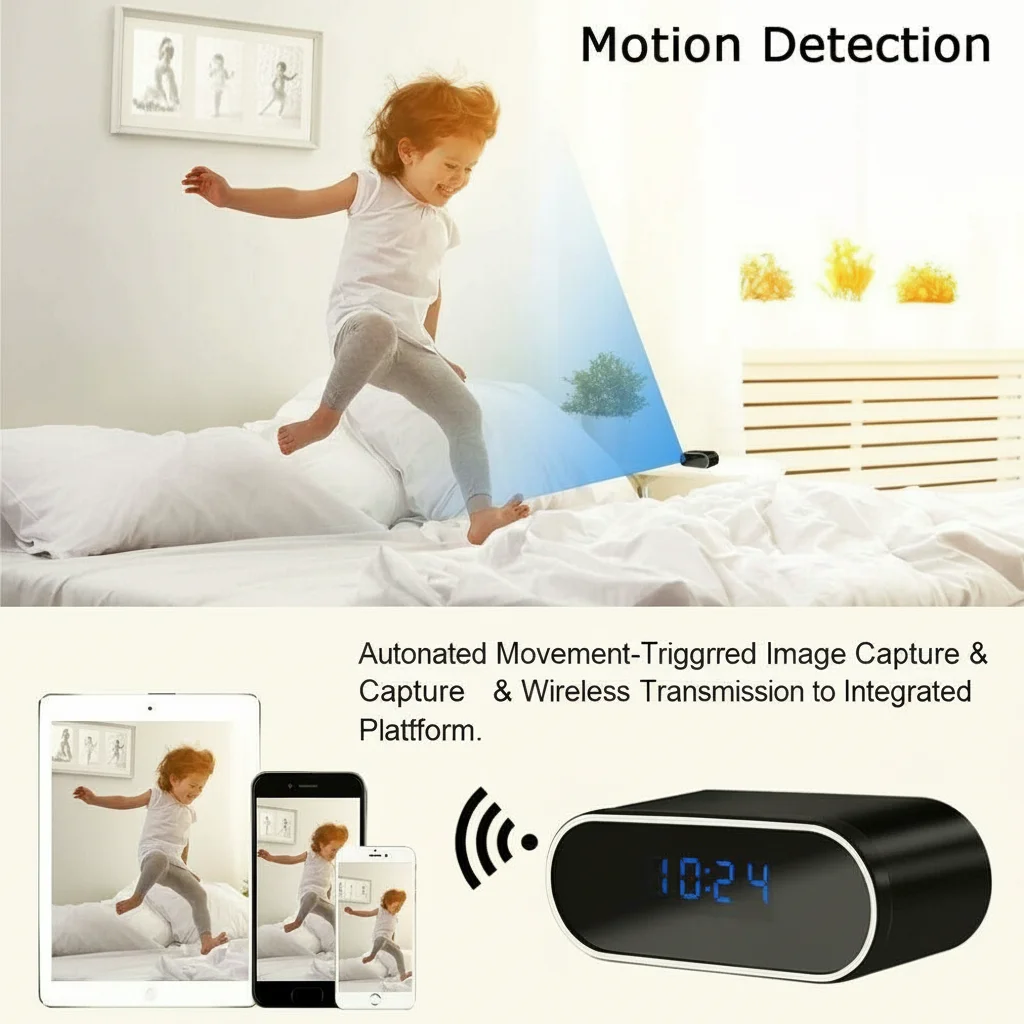
Key Features to Look for in a Clock Camera
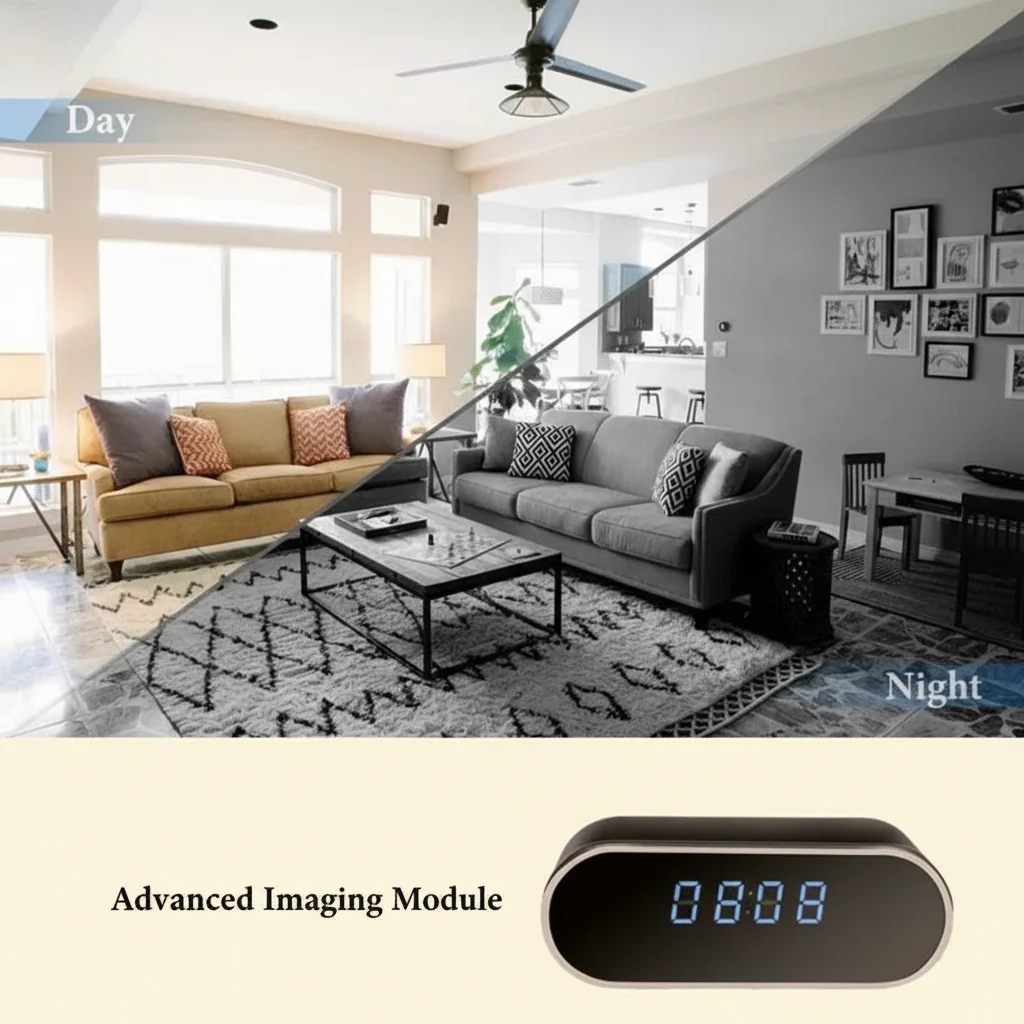
Video Quality and Night Vision. Choose models with at least 1080P full HD resolution and automatic infrared night vision. The best clock cameras feature IR LEDs that activate in darkness, providing clear black-and-white footage at night without alerting anyone to the camera’s presence.
WiFi Connectivity and Remote Access. The companion mobile app should support both iOS and Android, provide smooth live streaming, and let you review playback without removing the SD card. Some models integrate with Tuya Smart or similar IoT platforms for a unified smart home experience.
Motion Detection and Alerts. Adjustable motion sensitivity reduces false alarms from pets or changing lighting. When motion is detected, push notifications reach your phone within seconds. Advanced models can send email alerts or auto-save clips to cloud storage.
Storage Options. A 128GB SD card holds roughly 2-3 weeks of motion-triggered clips depending on activity levels. The best approach combines local SD storage with optional cloud backup for critical footage redundancy.
Common Use Cases for Clock Cameras in the Home
Nursery and Baby Monitoring. Clock cameras blend naturally into bedrooms, making them an excellent alternative to visible baby monitors. Parents get live video and audio without the device drawing attention on a bedside table.
Home Office and Workspace Security. A clock camera on your desk provides documented evidence of unauthorized access, package theft, or workplace incidents without alerting visitors they are being recorded.
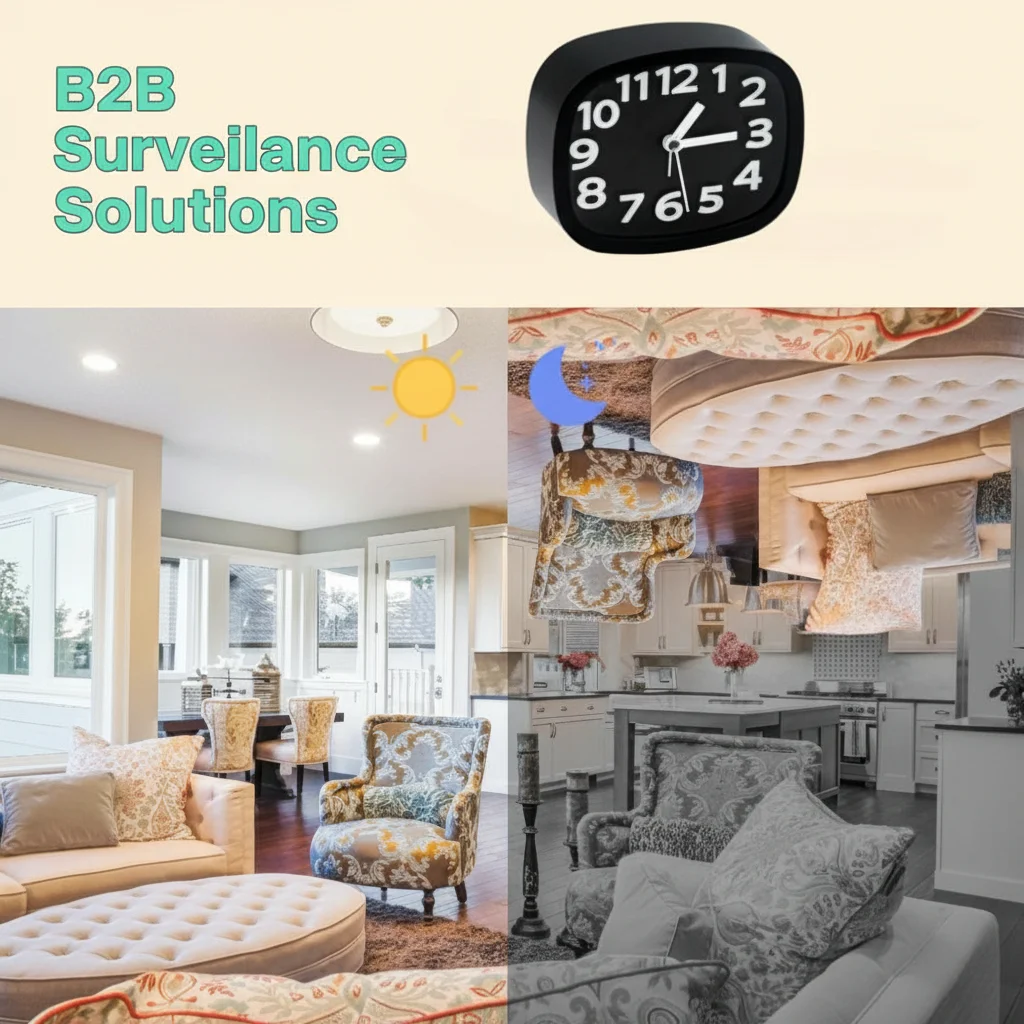
Entryway and Living Room Surveillance. Positioned in common areas, a clock camera with a wide-angle lens (110 degrees or greater) can monitor multiple entry points and high-traffic zones simultaneously.
Elderly Care and Personal Safety. Families caring for elderly relatives can monitor for falls or emergencies discreetly. Always have a transparent consent discussion with the person being monitored.
How to Set Up Your WiFi Clock Camera
Step 1: Physical Placement. Choose a location with a clear view of the area you want to monitor. Avoid direct sunlight or bright windows, which create backlighting. Place the clock on a stable elevated surface — bedside tables, bookshelves, or mantels work well. Ensure the USB power cable reaches a nearby outlet.
Step 2: Network Configuration. Download the manufacturer’s companion app (Tuya Smart or the branded app). Power on the clock camera and enter pairing mode by pressing the reset button for several seconds until the indicator light blinks. In the app, select “Add Device,” choose the camera category, and enter your 2.4GHz WiFi credentials. Wait for the device to connect — the app confirms successful pairing.
Step 3: Adjust Settings. Set recording mode to “motion detection” for most use cases. Adjust motion sensitivity — start at medium and refine based on false alert frequency. Enable push notifications and configure the SD card overwrite policy (oldest-first is standard).
Step 4: Test and Refine. Walk through the monitored area during daylight and at night to verify clear footage. Check that the live stream loads quickly and that recorded clips save correctly. Adjust the camera angle to avoid glare or obstructions.
WiFi Clock Camera vs Other Hidden Camera Types
Clock Camera vs Smoke Detector Camera. Smoke detector cameras are ceiling-mounted for bird’s-eye overhead coverage of large open areas. Clock cameras sit on flat surfaces, are easier to position and relocate, and look natural on a nightstand or desk. Choose a smoke detector camera for wide-area living room coverage; choose a clock camera for bedroom, nursery, or office monitoring.
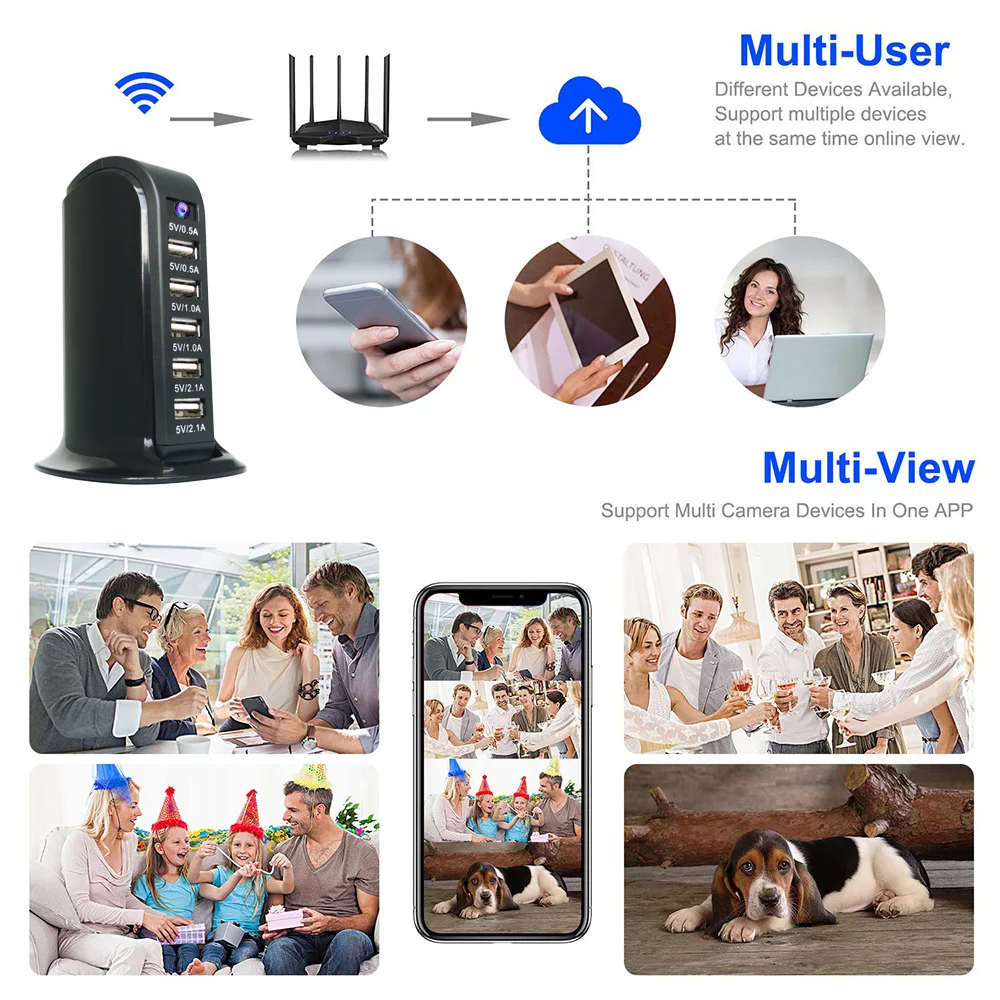
Clock Camera vs USB Charger Camera. USB charger cameras plug into a wall outlet and run continuously without occupying surface space. Clock cameras serve a dual purpose and blend naturally into bedroom or office decor. If you need a truly invisible installation, a USB charger camera may be preferable.
Clock Camera vs Body Worn Camera. Body worn cameras like pen cameras or glasses cameras are designed for personal portability and on-the-go recording. They are not suitable for continuous home surveillance due to limited battery life. A clock camera is the better choice for fixed-location home monitoring.
Why WiFi Clock Cameras Are Growing in Popularity
The appeal of WiFi clock cameras goes beyond their surveillance capabilities. Their dual-purpose nature addresses two common concerns for homeowners and renters simultaneously — timekeeping and security — without the clutter of multiple devices. Unlike traditional security cameras that must be mounted on walls or ceilings, a clock camera requires no installation, no drilling, and no special tools.
Privacy awareness is also driving adoption. Unlike outdoor security cameras that are visible from the street, clock cameras record interior spaces without broadcasting the presence of surveillance equipment. This makes them particularly attractive to renters who cannot install permanent cameras, or to families who want to monitor caregivers, babysitters, or home health aides without creating an atmosphere of distrust.
The integration of WiFi connectivity and smartphone apps has transformed these devices from simple recording gadgets into fully functional remote monitoring systems. Users can check in on their homes in real time, receive instant alerts, and review footage from anywhere — capabilities that once required expensive professional security systems.

Legal Considerations for Using Clock Cameras
Before deploying a clock camera in your home, it is important to understand the legal landscape around covert recording. In most U.S. jurisdictions, recording in areas where you have a reasonable expectation of privacy (such as bathrooms or private bedrooms of others) is illegal. Recording in common areas of your own home — living rooms, nurseries, home offices, or entryways — is generally permitted when the purpose is security or safety.
If you are employing a clock camera to monitor caregivers, babysitters, or household employees, inform them of the camera’s presence in advance. Many states require at least one-party consent for audio recording. Video recording laws vary widely, so check your local regulations before deploying a camera.
For business use — monitoring employees in a home office or commercial space — additional disclosure requirements often apply. Consult a local attorney if you are unsure about the specific laws in your area.
Conclusion
A WiFi clock camera is one of the most versatile and discreet home security tools available today. By combining an ordinary-looking alarm clock with a 1080P HD hidden camera, it delivers professional-grade monitoring without the visible presence of security equipment. When choosing a model, prioritize video quality, reliable night vision, responsive motion detection, and a polished mobile app experience.
Proper placement and setup are just as important as the hardware itself. Take time to test the camera angle, refine motion sensitivity settings, and verify that live streaming works smoothly before relying on it for active security monitoring. With the right device and configuration, a WiFi clock camera provides peace of mind around the clock — whether you are checking in on your nursery from work or keeping an eye on your front entryway while traveling.
FAQ
Is a WiFi clock camera difficult to set up?
No. Most models take 10-15 minutes to set up. You download the companion app, put the camera in pairing mode, enter your WiFi credentials, and the app guides you through the rest. No drilling or professional installation is required.
Can a clock camera record at night?
Yes. Quality clock cameras include infrared LEDs that automatically activate in low-light conditions, providing clear black-and-white night vision footage without any visible light.
Do clock cameras work on 5GHz WiFi networks?
Most clock cameras only support 2.4GHz WiFi networks. Check the product specifications before purchasing, and ensure your router broadcasts a 2.4GHz signal.
How long can a clock camera record on a 128GB SD card?
At 1080P resolution with motion-triggered recording, a 128GB card typically stores 2-3 weeks of footage depending on activity levels. Continuous recording uses storage much more quickly.
Can I view the camera feed from multiple phones?
Yes. Most companion apps allow multiple accounts to access the same camera device. Some platforms charge a small fee for additional viewer accounts.

 English
  Italiano
  Deutsch
  Français
  Español
  Polski