
How to Choose a USB Flash Drive Spy Camera in 2026
A USB flash drive spy camera is the ultimate office covert recording device. Sitting on a desk next to a laptop, it looks exactly like a regular USB drive—because it effectively is one. But hidden inside is a 1080p Full HD camera capable of recording video, capturing photos, and detecting motion. No one at work, at a meeting, or at home would think twice about seeing a USB stick on a desk.
This guide breaks down everything you need to know about USB flash drive spy cameras: how they work, what features matter, how to set one up, and how to get the best recordings in real-world situations.
What Is a USB Flash Drive Spy Camera?
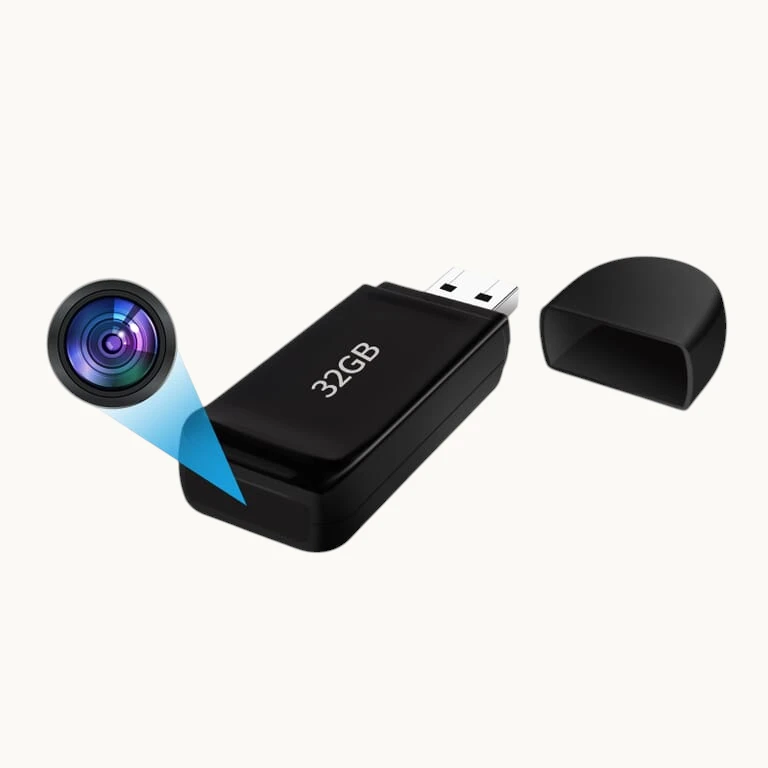
A USB flash drive spy camera is a miniature video recording device built into a standard USB drive housing. The camera lens is concealed within the USB drive’s body—often disguised as a ventilation slot, a brand logo, or a tiny aperture in the plastic casing. From the outside, it’s indistinguishable from an ordinary flash drive.
Most USB flash drive cameras offer:
– 1080p Full HD video recording at 30fps
– Motion detection to trigger recording only when activity occurs
– Loop recording to continuously overwrite old files
– Built-in microphone for audio recording
– Dual functionality — works as an actual USB storage device on some models
– One-button operation for immediate recording start
The device connects to a computer for charging and file transfer via the USB connector, maintaining perfect cover as a legitimate office accessory.
How Does a USB Flash Drive Spy Camera Work?
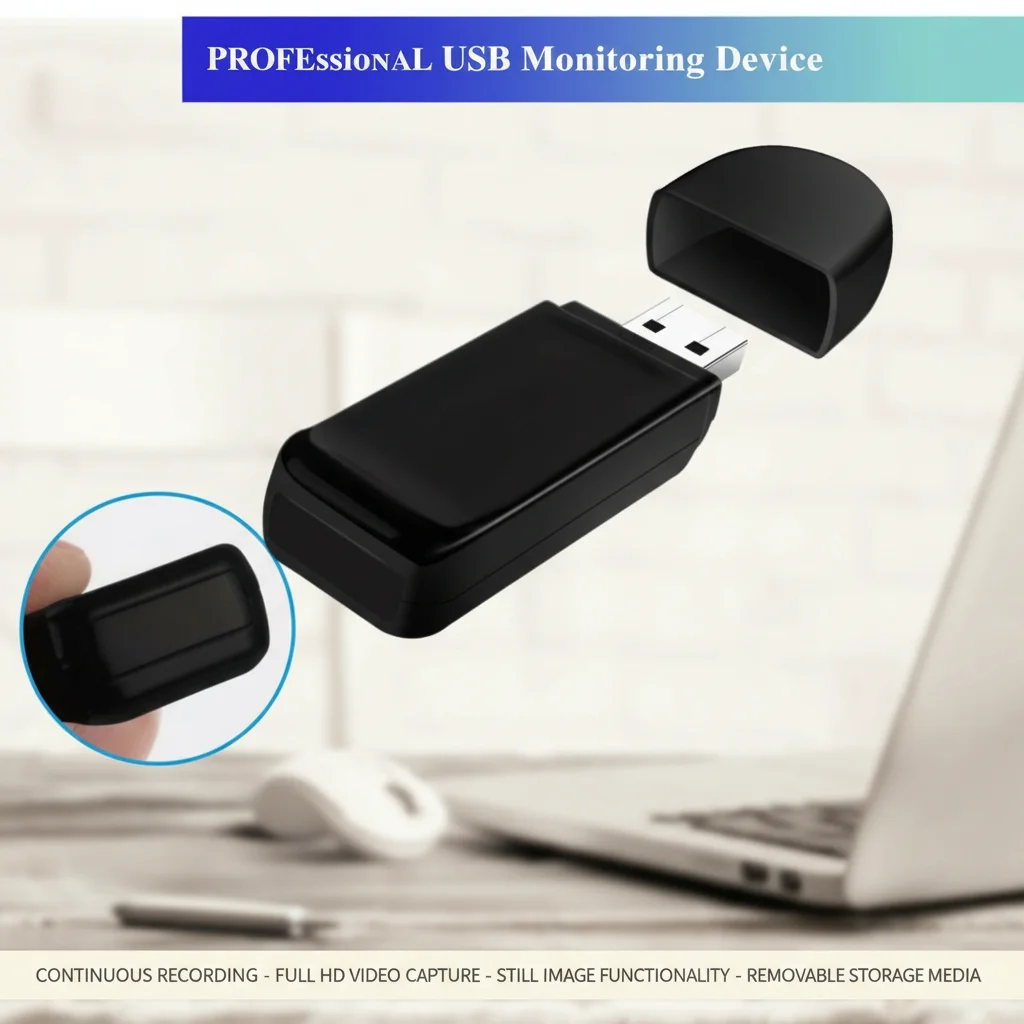
The internal construction packs significant technology into a compact form factor:
1. CMOS Image Sensor: A miniaturized camera module captures the video feed through the tiny pinhole lens.
2. Video Encoder: An onboard processor compresses footage in real-time to H.264 MP4 format.
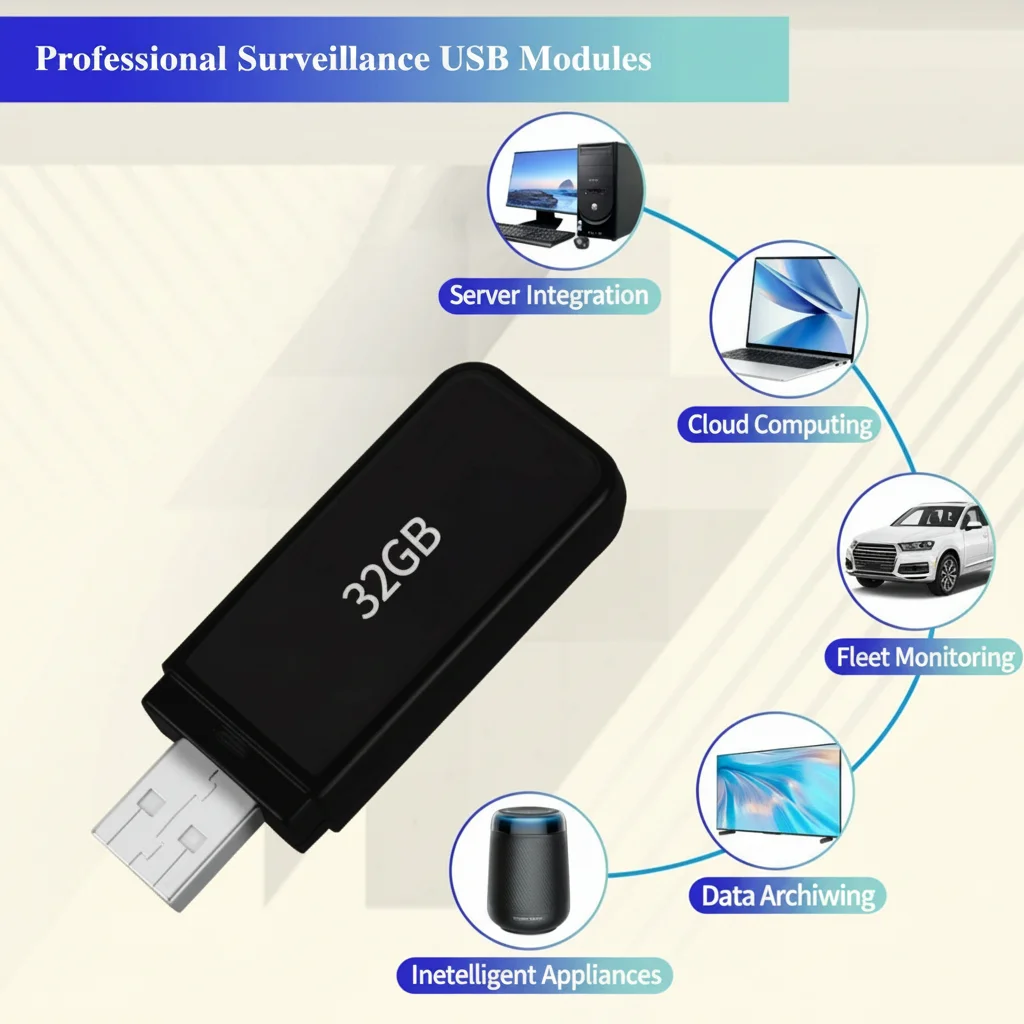
3. Internal Storage: Unlike some covert cameras that use SD cards, many USB flash drive cameras store footage directly in their own onboard memory (4GB–64GB), or use a micro SD card internally.
4. USB Controller: A standard USB controller chip allows the device to function as a USB storage drive when connected to a computer.
5. Battery: A small rechargeable lithium cell provides 60–120 minutes of standalone recording power.
6. Microcontroller: Manages recording modes, motion detection, and power management.
Recording is activated by pressing a small button on the device body. Many models also support automatic activation when connected to a USB power source, making setup even simpler.
Key Features to Evaluate
Video Resolution and Quality
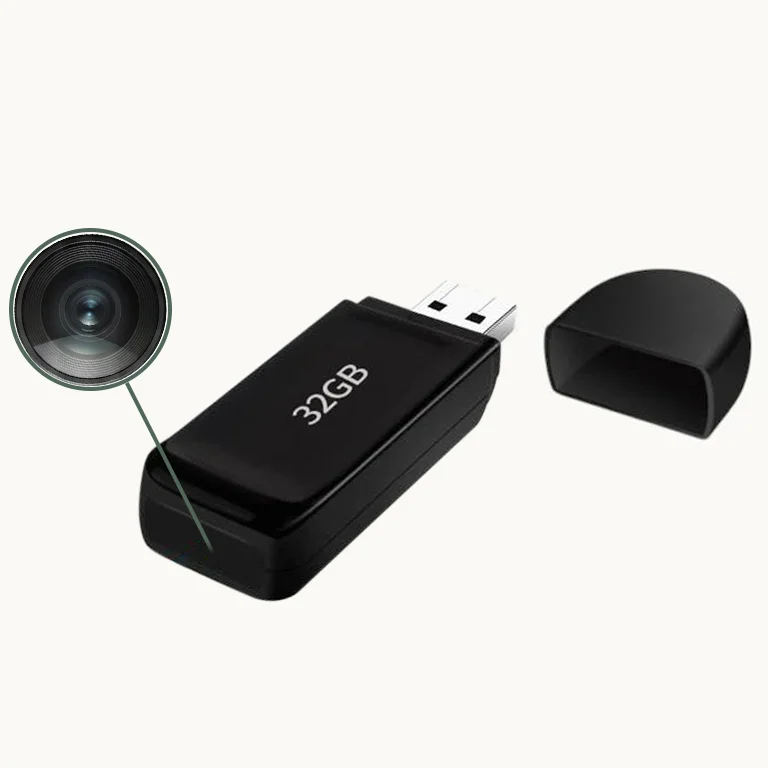
Resolution is the most important spec:
– 1080p (1920×1080): The standard for useful surveillance video. Provides sufficient detail for face recognition and document capture at distances up to 6–8 feet.
– 720p: Acceptable for general monitoring but lacks detail at distance.
– 2K/4K: Available on premium models; excellent for detailed captures.
Also check the frame rate. 30fps provides smooth, natural video. Some budget cameras only record at 15fps, which creates choppy footage that’s harder to review.
Motion Detection
Motion detection is critical for unattended office use. When enabled, the camera remains in standby mode and wakes to record only when movement is detected in the frame. This conserves battery life and reduces storage consumption dramatically.
Better implementations use PIR (passive infrared) sensors combined with video-based motion detection for more reliable triggering. Basic models use only video-based detection, which can be triggered by lighting changes.
Storage Capacity
Storage planning is important for unattended deployments:
| Resolution | Storage | Recording Time |
|---|---|---|
| 1080p | 8GB | ~2 hours |
| 1080p | 16GB | ~4 hours |
| 1080p | 32GB | ~8 hours |
| 1080p | 64GB | ~16 hours |
With loop recording enabled, capacity becomes less critical—the camera simply overwrites old footage. Without loop recording, you must retrieve the device before it fills up.
Dual-Function USB Storage
Some USB flash drive cameras function as genuine USB storage devices when plugged into a computer. This provides perfect cover: if anyone asks why you have a USB drive, you can plug it in and show files stored on it. The camera footage is stored in a hidden partition, invisible to normal file browsing.
Audio Recording Quality
The built-in microphone on USB flash drive cameras is typically a MEMS (micro-electromechanical system) microphone that captures audio within a 10–15 foot radius. Audio quality is adequate for capturing conversations in a quiet office environment. Background noise (HVAC, keyboards, printers) will be audible in recordings—this is normal for microphones this small.
Setting Up Your USB Flash Drive Spy Camera
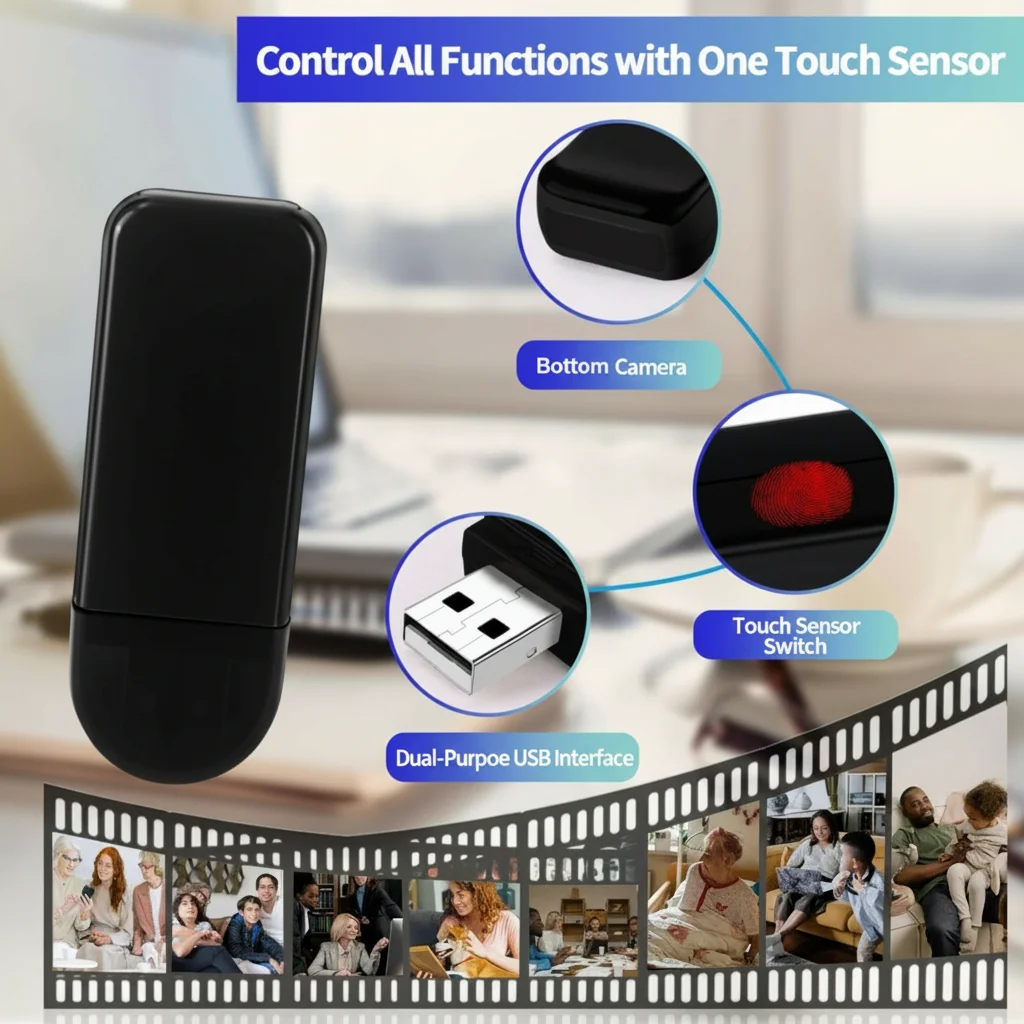
Setup is quick and requires no technical skills:
Step 1: Charge the Device
Insert the USB connector into a computer or USB charger. The LED indicator will show charging status (typically red = charging, off or blue = full). Allow 60–90 minutes for a full charge.
Step 2: Format Storage
For cameras with removable micro SD cards, format the card before first use. For built-in storage models, factory formatting is typically already complete.
Step 3: Set Recording Mode
Most USB flash drive cameras support multiple recording modes accessible via button combinations:
– Continuous recording: Press and hold the button for 3 seconds
– Motion detection mode: Press twice quickly
– Photo capture: Single press in standby
Consult your specific model’s manual for the exact button sequences.
Step 4: Test Recording
Point the device at a test area and record 1 minute of test footage. Transfer to your computer and verify video and audio quality, field of view, and recording duration match expectations.
Step 5: Position the Camera
Place the USB drive in its intended location. Aim the lens toward the area you want to monitor. The small aperture lens typically has a 60–90 degree field of view—sufficient to cover most of a standard desk area or office entrance from a distance of 3–8 feet.
Optimal Placement Strategies
On a Desk
Place the USB drive on its side next to a keyboard or monitor, with the lens facing the area of interest. Most lenses are positioned at one end of the drive, so pointing that end toward the subject provides the best angle.
On a Bookshelf
Lean the USB drive against a book spine at eye level, facing outward. The shelf provides a natural resting position that looks completely normal, and the elevated position gives a good overview of the room.
In a USB Port or Hub
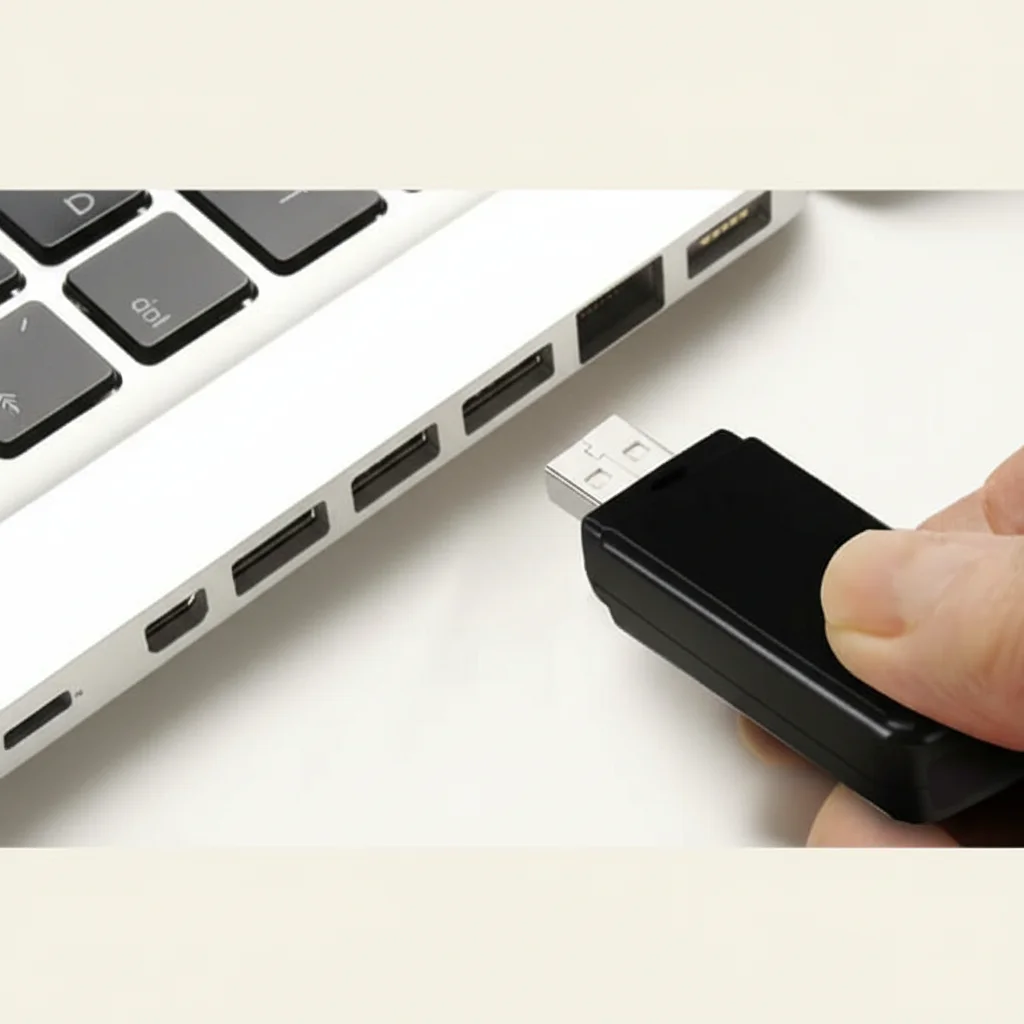
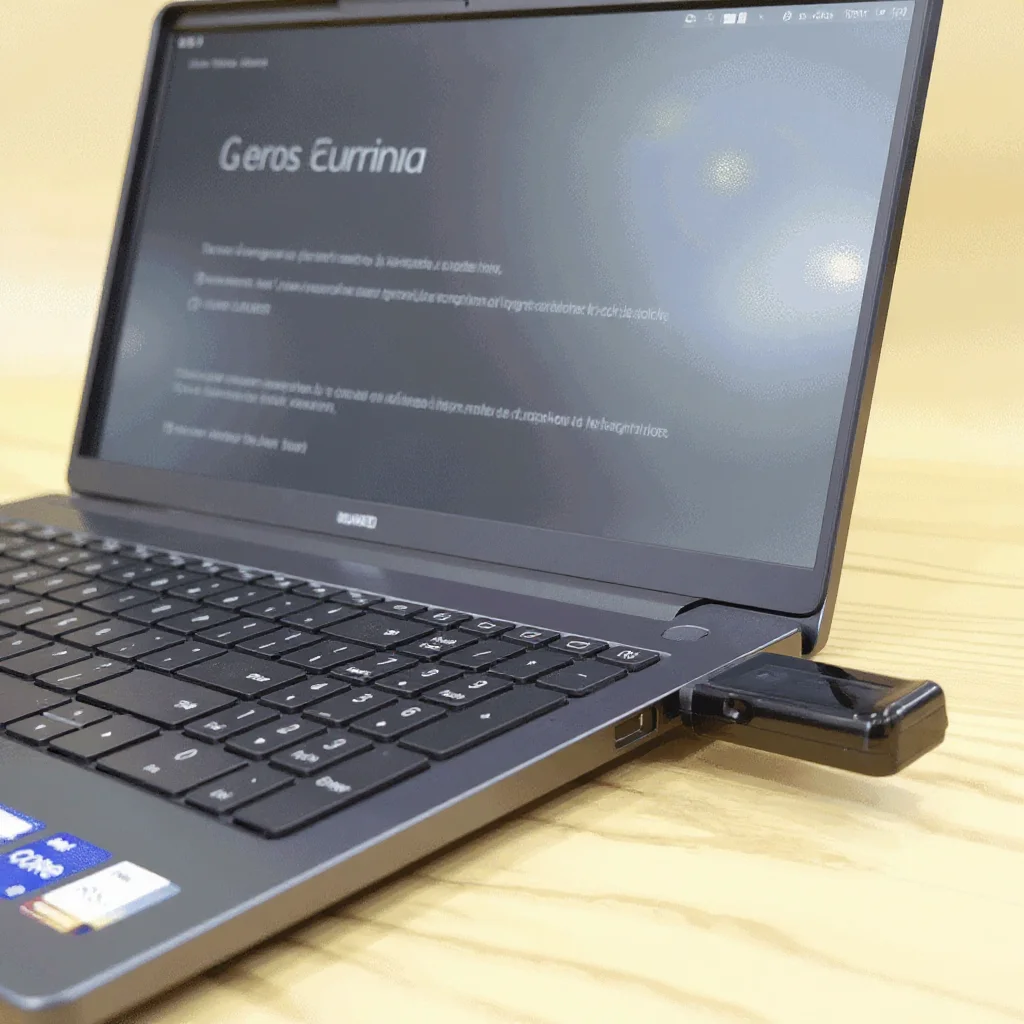
Some USB flash drive cameras can be partially inserted into a USB hub or computer port, leaving the camera end exposed. This is perhaps the most natural position—a USB drive left plugged into a hub is completely unremarkable in any office environment.
In a Pen Cup or Holder
Standing the USB drive upright in a pen cup or holder, with the camera end pointing outward, is a common approach for covering a doorway or room entrance.
Transferring and Reviewing Footage
After recording, retrieving footage is simple:
1. Direct USB Connection: Plug the camera into your computer. It appears as a removable storage device. Navigate to the video folder (typically “DCIM” or “VIDEO”) and copy files.
2. SD Card Reader: If your model uses a micro SD card, remove it and use a card reader for faster transfer.
Video files are typically saved in MP4 or AVI format, playable in any standard media player. Files are usually named with timestamps for easy organization.
Pro tip: After reviewing and archiving important footage, delete files from the camera and reformat storage before redeploying. This prevents old recordings from being discovered if the device is found by someone else.
Comparing USB Flash Drive Cameras to Other Spy Cameras
| Feature | USB Flash Drive Camera | Car Key Camera | Pen Camera |
|---|---|---|---|
| Concealment | Excellent (desk/office) | Excellent (handheld/pocket) | Excellent (shirt pocket) |
| Battery Life | 60–120 min | 60–90 min | 60–90 min |
| Recording Quality | 1080p | 1080p | 1080p |
| Motion Detection | Yes | Yes | Some models |
| Natural Cover | Office, tech environments | Everywhere | Desk, meetings |
| Storage | Built-in or micro SD | Micro SD | Micro SD |
The USB flash drive format excels in office and tech environments where having a USB drive on a desk is completely normal. It’s less suitable for mobile surveillance situations where a car key or pen camera would be more natural.
Legal and Ethical Considerations
USB flash drive spy cameras are powerful surveillance tools. Their use is subject to the same legal considerations as any other hidden camera:
– Workplace surveillance: Many jurisdictions require employee notification of recording. Consult your HR policies and local labor laws before recording in workplaces.
– Consent requirements: In some states and countries, all-party consent is required for audio recording. Video-only recording may have different requirements.
– Private spaces: Recording in bathrooms, changing rooms, or other private spaces is illegal virtually everywhere.
Use these devices responsibly, legally, and ethically.
Frequently Asked Questions
Q: Can a USB flash drive spy camera record continuously overnight?
A: With the battery alone, no—most models support 1–2 hours. However, when connected to a USB power source (computer USB port or USB charger), many models can record continuously as long as they remain powered. This is ideal for overnight office surveillance when the device is left connected to a powered USB hub.
Q: Will the camera lens be visible to someone looking at the USB drive?
A: On quality models, the lens is extremely well concealed—typically as a 1–2mm pinhole. In normal use, most people don’t scrutinize USB drives closely enough to notice it. The lens is often positioned to look like a ventilation hole or part of the label design.
Q: Does the device work as an actual USB storage drive?
A: It depends on the model. Some USB flash drive cameras do function as real USB storage drives, storing camera footage in a hidden partition and presenting regular storage to the host computer. Others use a fake USB connector and don’t function as storage at all.
Q: How do I know if the camera is recording?
A: Most cameras have a small LED indicator that shows recording status. In covert deployments, many users cover this LED with a small piece of black tape or electrical tape to prevent it from drawing attention in dark environments.
Q: What file format are videos saved in?
A: Most USB flash drive cameras save in MP4 (H.264) or AVI format. MP4 files are more universally compatible and produce smaller file sizes than AVI for equivalent quality.
Conclusion
A USB flash drive spy camera is one of the most effective covert surveillance tools for office and professional environments. Its form factor provides perfect natural cover in any setting where computers and technology are present. With 1080p recording, motion detection, audio capture, and loop recording packed into a device that looks exactly like an everyday accessory, it’s a powerful choice for anyone who needs discreet, reliable video evidence.
When buying, prioritize video resolution, storage capacity, motion detection quality, and build quality that passes close inspection. Test thoroughly before deployment, position strategically for optimal coverage, and always operate within the legal framework of your jurisdiction. A quality USB flash drive spy camera, properly deployed, is virtually undetectable and highly effective.

 English
  Italiano
  Deutsch
  Français
  Español
  Polski