
How to Choose a Power Bank WiFi Camera for Home Security
A power bank WiFi camera solves the biggest challenge in covert surveillance: power. Traditional hidden cameras drain batteries in 1–2 hours. A power bank spy camera draws on a massive built-in battery—5,000mAh to 20,000mAh—to deliver continuous recording for 4 to 20+ hours, all while looking exactly like the portable charger on your desk.
Add WiFi connectivity, and you have a camera that streams live video directly to your smartphone from anywhere in the world. This guide covers everything you need to know to choose and use a power bank WiFi camera effectively.
What Is a Power Bank WiFi Camera?
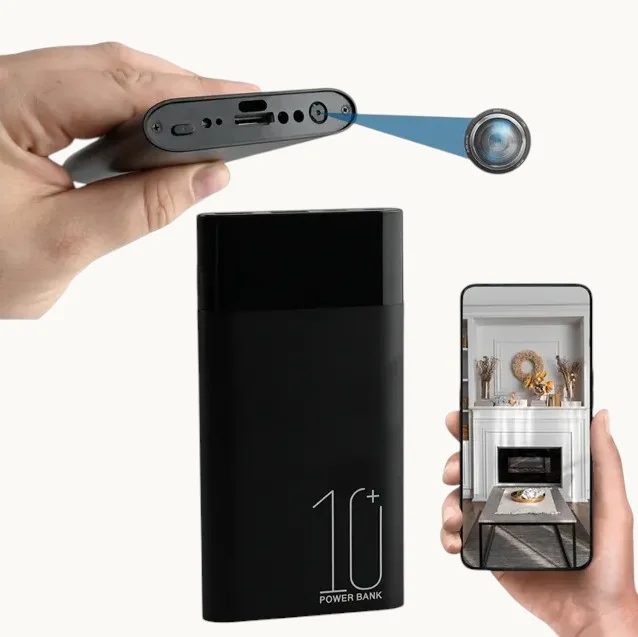
A power bank WiFi camera is a covert surveillance device built into the housing of a standard portable phone charger. It looks, feels, and even functions as a real power bank—complete with working USB charging ports that you can use to charge phones and other devices. Hidden inside is a Full HD WiFi camera with night vision, motion detection, and remote viewing capability.
The defining advantages over standard spy cameras are:
– Extended battery life: 4–24+ hours of standalone recording
– Remote WiFi monitoring: View live video from your smartphone anywhere
– Natural cover: Power banks are universal, unremarkable objects
– Actual charging functionality: Many models genuinely charge phones while recording
– Large storage capacity: Supports 32GB–128GB micro SD cards
Key Specifications to Compare
Battery Capacity
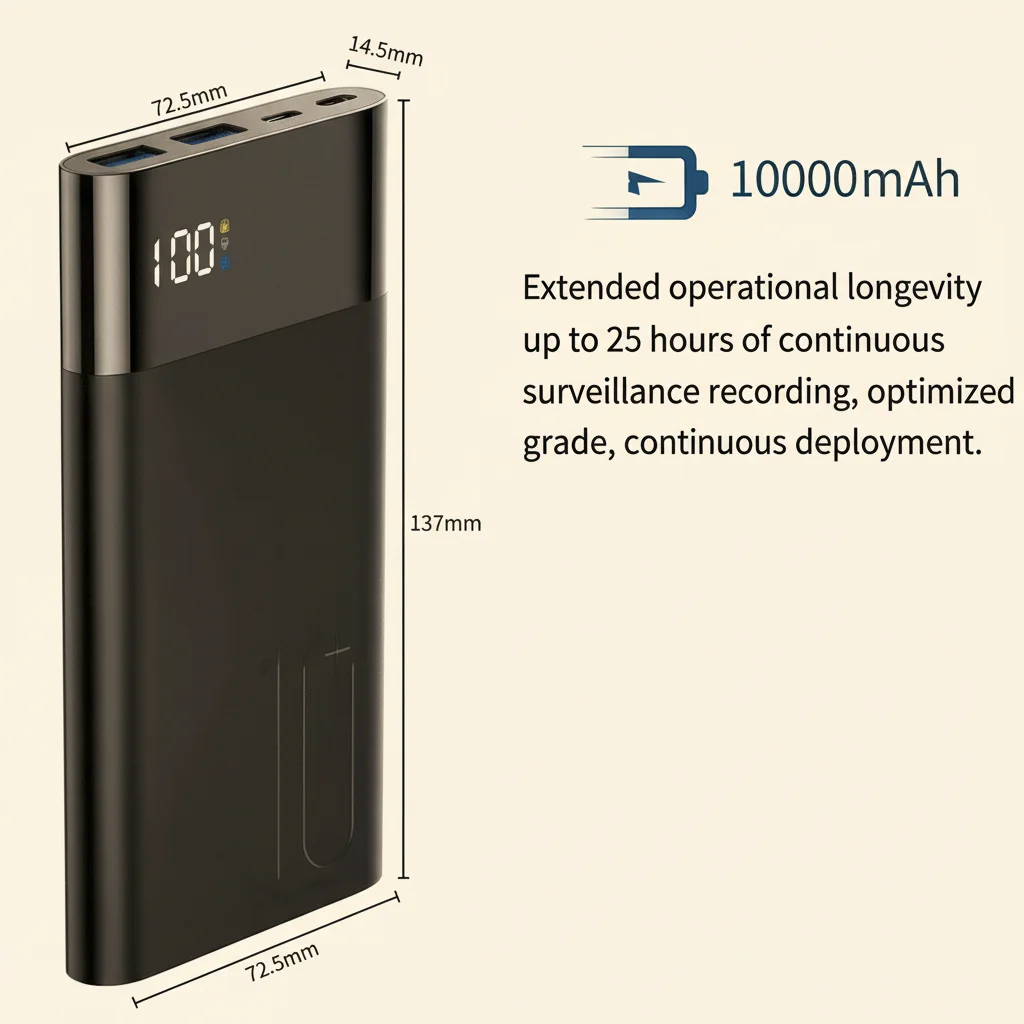
Battery capacity directly determines recording duration. Here’s what to expect from different capacities:
| Battery Capacity | Continuous Recording Time | WiFi Streaming Time |
|---|---|---|
| 5,000mAh | 4–6 hours | 3–4 hours |
| 8,000mAh | 7–10 hours | 5–7 hours |
| 10,000mAh | 10–14 hours | 7–10 hours |
| 20,000mAh | 20–28 hours | 14–18 hours |
WiFi streaming consumes more power than local recording because the wireless radio draws additional current. If you need maximum recording time, use SD card recording mode rather than continuous WiFi streaming.
Video Resolution
The camera module in power bank spy cameras typically records at:
– 1080p Full HD (1920×1080): Standard; sufficient for most surveillance needs
– 2K (2560×1440): Better detail at distance; larger file sizes
– 4K Ultra HD (3840×2160): Maximum detail; very large files, higher battery drain
For most home security applications, 1080p provides an excellent balance of quality, storage efficiency, and battery life.
WiFi Connectivity
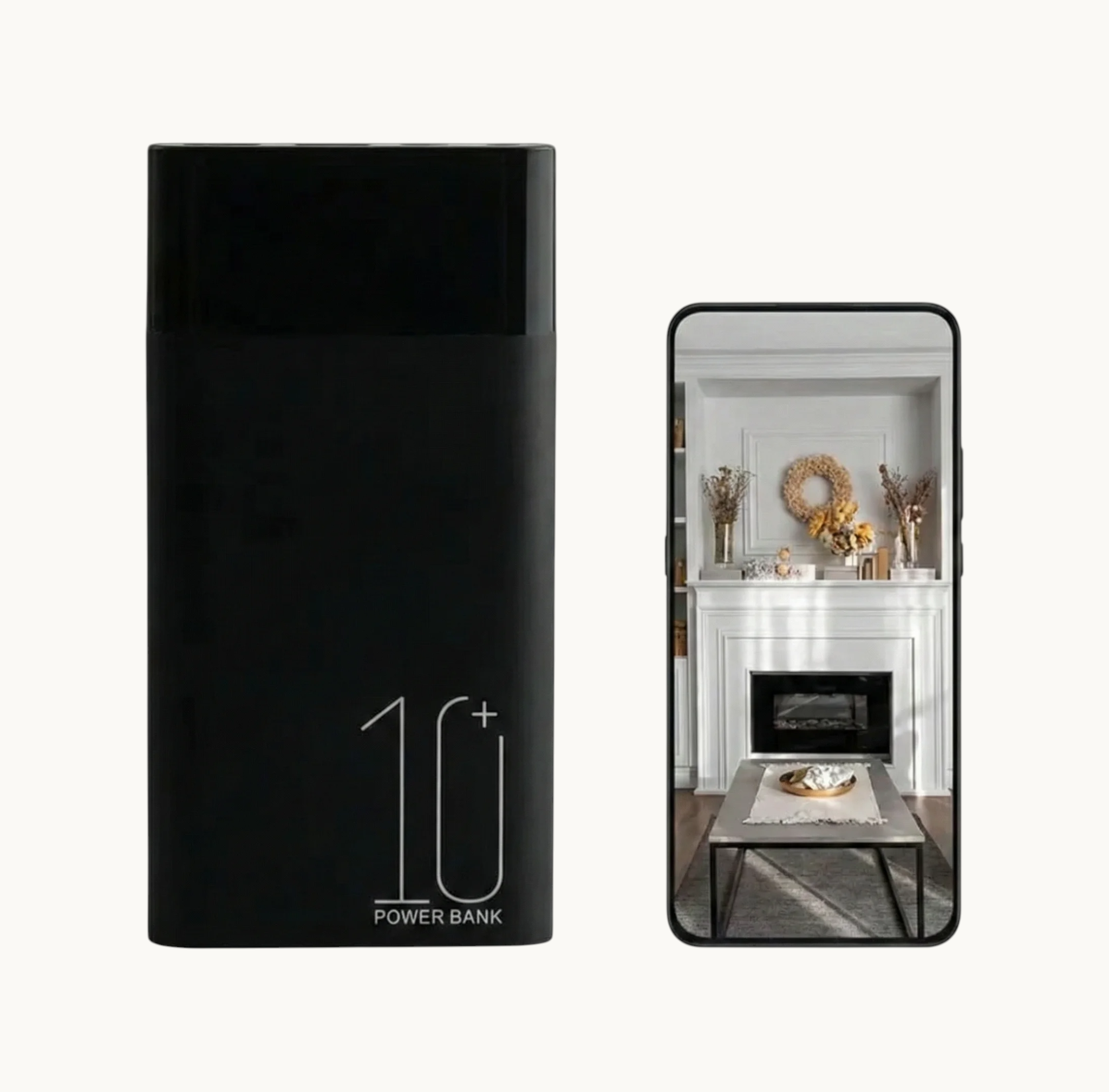
WiFi capabilities vary significantly between models:
2.4GHz Only: Standard. Good range (up to 150 feet), connects to most routers. Slower data rate but sufficient for 1080p streaming.
Dual-Band 2.4GHz + 5GHz: Better performance on congested networks; 5GHz has shorter range but faster speeds for 4K streaming.
P2P / Cloud Relay: Most consumer power bank cameras use peer-to-peer cloud connection. The camera connects to a cloud server, and your phone app connects to the same server. This allows remote viewing even when you’re away from home—you just need internet access on your phone.
Direct WiFi Hotspot: Some models create their own WiFi hotspot. Your phone connects directly to the camera for viewing. This doesn’t require an existing WiFi network but limits viewing to short range.
Lens Specifications
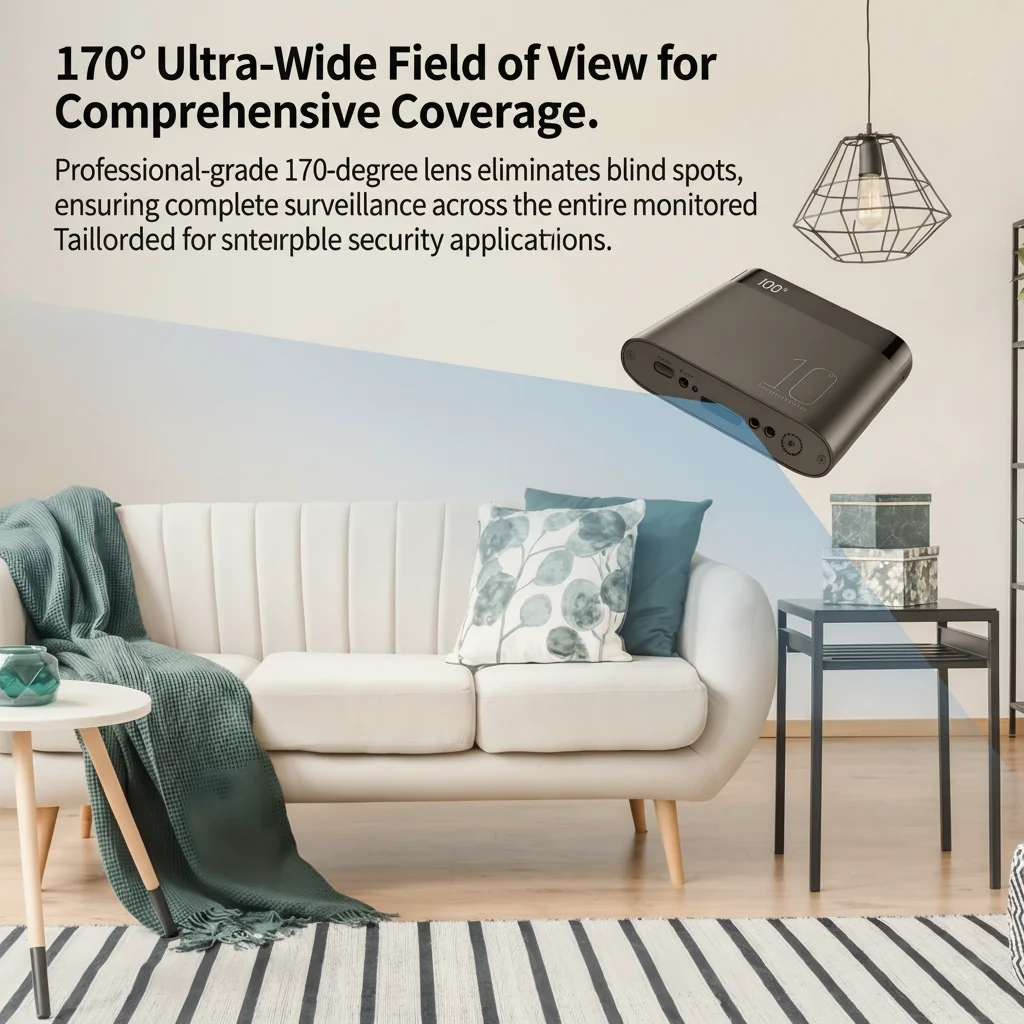
The viewing angle determines how much of a room the camera covers:
– 90–120 degrees: Covers a focused area; good for monitoring a specific desk, doorway, or seating area
– 130–150 degrees: Wide coverage; can monitor most of a standard room from a corner or shelf
– 160–170 degrees: Ultra-wide; maximum room coverage, but more lens distortion at the edges
Most quality power bank cameras offer 130–150 degree wide-angle lenses, which provide excellent coverage without excessive distortion.
Night Vision Performance
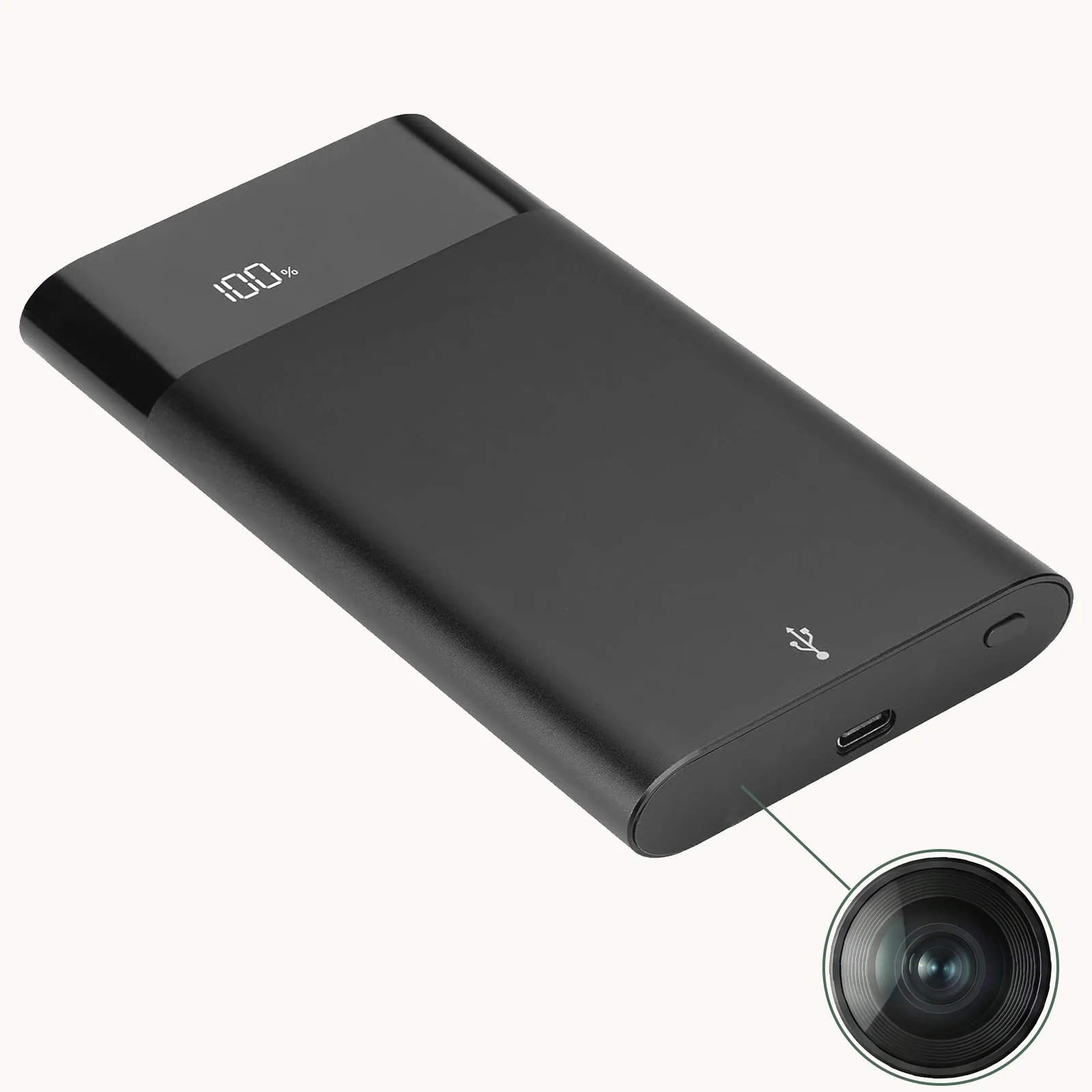
Night vision capability is one of the most important features for home security cameras. Power bank cameras use infrared (IR) LEDs for night vision:
850nm IR LEDs: Standard. Emit a faint reddish glow visible in the dark. Night vision range typically 10–20 feet. Good image quality.
940nm “Stealth IR” LEDs: No visible glow. True covert operation in complete darkness. Slightly shorter effective range (8–15 feet) than 850nm.
Starlight Low-Light Sensor: Some premium models use large-aperture lenses and highly sensitive sensors that produce color video in very low light without any IR illumination. Best quality but most expensive.
For home security where invisibility isn’t critical, 850nm provides the best balance of performance and cost. For situations where even a tiny red LED glow could betray the camera’s presence, choose 940nm.
Remote Monitoring App Setup
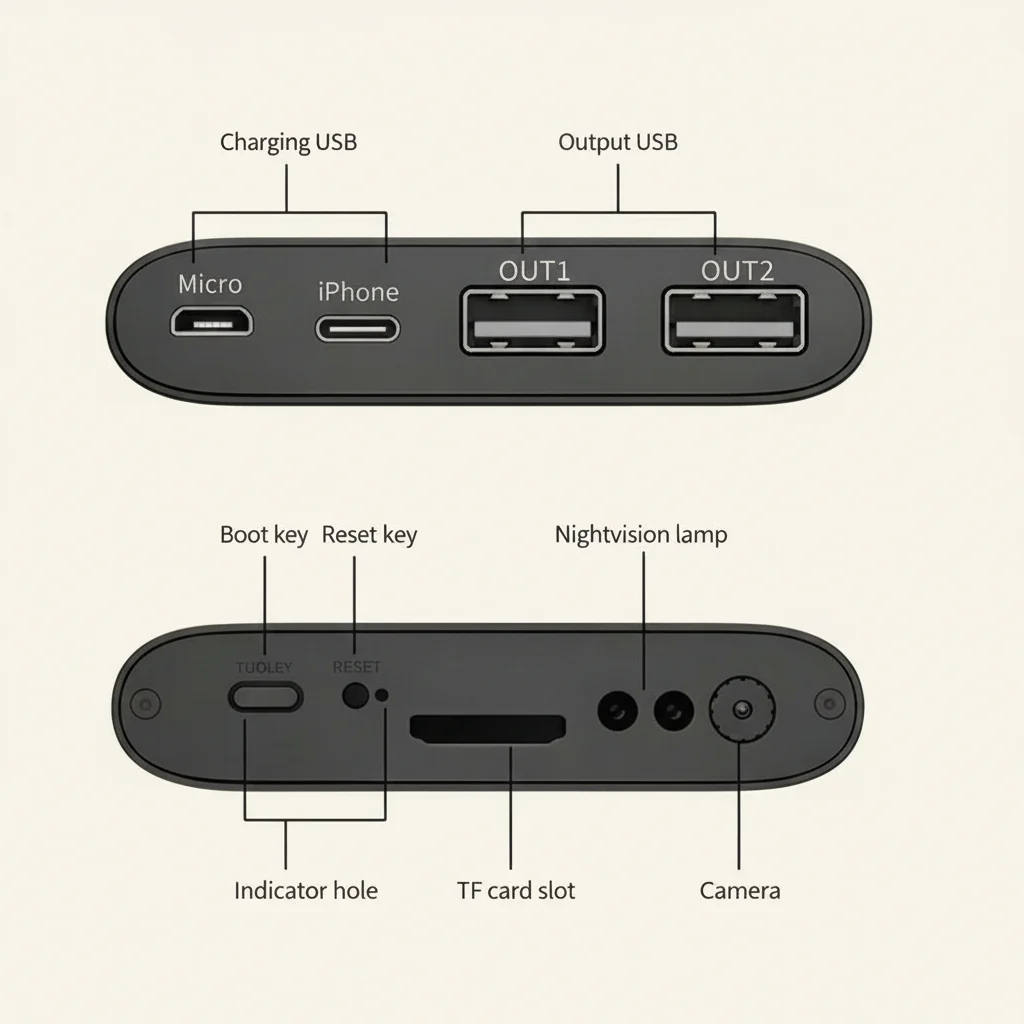
Most modern power bank WiFi cameras use one of a few popular platforms:
Tuya Smart / Smart Life: The most widely used platform. Reliable, regularly updated app, supports multiple cameras. Works globally.
YCC365 Plus: Another common option. Good interface, reliable cloud relay, motion notification support.
CamHi: Popular with budget cameras. Functional but less polished interface.
Proprietary Apps: Some brands use their own apps. Quality varies.
Setup process (typically):
1. Download the manufacturer’s app on your smartphone
2. Power on the camera (it creates a WiFi hotspot temporarily)
3. In the app, add a new device and follow the WiFi pairing process
4. Enter your home WiFi credentials
5. The camera joins your network and becomes remotely accessible
After setup, you can view live video, receive motion alerts, review recorded footage, and adjust settings from anywhere via the app.
Practical Deployment Tips
Positioning for Optimal Coverage
Place the power bank on a desk, table, shelf, or nightstand with the camera lens facing the area to monitor. The lens is typically centered on one of the long faces of the device. The wider the lens angle, the less precise your positioning needs to be.
Ideal placement height: 3–5 feet above floor level captures both faces and full body in a room. Lower placement catches feet but misses faces; too high and you get the tops of heads.
Managing Storage vs. Cloud Recording
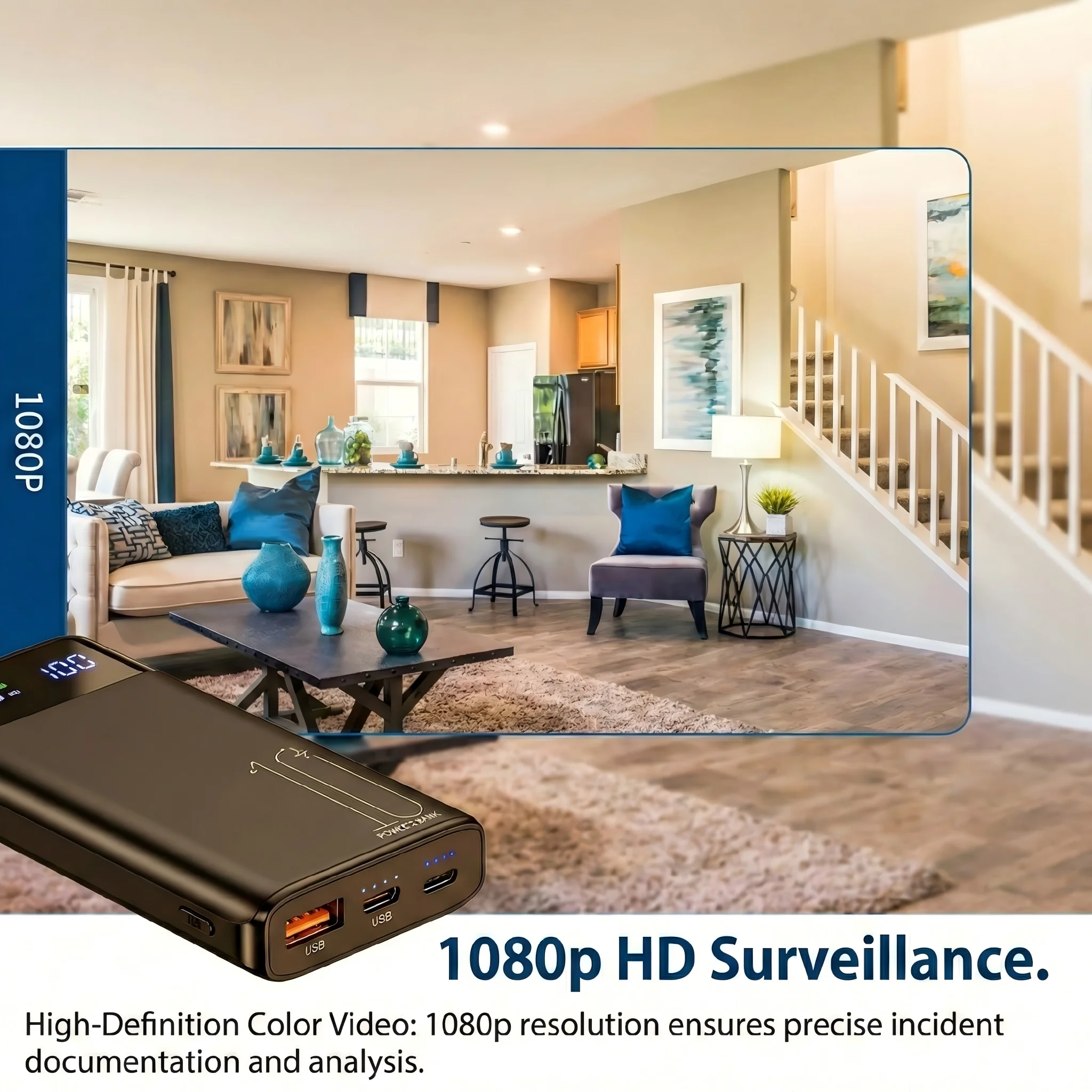
Power bank cameras typically offer three storage options:
1. Local SD Card Only: Most private. No cloud dependency. Limited to card capacity (32–128GB).
2. Cloud Storage Subscription: Footage stored on remote servers. Accessible even if the device is stolen. Monthly fee required.
3. Both Local + Cloud: Best of both worlds—local backup plus remote access.
For maximum battery life, use SD card recording with motion detection enabled rather than continuous cloud streaming.
When to Use Motion Detection
Enable motion detection for:
– Long deployments where battery conservation matters
– Situations where you want event-triggered recordings only
– Environments with predictable traffic patterns
Disable motion detection (use continuous recording) for:
– High-activity environments where the camera might miss events between triggers
– When reviewing footage chronologically is important
– Time-critical situations where you can’t risk missing anything
Comparing Power Bank Cameras to Other Spy Camera Types
| Feature | Power Bank Camera | Socket Camera | Clock Camera |
|---|---|---|---|
| Battery Life | 4–24+ hours | Unlimited (plugged in) | Varies |
| WiFi Remote View | Yes | Yes | Yes |
| Concealment | Excellent | Excellent | Excellent |
| Portability | High | Low | Low |
| Coverage Area | Good | Good | Good |
| Night Vision | Yes | Yes | Yes |
The power bank format wins on portability—you can deploy it in any location without needing a nearby outlet. This makes it uniquely versatile for locations where plugging in isn’t practical.
Unboxing and What to Expect
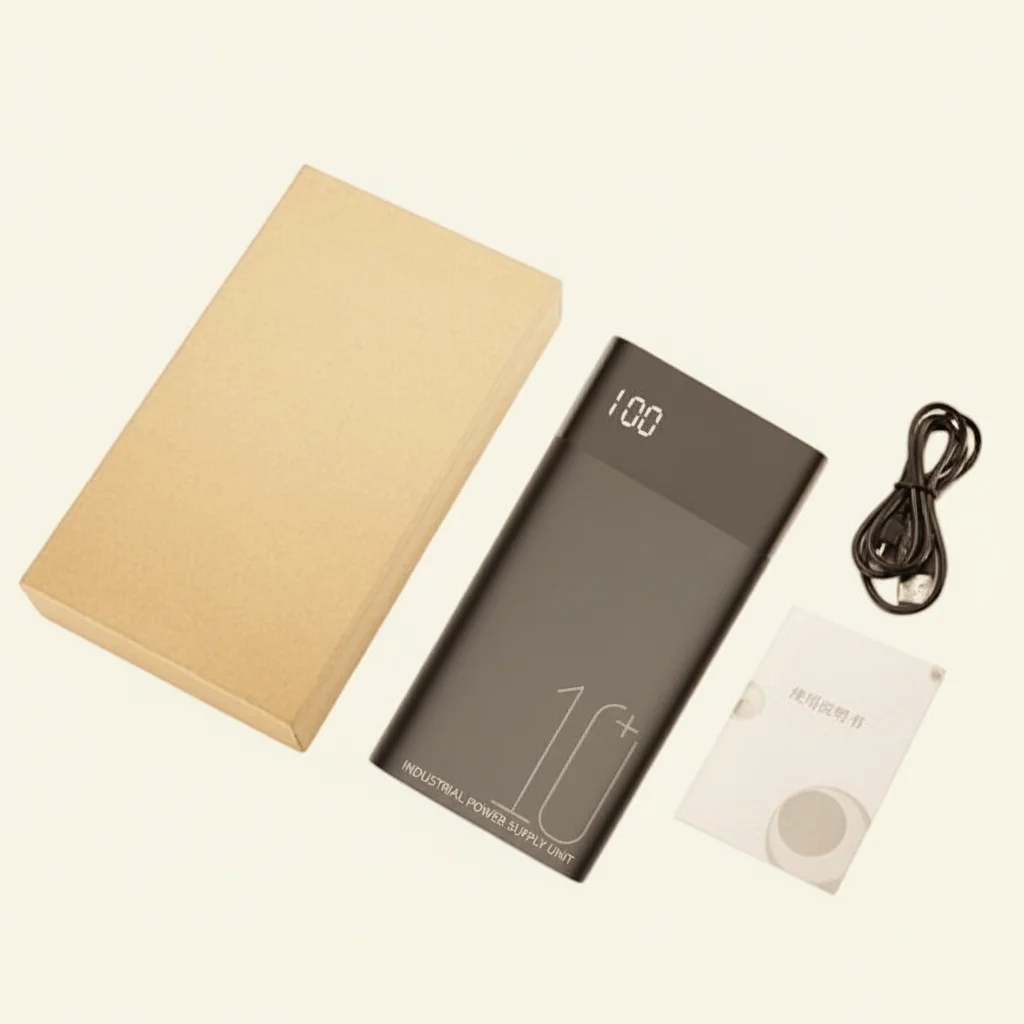
A quality power bank spy camera package typically includes:
– The power bank camera unit
– Micro SD card (some models)
– USB charging cable
– User manual
– Sometimes: micro SD card reader
Before first use: charge fully (2–4 hours for most models), insert the micro SD card if not pre-installed, and complete the WiFi setup using the companion app.
Legal Considerations
Power bank WiFi cameras are subject to the same legal requirements as any surveillance device:
– Home use: Generally legal to monitor your own property
– Workplace: Many jurisdictions require employee notification of monitoring
– Rental properties: Laws vary—some jurisdictions require tenant notification
– Audio recording: Many places require all-party consent for audio; some camera users disable audio recording to simplify compliance
– Private spaces: Never place cameras in bathrooms, changing rooms, or bedrooms without explicit consent
Frequently Asked Questions
Q: Can a power bank camera actually charge my phone?
A: Yes—quality models include genuine USB output ports (typically 5V/1A or 5V/2A) that work normally. The camera recording doesn’t interfere with phone charging. This is a key feature that maintains the device’s cover.
Q: How do I know if the camera detects motion at night?
A: IR LEDs activate automatically when light levels drop below a threshold. In night vision mode, footage appears in black-and-white. You’ll receive motion alert notifications on your phone if app notifications are enabled.
Q: What happens to recordings if I lose WiFi connection?
A: If using SD card recording, all footage is saved locally regardless of WiFi status. The WiFi connection only affects live viewing and cloud backup. Local recordings are always reliable.
Q: Can multiple people watch the live feed simultaneously?
A: Most consumer platforms support multiple user accounts viewing the same camera simultaneously. Check the specific app’s documentation for the maximum number of concurrent viewers.
Q: How long does the battery last while also charging a phone?
A: Charging a phone while recording reduces the camera’s battery life by roughly 30–50%, since power is being consumed by both functions simultaneously. For extended deployments, use charging ports sparingly.
Conclusion
A power bank WiFi camera is the most versatile and practical covert surveillance device available for situations where outlets aren’t nearby. With multi-hour battery life, remote smartphone monitoring, wide-angle night vision, and a form factor that blends into any environment, it’s the ideal choice for home security monitoring, temporary surveillance deployments, and anywhere portability matters.
Focus your buying decision on battery capacity for your required recording duration, WiFi platform reliability, night vision type, and lens angle for your specific coverage needs. A well-chosen power bank WiFi camera provides around-the-clock, reliable surveillance that you can monitor from anywhere in the world.

 English
  Italiano
  Deutsch
  Français
  Español
  Polski