
How to Wake Up a Long-Stored Spy Camera Battery
Si votre caméra espion, dictaphone ou appareil d'enregistrement discret est resté sur une étagère d'entrepôt pendant trois mois ou plus, et qu'il refuse maintenant de s'allumer, n'affiche aucun voyant LED et ne répond à aucune pression de bouton — l'appareil n'est presque certainement pas mort. Il est en verrouillage de protection contre la décharge excessive, un mécanisme de sécurité intégré qui a arrêté la batterie pour éviter des dommages permanents.
Ce guide explique pourquoi le verrouillage se produit, comment le système de gestion de batterie (BMS) l'applique au niveau matériel, et exactement comment réveiller l'appareil en toute sécurité en utilisant la charge lente. Il couvre également le protocole de maintenance que les distributeurs d'entrepôt et les revendeurs B2B doivent suivre pour prévenir ce problème dans leur inventaire.
Pourquoi votre batterie entre en verrouillage de protection : le mécanisme du BMS
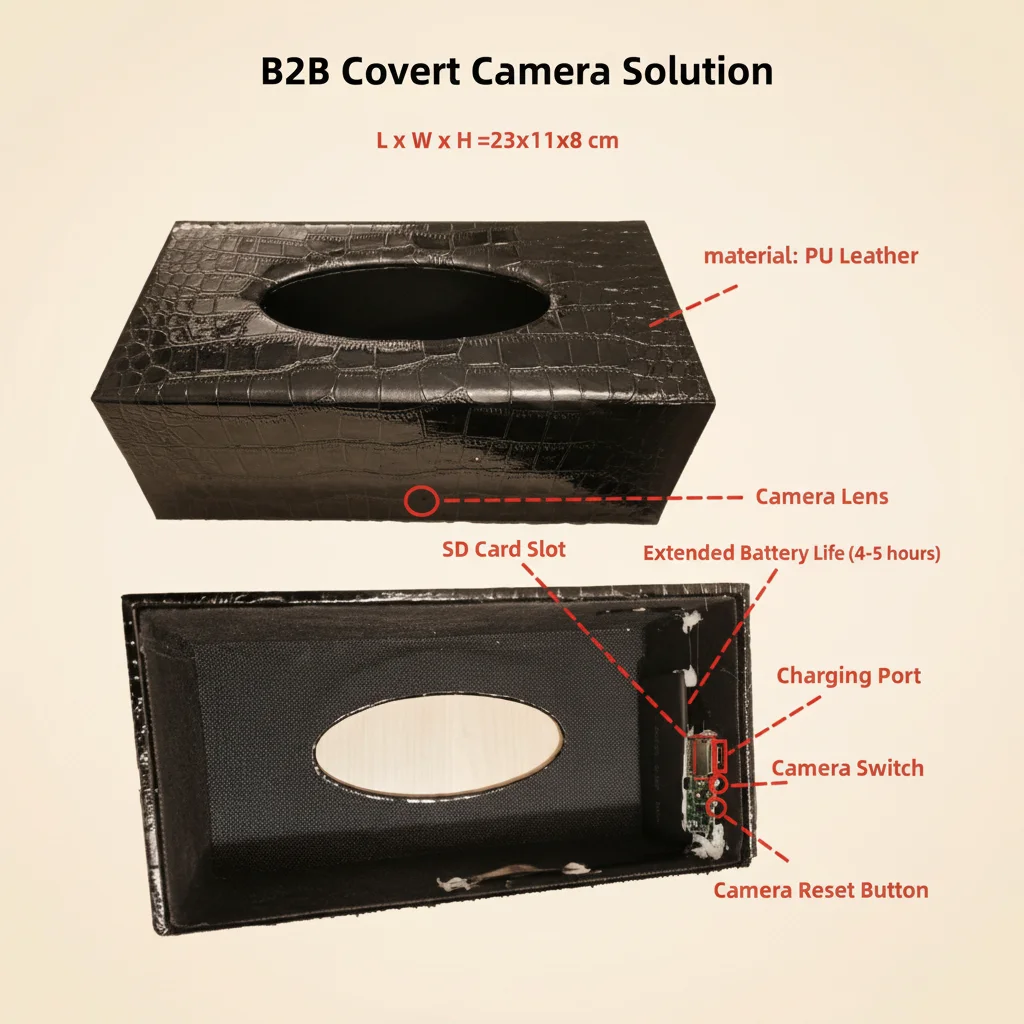
Toutes les cellules lithium polymère (LiPo) et lithium-ion (Li-ion) utilisées dans les appareils d'enregistrement dissimulés QZT intègrent un système de gestion de batterie au niveau matériel — un circuit de protection IC dédié intégré sur la carte d'alimentation de l'appareil. Il ne s'agit pas de micrologiciel ou de logiciel : c'est un circuit physique qui réagit aux seuils de tension plus rapidement que tout système d'exploitation ne peut intervenir.
Le BMS impose trois coupures strictes pour éviter les conditions dangereuses :
Coupure de sur-décharge (le verrouillage que vous rencontrez). Lorsque la tension de la cellule tombe en dessous de 3,2 V pendant une période de stockage, le MOSFET de protection déconnecte la borne négative du reste du circuit. L'appareil ne peut consommer aucun courant, même en veille. Cette coupure s'active à environ 70 % de l'état de charge pour une cellule LiPo typique de 3,7 V, ce qui signifie qu'un appareil laissé à 50 % de charge et stocké pendant 4 à 6 mois sans cycle de recharge d'entretien déclenchera cette protection de manière fiable.
Coupure de surcharge. Si une cellule atteint 4,25 V pendant la charge, le BMS coupe le circuit de charge pour éviter un emballement thermique. Les appareils QZT intègrent cette protection afin que l'utilisation de toute source d'alimentation USB 5 V conforme soit sûre, même si le chargeur se comporte de manière inattendue.
Coupure de court-circuit et de surintensité. Tout appel de courant dépassant environ 3 A pendant plus de 10 ms déclenche une déconnexion immédiate. Les chargeurs rapides haute puissance (PD, QC) peuvent produire des pics de courant d'appel lors de la négociation initiale de la connexion qui dépassent ce seuil, ce qui amène le BMS à entrer dans un verrouillage secondaire en plus du verrouillage de décharge excessive existant — rendant l'appareil beaucoup plus difficile à récupérer.
Le verrouillage de décharge excessive est la cause la plus courante des rapports de « mort à l’arrivée » de la part des distributeurs qui stockent des stocks sans gestion active de l’alimentation. Ce n’est pas un défaut ; c’est le BMS qui fait exactement ce pour quoi il a été conçu.
Pourquoi les chargeurs rapides empireront les choses
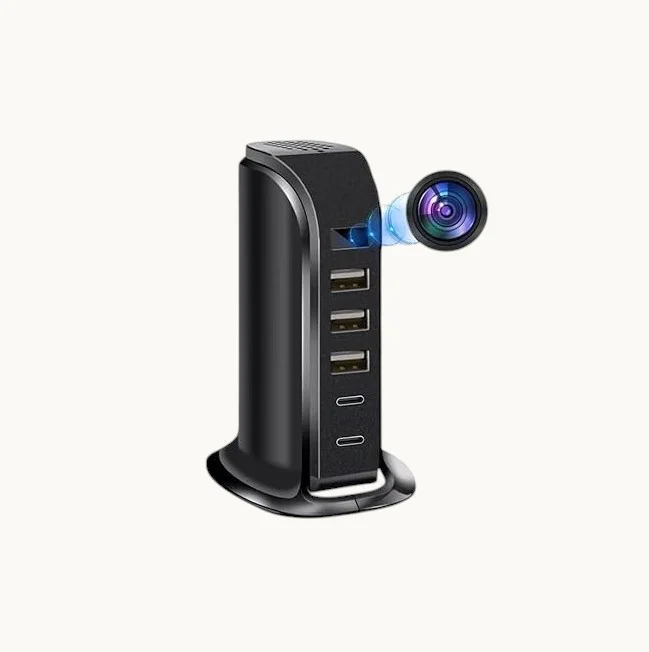
La chose la plus importante à comprendre avant de tenter un réveil est la suivante : N'utilisez pas de chargeur rapide, de chargeur PD ou de chargeur QC pour cette procédure.
Lorsque vous connectez un chargeur USB Power Delivery (PD) ou Quick Charge (QC) à un appareil, le chargeur et l'appareil effectuent une négociation de poignée de main rapide pour déterminer la tension et le courant optimaux. Pendant cette poignée de main — qui a lieu dans les 500 ms suivant la connexion — le chargeur peut brièvement délivrer 9 V, 12 V ou jusqu'à 20 V avant de se stabiliser à un niveau négocié.
Pour un appareil dont le BMS est déjà en verrouillage de sur-décharge, ce pic de tension peut :
– Déclencher le circuit de protection contre la surcharge, ajoutant une couche de verrouillage secondaire
– Endommager la grille du MOSFET de protection si la pointe dépasse la valeur maximale absolue du circuit intégré.
– Dans de rares cas avec des chargeurs à très fort courant (adaptateurs PD de 65 W et plus), ils peuvent induire suffisamment de contrainte thermique sur le circuit intégré du contrôleur de charge pour nécessiter une réparation en usine.
Le chargeur correct est un chargeur USB-A standard de 5 V / 1 A sans protocoles de négociation — le même chargeur inclus dans chaque boîte de vente au détail QZT. Alternativement, un port USB d'un ordinateur allumé est tout aussi sûr : les ports USB 2.0 délivrent 5 V jusqu'à 500 mA, et les ports USB 3.0 jusqu'à 900 mA, les deux sans négociation de tension.
Pour les enregistreurs vocaux et les caméras-stylos avec des ports USB-C, un câble USB-C connecté à un chargeur 5 V / 1 A ou à un port USB-C d'un PC est sûr. N'utilisez pas de chargeur USB-C PD.
Étape 1 — Préparez le bon chargeur et le bon câble
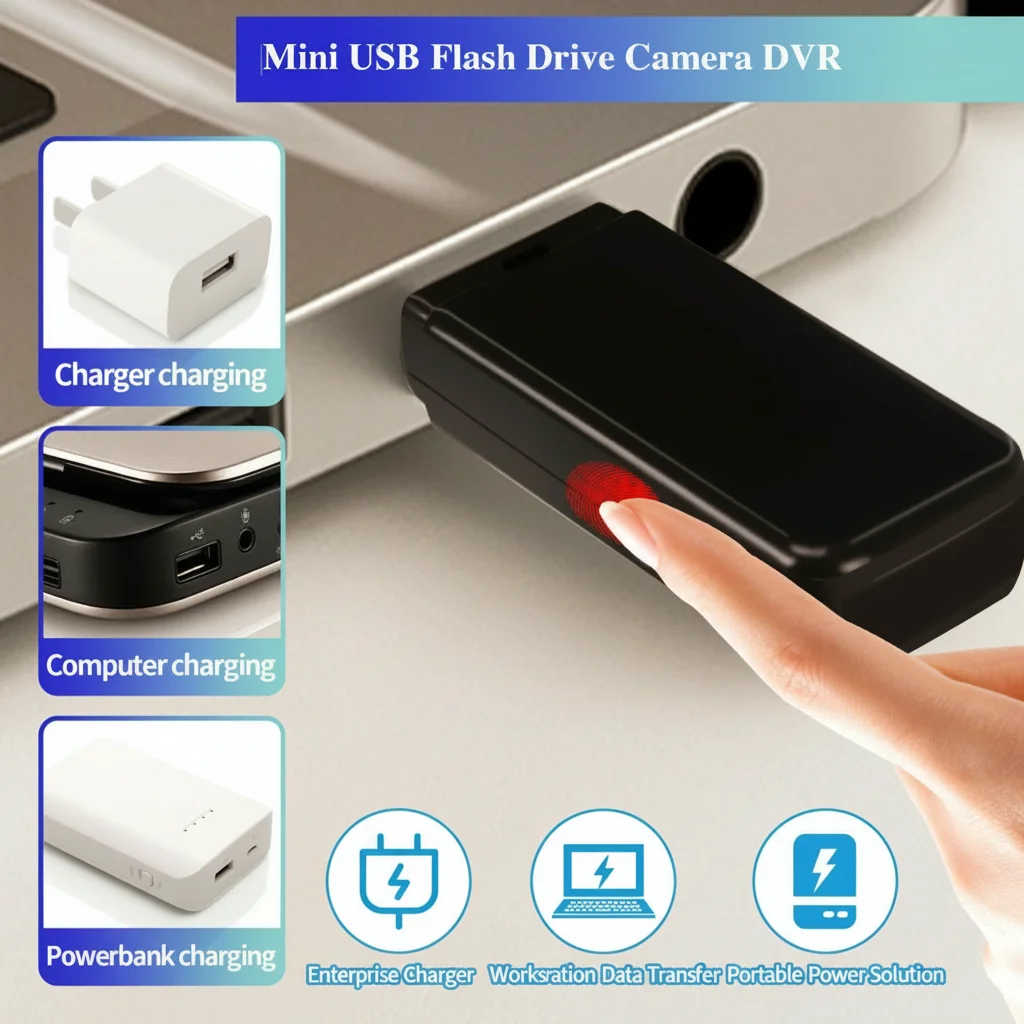
Avant de toucher l'appareil, confirmez votre source d'alimentation :
Sources d'alimentation acceptables (par ordre de préférence) :
1. Le chargeur USB OEM d'origine inclus dans la boîte de l'appareil (5 V / 1 A USB-A)
2. Un port USB-A arrière d'un ordinateur sur le panneau d'E/S de la carte mère
3. Un adaptateur mural USB-A standard sans marque indiquant le support PD ou QC.
4. Un concentrateur USB 2.0 alimenté connecté à un ordinateur.
Sources d'alimentation inacceptables (ne jamais utiliser):
– Tout chargeur avec “PD”, “Power Delivery”, “Quick Charge”, ou “QC” sur l’étiquette
– Chargeurs USB-C pour ordinateur portable d'une puissance supérieure à 20 W
– Tout chargeur USB-A dont la puissance nominale dépasse 5 V / 2 A sans conception de non-négociation vérifiée
– Power banks en mode “fast charge” ou “PD out”
Le câble de données OEM est important. Utilisez le câble fourni avec l’appareil. Les câbles de rechange « USB-C vers USB-A » inversent souvent les résistances de tirage vers le bas de la broche CC, ce qui peut amener les chargeurs USB-C à tenter une négociation PD même lorsqu’ils sont connectés à un port USB-A via un adaptateur. Le câble d’origine dispose de la résistance de tirage vers le bas correcte de 56 kΩ sur CC1 pour signaler un périphérique USB standard.
Branchez d'abord le chargeur à l'alimentation (branchez-le sur le secteur ou allumez le PC), puis connectez le câble à l'appareil. Cet ordre réduit le risque qu'un pic de tension transitoire atteigne le BMS lors de l'insertion du câble.
Étape 2 — Charge d'entretien : L'attente d'activation de 2 heures
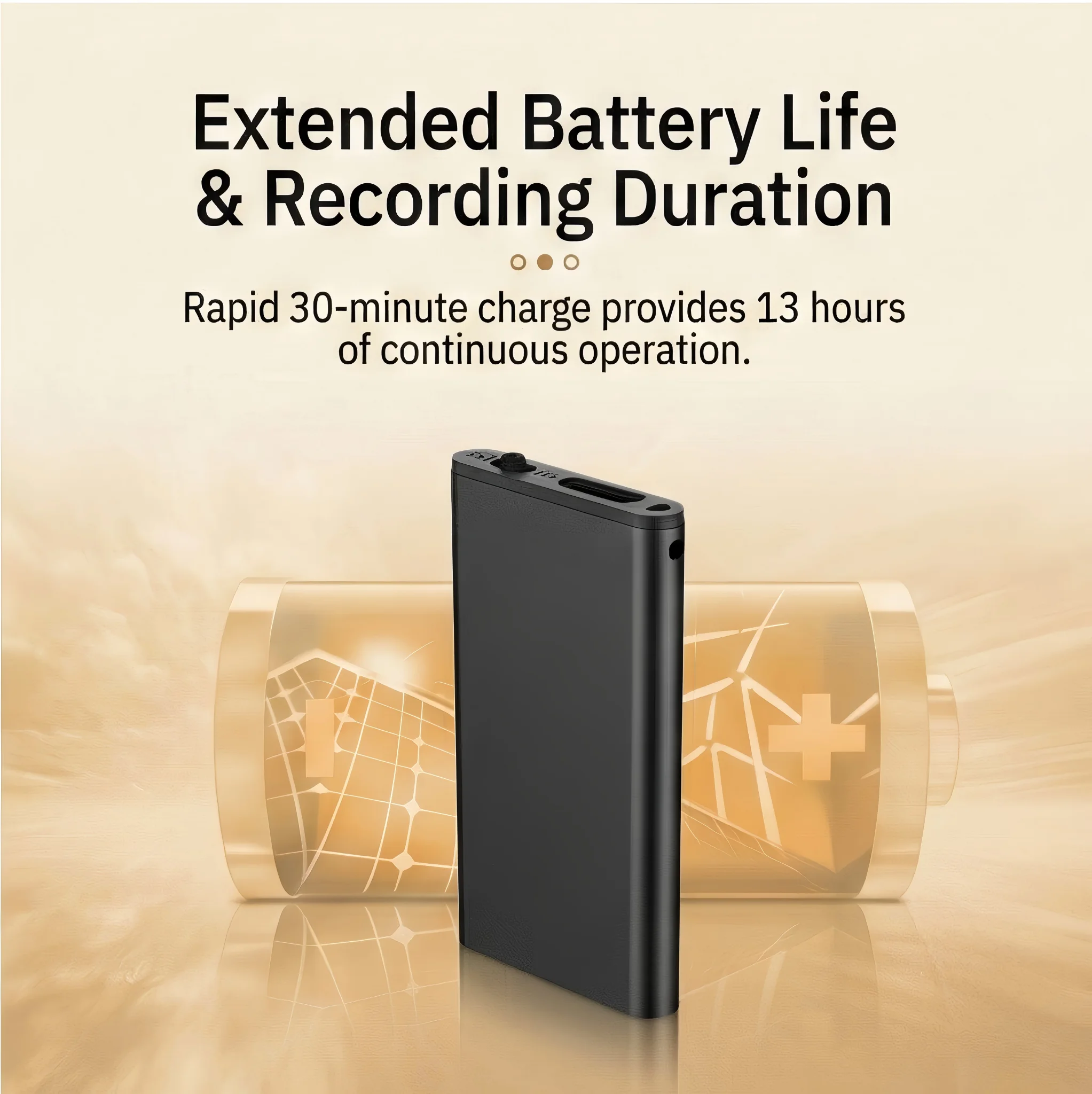
Avec l'appareil connecté à une source d'alimentation sécurisée de 5 V / 1 A, vous entrez dans le phase d'activation progressive. C'est l'étape la plus contre-intuitive : l'appareil semblera complètement mort.
Ne paniquez pas si la LED ne s'allume pas. C'est attendu. En verrouillage de décharge excessive, le circuit de protection a déconnecté la LED ainsi que la charge principale — le BMS consomme des microampères de courant de la cellule uniquement pour surveiller la tension. La charge d'appoint doit d'abord élever la tension de la cellule de son niveau de repos (généralement 2,8–3,1 V) jusqu'au seuil de reconnexion du BMS de 3,3–3,4 V avant qu'un circuit — y compris la LED — ne reçoive de l'alimentation.
Temps d'activation minimum : 2 heures de connexion continue à 5 V / 1 A. Ce n'est pas une directive souple. À 500 mA (port USB 2.0 d'un PC), 2 heures fournissent environ 1 Wh d'énergie dans une cellule qui peut être à 3,0 V avec 30 % de SOC. Cela suffit pour franchir le seuil de reconnexion dans la plupart des cas. Pour les cellules de plus grande capacité (banques d'alimentation pour caméras avec des cellules de 3 000 à 10 000 mAh), 3 à 4 heures peuvent être nécessaires.
Pendant l'attente d'activation :
– N'appuyez sur aucun bouton de l'appareil — appuyer sur le bouton d'alimentation d'un BMS verrouillé ne fait rien et peut perturber la machine d'état du contrôleur de charge.
– Ne débranchez pas et rebranchez pas le câble à plusieurs reprises — chaque connexion crée un minuscule transitoire d'appel ; un contact constant de 2 heures est préférable.
– Ne vérifiez pas la LED toutes les 5 minutes — laissez l'appareil complètement tranquille.
– Placez l'appareil près du chargeur mais pas sur une source de chaleur ; la température ambiante (20–25°C) est optimale
Que se passe-t-il à la 2e heure : Le BMS surveille la tension de la cellule via un circuit comparateur. Lorsque la tension dépasse environ 3,35 V — le seuil de récupération — le MOSFET de protection se ferme et reconnecte le rail de charge principal. À ce moment, l'appareil commence sa séquence de démarrage. La LED clignote généralement en rouge ou parcourt une séquence de couleurs (rouge → bleu, ou clignotement lent → clignotement rapide) pour indiquer que le contrôleur de charge a reconnu la cellule et qu'il est en train de la charger activement.
Si la LED ne s'allume pas après 3 heures sur un chargeur de 1 A, passez à l'étape 3.
Étape 3 — Si la LED ne s'allume toujours pas après 3 heures
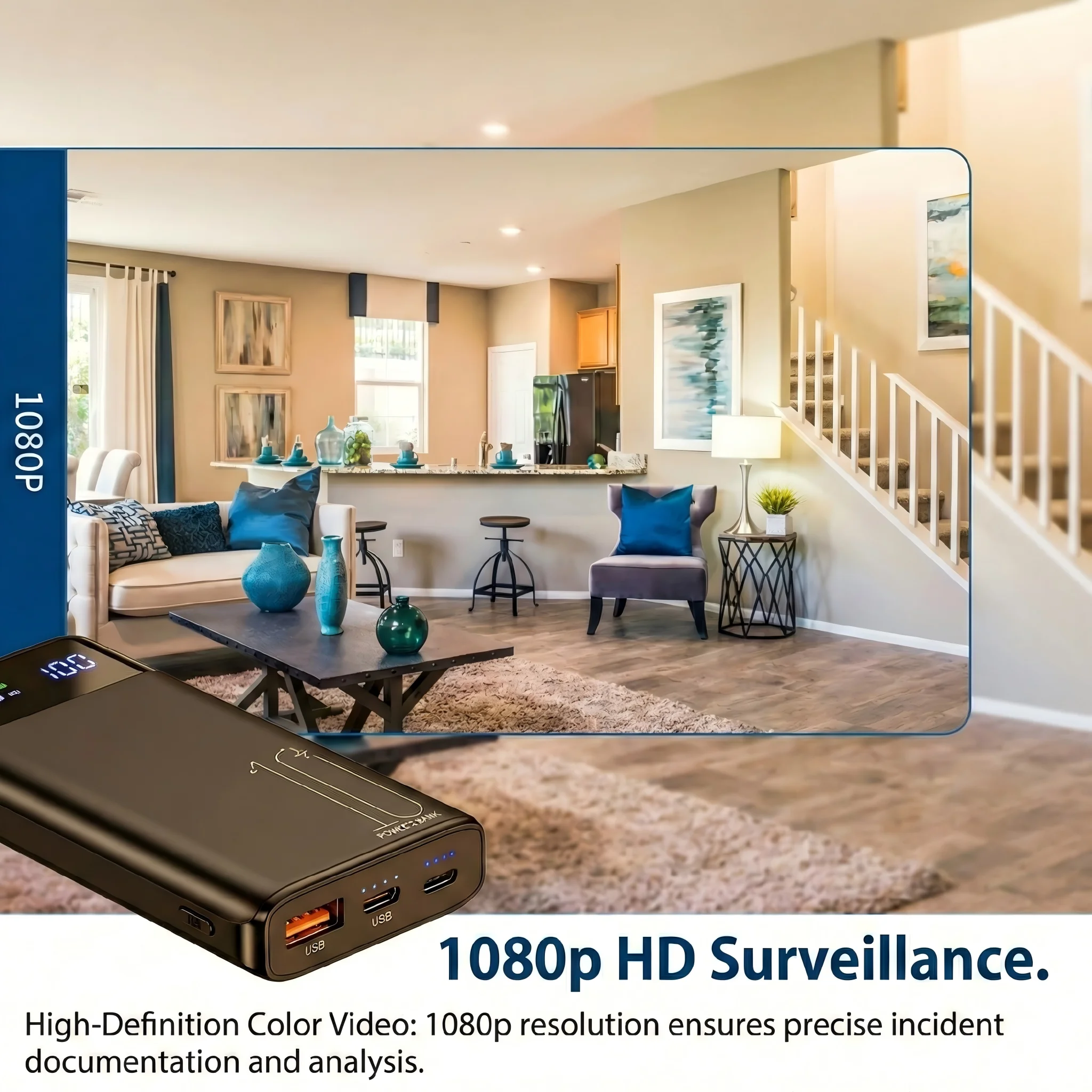
Il y a deux raisons possibles pour lesquelles l'appareil n'a pas répondu après une charge d'entretien complète de 3 heures :
Raison 1 : La cellule s'est dégradée au-delà de la tension de récupération. Les cellules lithium stockées à haute température (>30°C) ou à faible charge pendant des périodes prolongées (>12 mois) peuvent subir une dégradation accélérée de leur capacité. Si la résistance interne de la cellule a augmenté au point que la tension à un courant de charge de 500 mA ne dépasse jamais le seuil de récupération, le BMS ne se reconnecte jamais. La cellule peut encore conserver une certaine capacité — mais à une tension supérieure à 3,2 V, dans un état chimique que le chargeur ne peut pas traiter sans dépasser des taux de charge sûrs.
Tentative de récupération pour cellules dégradées : Branchez l'appareil sur une source d'alimentation USB de 5 V / 1 A et laissez-le branché en continu pendant 12 à 24 heures. Certaines cellules dans cet état limite nécessitent une charge prolongée à faible courant pour atteindre la tension de récupération. Si après 24 heures il n'y a toujours aucune réponse de la LED, la cellule est défectueuse et l'appareil nécessite un remplacement de la batterie sous garantie.
Raison 2 : Le port de charge ou le circuit intégré du contrôleur de charge a échoué. Dans de rares cas, le contrôleur de charge interne de l'appareil (généralement un TP4056 ou équivalent pour les applications LiPo monocellule) peut tomber en panne en circuit ouvert — ne fournissant aucun courant de charge même si la tension USB est présente. L'appareil entre alors dans un verrouillage permanent car le BMS ne voit jamais la récupération de tension.
Comment distinguer: Après 3 heures de charge d'entretien sans voyant LED, touchez la zone du port USB sur le corps de l'appareil. Si elle est sensiblement chaude, le courant circule et le problème est chimique (procédez à une charge prolongée de 24 heures). Si la zone est à température ambiante, aucun courant ne circule — le circuit de charge est défaillant.
La défaillance du circuit de charge sur les produits QZT est couverte par la garantie. N'essayez pas d'ouvrir l'appareil pour contourner le régulateur de charge — le boîtier (enclosure) est scellé pour conserver l'apparence discrète, et briser le sceau annule la garantie. Contactez votre distributeur avec le numéro de série de l'appareil pour obtenir un appareil de remplacement.
Étape 4 — Confirmation de la récupération complète et achèvement de la première charge

Une fois que la LED s'active, laissez l'appareil se charger complètement. L'indicateur de charge pour la plupart des caméras stylos et enregistreurs vocaux QZT suit cette séquence :
État de charge :
– LED rouge fixe → batterie en dessous de 80 % de charge, en charge active
– LED bleue fixe → batterie au-dessus de 80%, phase de charge rapide
– LED éteinte (tout en restant connecté à l'alimentation) → batterie au-dessus de 95%, en mode trickle de charge complète
– LED clignotant rouge → batterie faible (moins de 20%), chargez complètement avant utilisation
Temps de charge complet de vide à complet : 2 à 3 heures pour les caméras stylo et les enregistreurs vocaux (cellules de 500 à 800 mAh). 6 à 8 heures pour les caméras power bank (cellules de 3,000 à 10,000 mAh).
Avant d'utiliser l'appareil pour une session d'enregistrement : Une fois que la LED confirme la charge complète, débranchez le chargeur, attendez 5 minutes, puis allumez l'appareil normalement. Cette pause permet au contrôleur de charge de se fermer proprement et à la tension de la cellule de se stabiliser. Tenter d'enregistrer alors que le contrôleur de charge est encore en mode de terminaison peut provoquer une brève chute de tension qui interrompt l'enregistrement.
Protocole de maintenance d'entrepôt B2B : Prévention du verrouillage de protection à grande échelle
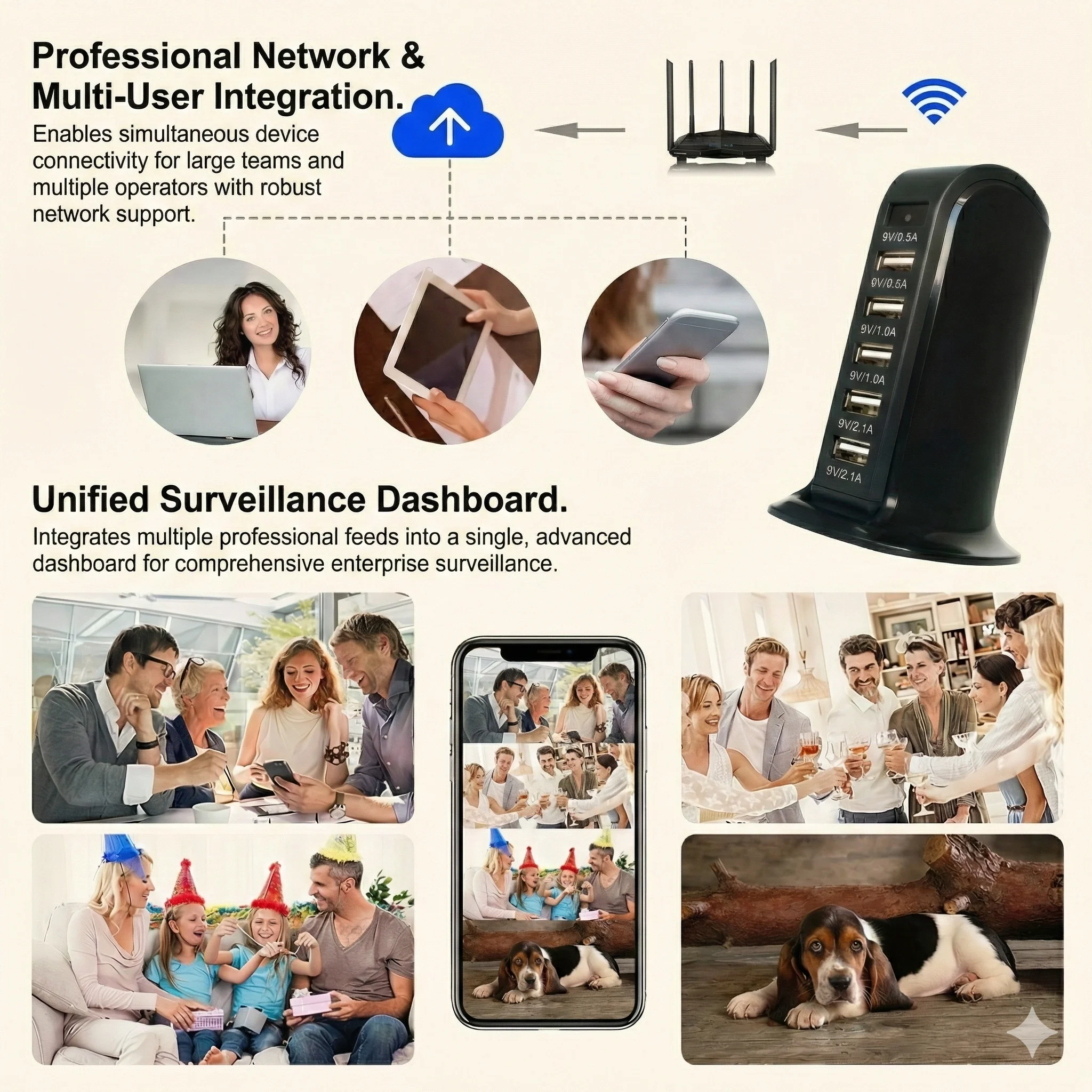
Pour les distributeurs gérant un stock de 10 unités d'enregistrement dissimulées ou plus, le calendrier de maintenance suivant prévient le verrouillage de protection contre les décharges excessives sur l'ensemble du stock — éliminant ainsi le coût et la charge logistique des unités « mortes à l'arrivée » retournées par les clients finaux.
Tous les 3 mois (trimestriel) :
1. Identifiez toutes les unités en stock dans l'entrepôt en scannant la plage de numéros de série du produit pour votre lot.
2. Pour chaque unité : connectez à une source d'alimentation USB 5 V / 1 A pendant 30 à 60 minutes. Ceci est un frais de maintenance, pas un cycle complet. L'objectif est de rétablir la cellule à environ 50 % de charge.
3. Déconnecter après la charge d'entretien. Ne pas laisser les appareils en charge continue pendant le stockage — une cellule LiPo stockée à 100% de SOC vieillit 3× plus vite qu'une cellule stockée à 50% de SOC à température ambiante.
Pourquoi 50% est le SOC de stockage optimal. L'équation d'Arrhenius régit le vieillissement calendaire des cellules lithium : le taux de croissance de la couche SEI sur l'anode (le mécanisme de vieillissement principal) double pour chaque augmentation de 10°C de la température et augmente d'environ 2× pour chaque augmentation de 10% du SOC au-dessus de 50%. Une cellule stockée à 50% de SOC à 25°C conservera environ 90% de sa capacité nominale après 12 mois. Une cellule stockée à 100% de SOC à 25°C conservera environ 75–80% après la même période.
La température importe également. Maintenez la température de stockage de l'entrepôt entre 15°C et 25°C. Les cellules stockées à 35°C (courant dans les installations de stockage non climatisées en été) perdent environ 20 % de capacité supplémentaire par an par rapport à un stockage à 25°C, indépendamment de l'état de charge (SOC). Un stockage climatisé est un investissement rentable pour un inventaire d'enregistrement discret de grande valeur.
Enregistrement d'un journal de maintenance. Pour chaque session de maintenance trimestrielle, enregistrez le numéro de série, la date et la durée de charge dans un tableur. Ce journal sert à deux fins : il documente le calendrier de maintenance pour les réclamations de garantie, et il fournit un avertissement précoce pour les unités qui nécessitent systématiquement des charges de maintenance plus longues — un indicateur potentiel d'un taux d'autodécharge élevé pouvant nécessiter un rappel de lot.
Questions fréquemment posées
Q: Mon appareil affiche un voyant rouge clignotant mais ne s'allume pas. Est-ce le même problème de verrouillage ?
A: Un voyant clignotant indique que le contrôleur de charge est actif mais que la batterie est extrêmement faible (en dessous de 15 % d'état de charge). Branchez-la immédiatement sur une source 5 V / 1 A et attendez 30 à 60 minutes pour que la cellule atteigne une tension de fonctionnement sécurisée. Un voyant rouge fixe après 15 minutes de charge confirme que la batterie s'est suffisamment rétablie pour tenter une mise sous tension.
Q: Puis-je utiliser une batterie externe pour charger un appareil en état de verrouillage de décharge excessive ?
R : Oui — mais seulement si la batterie externe n'a pas la sortie de charge rapide activée. Certaines batteries externes sont réglées par défaut sur 5 V / 1 A et sont sans danger. Cependant, beaucoup de batteries externes (notamment celles avec une sortie USB-C PD ou QC) négocient la tension avant de délivrer le courant, ce qui présente le même risque que l'utilisation d'un chargeur rapide. Un test simple : si la batterie externe a un seul port USB-A sans étiquette, elle est probablement sans danger. Si elle possède un port USB-C, plusieurs ports ou une mention de charge rapide, utilisez plutôt un chargeur mural ou un port USB d'ordinateur.
Q: À quelle fréquence dois-je charger un appareil que j'utilise régulièrement ?
A : Pour les appareils en utilisation active, rechargez lorsque la batterie descend en dessous de 30 % de SOC (la plupart des appareils QZT signalent cela par un voyant rouge clignotant lentement). Évitez les décharges profondes régulières en dessous de 10 % — même si le BMS protège contre la décharge excessive, des cycles profonds répétés accélèrent la perte de capacité. La meilleure habitude de charge est peu et souvent : une recharge partielle de 30 minutes tous les quelques jours est plus douce pour la cellule qu'un cycle complet de 0 à 100 %.
Q : L'appareil s'allume après la procédure de réveil mais s'arrête après seulement 10 minutes d'enregistrement. La batterie est-elle endommagée ?
R : Une batterie qui accepte une charge et démarre l'appareil mais qui s'éteint rapidement subit perte de capacité due à une décharge profonde. La cellule a perdu des ampères-heures utilisables, pas par un blocage de protection mais par la dégradation chimique pendant la période de stockage à basse tension. Cela est récupérable sur 3 à 5 cycles de charge complète dans la plupart des cas, car les ions lithium se redistribuent dans les électrodes. Si la durée de fonctionnement ne s'améliore pas après 5 cycles complets, la capacité de la cellule a diminué définitivement et la batterie doit être remplacée.
Q : Nous avons reçu un lot de 50 unités et 8 d'entre elles ne montrent aucune réponse LED après 3 heures sur un chargeur 5 V / 1 A. Est-ce un défaut de lot ?
R : Un taux de défaillance inférieur à 20% lors de la première activation par charge d'appoint est dans la variation statistique normale pour un lot stocké 4 à 6 mois sans charge de maintenance préalable. Essayez la procédure de charge prolongée de 24 heures pour ces 8 unités. Si 6 ou plus d'entre elles récupèrent, le lot est bon — elles nécessitaient juste une activation plus longue. Si moins de 6 récupèrent, documentez les numéros de série et contactez votre distributeur QZT : des défaillances répétées dans le même lot peuvent indiquer une variance du lot de composants du contrôleur de charge, qui est couverte par l'accord de garantie du distributeur.
Conclusion
Un dispositif d'enregistrement discret qui ne s'allume pas après des mois de stockage est presque jamais cassé — il est protégé. La coupure de sur-décharge du système de gestion de batterie est une fonction de sécurité délibérée et bénéfique qui empêche les cellules lithium d'atteindre les niveaux de tension associés à la formation de lithium métallique et à l'emballement thermique.
La procédure de récupération est simple : connectez à un chargeur standard 5 V / 1 A (jamais PD ou QC), laissez l'appareil sans interruption pendant au moins 2 heures et attendez l'apparition de la LED. Si l'appareil ne répond pas après 3 heures, prolongez jusqu'à 24 heures. Une absence de réponse persistante après 24 heures indique une défaillance du circuit de charge qui nécessite un service sous garantie.
Pour les distributeurs B2B, l'approche économiquement rationnelle est la prévention : charges de maintenance trimestrielles de 30 à 60 minutes jusqu'à 50% SOC, stockage à température ambiante, et un journal de maintenance par numéro de série. Cette seule pratique élimine la majorité des retours dus à la sur-décharge, réduit les coûts de garantie et garantit que chaque unité que votre client reçoit est prête à enregistrer le jour de sa réception.
Pour les utilisateurs d'une seule unité, la conclusion est la même que pour les gestionnaires de stock : les batteries lithium nécessitent une attention tous les quelques mois, pas seulement lors de la première utilisation. Un appareil placé dans un tiroir pendant six mois sans charge complémentaire nécessitera la procédure de réveil de 2 heures décrite ci-dessus. Un appareil recevant une charge de maintenance de 30 minutes tous les trois mois s'allumerera immédiatement chaque fois.

 English
  Italiano
  Deutsch
  Français
  Español
  Polski