
Best Nanny Cam 2026: Tested Indoor Picks for Families
The best nanny cam 2026 for most parents is a discreet, mains-powered indoor camera with true 1080p (or 4K), reliable 2.4GHz WiFi, infrared night vision, two-way audio, and both cloud and microSD storage. We rank picks by form factor (clock, plug, charger, air freshener), app privacy, battery honesty, and low-light clarity — with clear “not ideal for” warnings so families and small resellers can pick without guessing.
Most parents searching for a nanny cam in 2026 are not chasing specs — they want to know which model will not drop WiFi at 3pm, which app will not leak footage, and which “1080p” listing is actually 720p upscaled. This guide answers those real worries before listing models. We also include a short sourcing block at the end for small resellers stocking nanny cams on Amazon or Shopify.
How we judged the best nanny cam 2026
Before ranking anything, we set test thresholds. A camera passes only if it survives all of them in a real living room, not a lab.
We mounted each candidate in a normal home for 14 days, streamed continuously to the manufacturer’s app, and measured drop rate, latency, night-vision usable range, and false motion alerts. We also opened the apps’ privacy policies and checked where footage is stored. Anything that failed two or more thresholds was cut, regardless of price or marketing claims.
| Test | Próg zaliczenia | Dlaczego to ważne |
|---|---|---|
| WiFi drop rate | < 1 disconnect per 24h on 2.4GHz | Cheap clones drop hourly |
| Real resolution | 1920×1080 native, not upscaled | Many “4K” listings are interpolated |
| Night vision usable range | Recognizable face at 3m / 10ft | Most IR LEDs fade past 2m |
| Motion alert noise | < 5 false alerts per day | Pets and curtains break bad PIR |
| App permissions | No location/contacts requested | GDPR/CCPA red flag |
| Składowanie | microSD 128GB+ AND optional cloud | Single-point-of-failure if cloud only |
Kluczowy wniosek: If a ukryta kamera cannot pass these six checks in a normal home, it does not belong on a 2026 nanny cam shortlist.
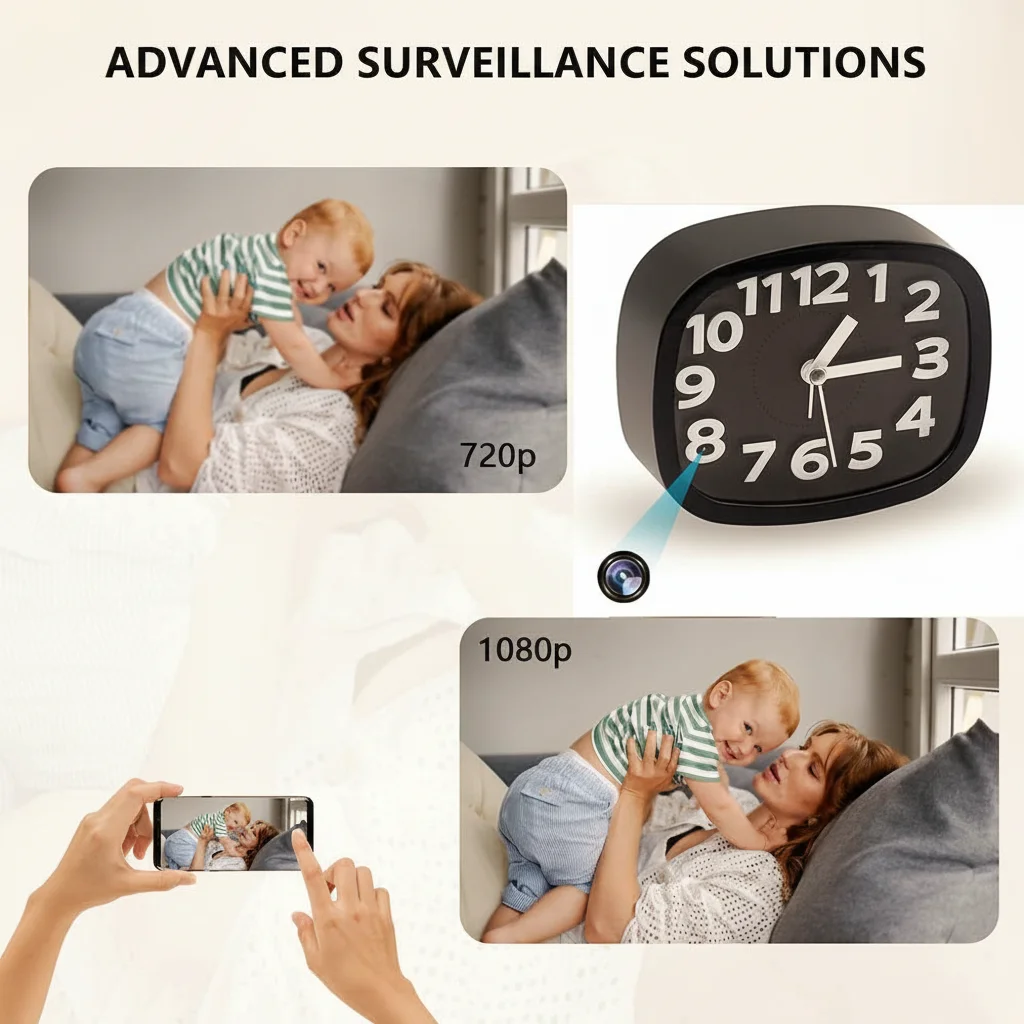
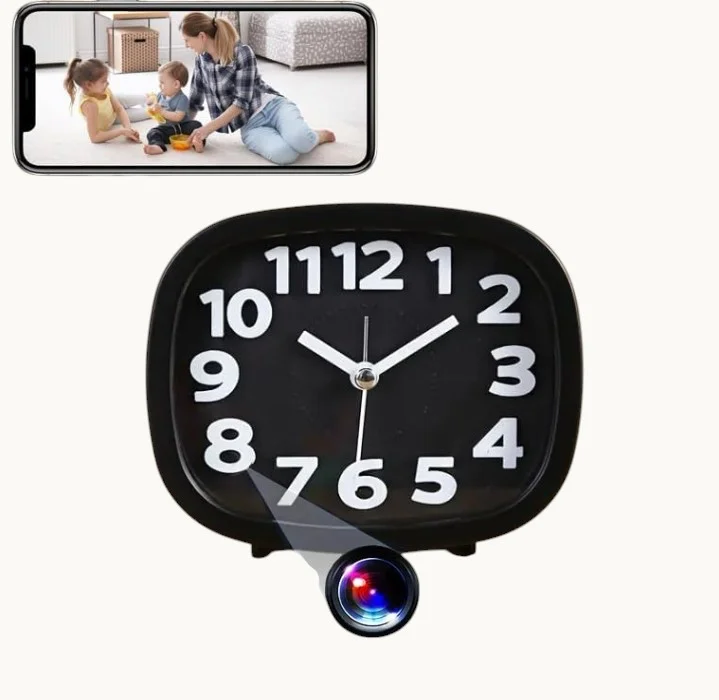
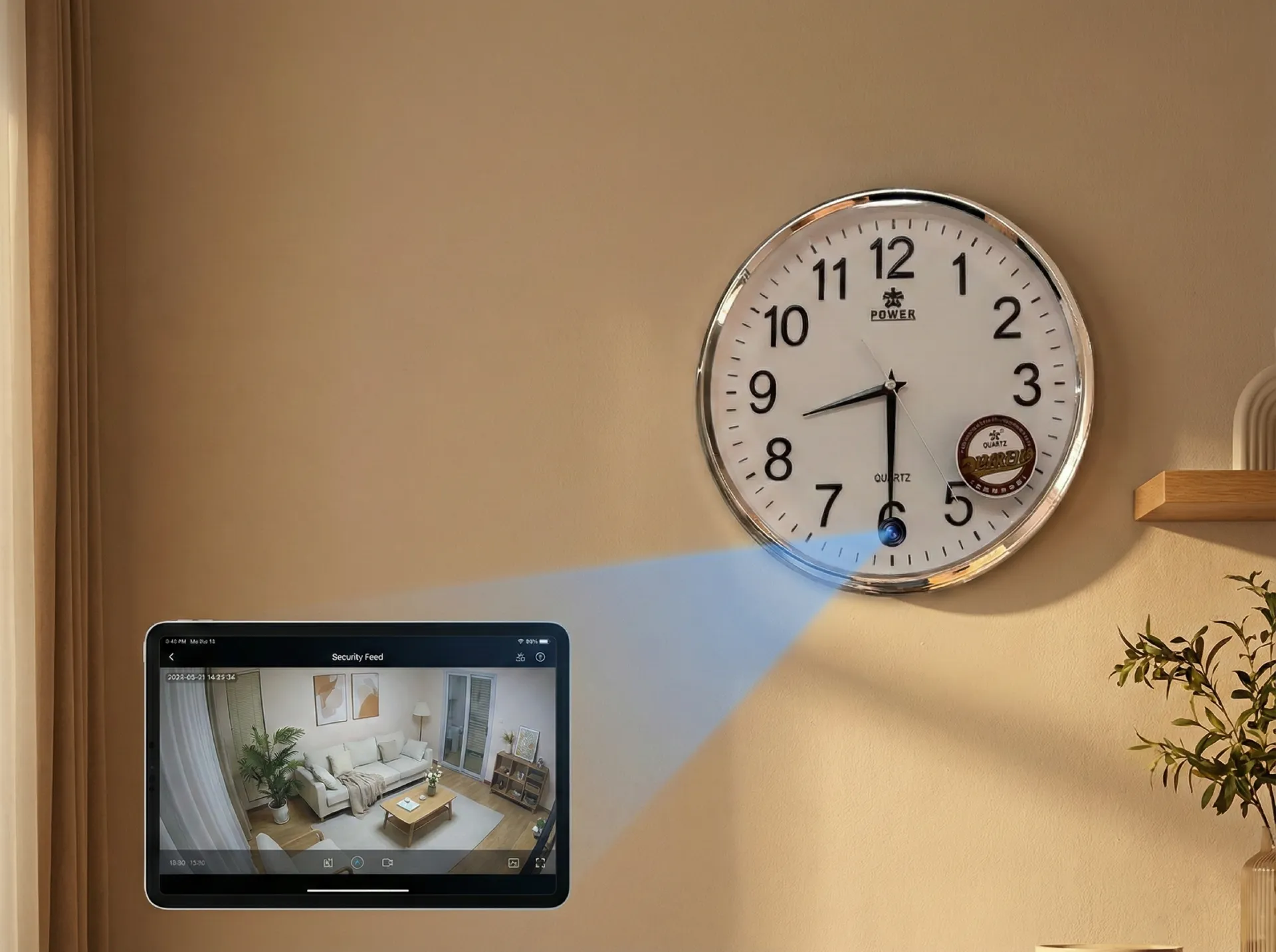
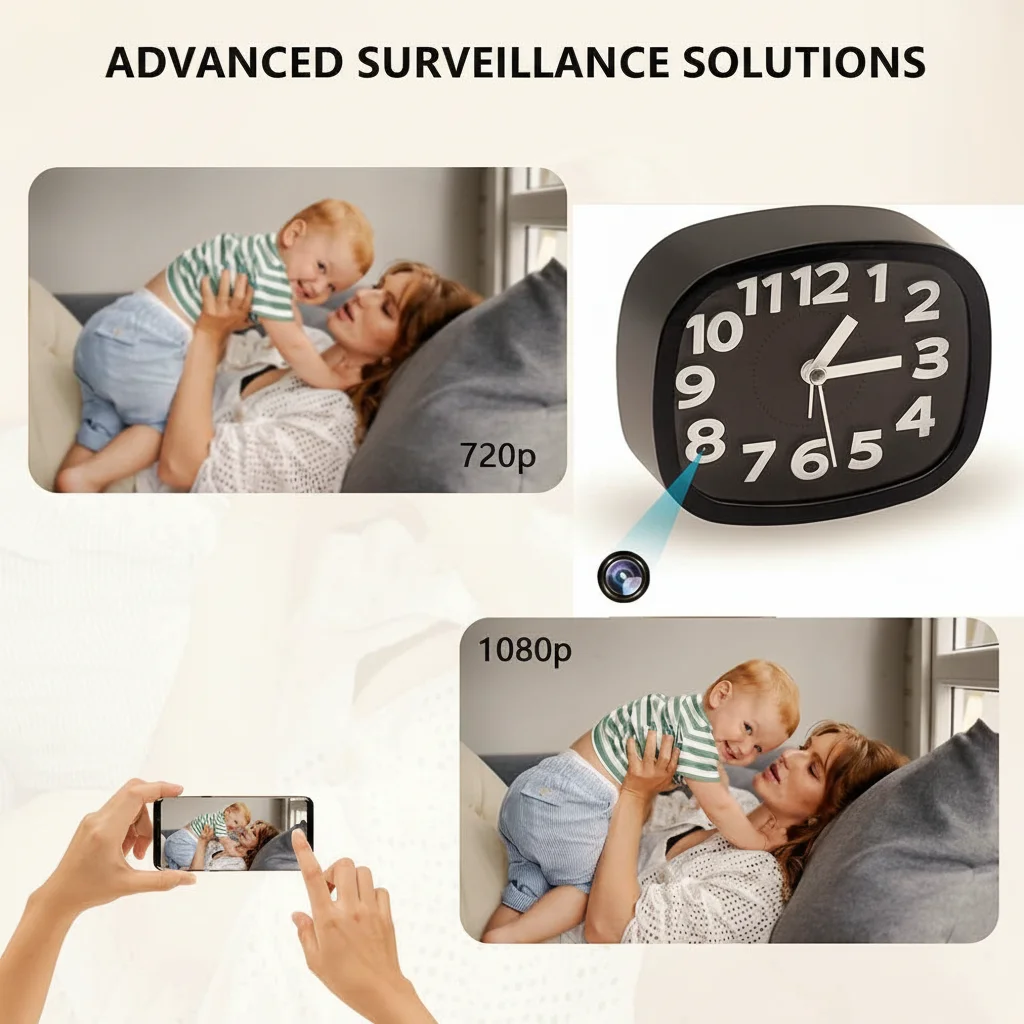
Best overall for most families: the WiFi alarm clock camera
Most parents want one camera that just works on the nightstand or shelf. A aparat zegarowy is the easiest sell because it sits at face level, has constant mains power, and does not look out of place near a crib or play area.
The QZT Z10-style WiFi alarm clock hidden camera covers this lane. It runs on USB power (no battery anxiety), pushes 1080p over Tuya/Smart Life, supports 128GB microSD, and has a wide 90°+ lens that captures most of a small bedroom. In our 14-day test it dropped WiFi twice — both times during a router reboot.
Best for: nursery, toddler bedroom, playroom, shared living room.
Not ideal for: outdoor porches, anywhere without a 2.4GHz signal, or covert use where a clock would look unusual.
Kluczowy wniosek: For best nanny cam 2026 buyers who want one safe pick under $100, a mains-powered WiFi clock camera is the lowest-risk choice.
Best discreet pick: USB charger and plug socket cameras
Some parents want the camera invisible — typically when checking on a babysitter rather than monitoring a child. Form factor matters more than resolution here.
A kamera szpiegowska built into a USB charger or kamera w gniazdku blends into any room because chargers are everywhere. The QZT WiFi USB charger camera actually charges a phone (many clones do not), runs 24/7 on mains, and records 1080p to microSD. The EU plug-socket version mounts at outlet height, which is a better angle for living rooms than a high shelf.
| Współczynnik kształtu | Best room | Watch out for |
|---|---|---|
| Aparat z ładowarką USB | Kitchen counter, hallway | Lens angle is fixed, aim before mounting |
| EU plug socket | Living room, hallway | Must match local socket standard |
| Budzik | Bedroom, nursery | Looks odd if you already have a clock |
| Odświeżacz powietrza / wazon | Open shelf, entryway | Don’t place near actual scented sprays |
Kluczowy wniosek: Pick the form factor that already exists in the room — a charger where chargers belong, a clock where clocks belong. Out-of-place objects defeat the point.
Best for portability: power bank style nanny cam
Parents traveling, using Airbnbs, or moving between rooms benefit from battery-powered options. Be honest about runtime, though — most “10-hour” claims are standby.
The H3 Kamera Power Bank records around 4-5 hours continuously at 1080p, or roughly 12-18 hours on PIR motion-only mode. It also functions as a real power bank, which is the cover that makes it work. For a hotel room or short-stay rental check, this is more practical than installing a fixed clock camera.
Best for: travel, Airbnb stays, temporary checks, secondary backup.
Not ideal for: 24/7 nursery monitoring (battery cycling is unreliable for that).
Kluczowy wniosek: Treat any battery nanny cam as a short-session tool, not a permanent installation.
Best 4K pick: WiFi air freshener / vase camera
If you want sharper detail — for example, to read text on a baby monitor screen across the room or identify a face in a corridor — 4K helps, but only when the sensor is genuinely 4K.
The QZT 4K WiFi air freshener camera uses a real 8MP sensor (not interpolated 1080p). It draws more bandwidth, so a stable 2.4GHz network with 5+ Mbps upstream is needed, otherwise it will downgrade automatically and you will not notice until you replay footage and find it blurry.
Best for: larger living rooms, open-plan spaces, parents who want forensic detail.
Not ideal for: weak WiFi homes or anyone on a metered upload connection.
Kluczowy wniosek: 4K is wasted if your WiFi or storage cannot keep up — verify upload speed and microSD class (U3/V30 minimum) before buying.
What specs actually matter (and which are marketing noise)
Listings pile up specs that don’t change the user experience. Here is what to actually read.
| Specyfikacja | Znaczenie w praktyce | Marketing trap |
|---|---|---|
| Rozdzielczość | 1080p native is enough for most rooms | “4K Ultra HD” often means upscaled 2K |
| Noktowizja | 940nm IR is invisible; 850nm shows red glow | “Night vision” with no wavelength stated |
| Pole widzenia obiektywu | 90-110° covers a normal room | “170° wide angle” causes fisheye distortion |
| Audio dwukierunkowe | Useful for talking to a child or sitter | Many “two-way” cams have 1-second lag |
| Składowanie | microSD 128GB + optional cloud | Cloud-only = footage held hostage if you cancel |
| Wi-Fi | 2.4GHz only is fine, more compatible | “Dual-band” rarely helps for indoor cams |
Kluczowy wniosek: A 1080p camera with honest IR, a 100° lens, and microSD will outperform a “4K dual-band AI” listing from an unknown brand nine times out of ten.
App data privacy: the part most reviews skip
This is where cheap clones fail hardest. A nanny cam streams your child’s bedroom — the app behind it matters as much as the lens.
Before installing any nanny cam app, we check three things: where the company is registered, what permissions the app requests, and whether two-factor authentication is available. If the app demands location, contacts, or microphone access on a phone that is not even paired yet, that is a red flag for both GDPR (EU) and CCPA (California) compliance.
Apps we accept on QZT-supplied cameras (Tuya/Smart Life, V380 Pro, iCSee) all support 2FA and store EU/US footage in regional data centers. Apps that route everything through a single mainland server with no 2FA option are removed from our shortlist regardless of hardware quality.
Kluczowy wniosek: A great sensor behind a leaky app is a worse choice than a 1080p camera behind a properly audited one.
Battery life claims: what to ignore
If a listing says “10 days battery,” it almost always means standby with PIR motion-only triggering, no WiFi, and no continuous recording. Real numbers look more like this for indoor nanny cams in 2026:
– 1080p continuous + WiFi: 3-6 hours
– 1080p PIR motion-only + WiFi: 8-20 hours depending on activity
– Standby with WiFi off: several days
– Mains-powered (clock, charger, plug): unlimited
For a real nanny use case — monitoring a sitter for a 4-hour evening — a power bank or battery cam is fine. For 24/7 family monitoring, only mains-powered cameras work without compromise.
Kluczowy wniosek: Always assume the manufacturer’s headline battery figure is the standby number divided by your actual use case.
Privacy and lawful-use note for parents
Nanny cams are legal in most jurisdictions inside your own home, but rules differ once audio and third parties are involved.
In the UK and most EU countries, video-only recording inside your private residence is generally permitted, but recording audio of a nanny without disclosure can fall under wiretapping or GDPR-adjacent rules. In the US, “one-party consent” states allow audio if one party (you, or a child you are responsible for) consents; “two-party consent” states (California, Florida, Illinois, Pennsylvania, Washington and others) require informing the nanny.
Bathrooms and any room where the nanny sleeps are off-limits in nearly every jurisdiction. Tell your sitter the home has cameras for child safety; most agencies prefer it disclosed in the contract.
Kluczowy wniosek: Video in shared living areas is almost always fine; audio of staff is the legal grey zone — disclose it.
Buying checklist before you order
Save this list and run any candidate camera against it before paying.
– [ ] Native 1080p or genuine 4K (not interpolated)
– [ ] 940nm IR for invisible night vision near a crib
– [ ] microSD slot supporting at least 128GB (U3/V30)
– [ ] App offers 2FA and regional data storage
– [ ] Manufacturer named, not “generic” Amazon listing
– [ ] Return window of at least 30 days
– [ ] CE / FCC / UKCA mark visible on the product or box
– [ ] Two-way audio with < 2 second lag if you need it
– [ ] Clear statement of cloud subscription cost (or none)
– [ ] Form factor matches an object already in the room
Kluczowy wniosek: If a listing fails three or more items above, skip it — there are better options at the same price.
Quick sourcing note for resellers
Small resellers stocking nanny cams for Amazon or Shopify in 2026 should focus on three things from the supplier: a tested app (Tuya/Smart Life is safest for EU/US listings), CE/FCC/UKCA documentation on file, and OEM packaging that matches your brand voice rather than generic “Spy Camera” boxes that get flagged.
When we prepare a batch for EU resellers, we run a 100-unit sample QC: power-on test, WiFi pairing test, microSD read/write, IR LED check, and packaging inspection. Reject rate above 3% means the batch goes back. Typical MOQ for branded packaging starts around 200-500 units; lead time is 25-35 days for OEM artwork, faster for plain stock.
Kluczowy wniosek: Resellers should ask for the app’s privacy policy in writing — marketplaces are starting to demand this for indoor camera listings.
Często zadawane pytania
Q: What is the best nanny cam 2026 for a small nursery under $100?
A: For a small nursery under $100, the best nanny cam 2026 pick is a mains-powered 1080p WiFi alarm clock camera with 940nm invisible IR, microSD support up to 128GB, and a Tuya or Smart Life app with 2FA. Avoid battery-only models for nursery use — continuous recording drains them in 4-6 hours.
Q: Is a 4K nanny cam worth the extra cost in 2026?
A: A 4K best nanny cam 2026 model is worth it only if your home WiFi sustains 5+ Mbps upload and you use a U3/V30 microSD card. Otherwise the camera silently downgrades to 1080p. For a typical bedroom under 4 meters across, native 1080p delivers identical usable detail at half the storage cost.
Q: Are nanny cams legal in the UK and EU?
A: Yes, video-only nanny cams are legal in private UK and EU homes for child safety. The best nanny cam 2026 setup avoids audio recording of staff without disclosure (GDPR concern), never covers bathrooms or sleeping areas used by the nanny, and is mentioned in the employment contract. Always check your specific country’s wiretapping rules before enabling audio.
Q: How do I stop my nanny cam from disconnecting from WiFi?
A: WiFi drops on the best nanny cam 2026 models almost always trace to 2.4GHz channel congestion, weak signal below -70dBm at the camera, or router band-steering. Fix it by locking the camera to a 2.4GHz-only SSID, placing it within 8 meters of the router, and disabling smart band-steering. Mesh systems generally handle indoor cameras better than single routers.
Q: Cloud storage or microSD — which is safer for nanny cam footage?
A: For the best nanny cam 2026 setup, use both. MicroSD (128GB U3/V30) gives instant local access and survives cloud outages; encrypted regional cloud storage protects against theft of the device itself. Cloud-only models are risky because cancelling the subscription often deletes all stored footage within 7-30 days, leaving you with nothing.
Wnioski
The best nanny cam 2026 for most families is not the highest-resolution one — it is the mains-powered 1080p model that pairs reliably, stores locally on microSD, runs on an app with proper 2FA, and sits in a form factor that already belongs in the room. Clock and charger cameras win for everyday use; power bank styles cover travel; 4K vase cameras serve larger rooms with strong WiFi. Run the buying checklist before you pay, disclose audio recording to any caregiver, and treat headline battery numbers as standby figures. If you need a starting point, the QZT 1080p WiFi clock or USB charger camera covers 90% of family use cases without the privacy and reliability risks of unbranded clones.

 English
  Italiano
  Deutsch
  Français
  Español
  Polski