
Comment connecter une caméra espion à votre téléphone : Guide de configuration complet
Connecting a spy camera to your phone gives you real-time remote monitoring from anywhere. Most modern hidden cameras use WiFi or Bluetooth to pair with iOS and Android devices through dedicated apps. This guide walks you through every connection method, common failure points, and how to get your camera streaming in under five minutes.
What Do You Need Before Connecting a Spy Camera to Your Phone?
Most connection failures happen because users skip the prep stage. You need three things ready before you start.
Un réseau WiFi 2,4 GHz stable est essentiel : la plupart des caméras espion ne prennent pas en charge le 5 GHz. La caméra doit être complètement chargée ou branchée sur secteur. Et vous devez avoir installé l’application du fabricant sur votre téléphone, et non un outil générique tiers.
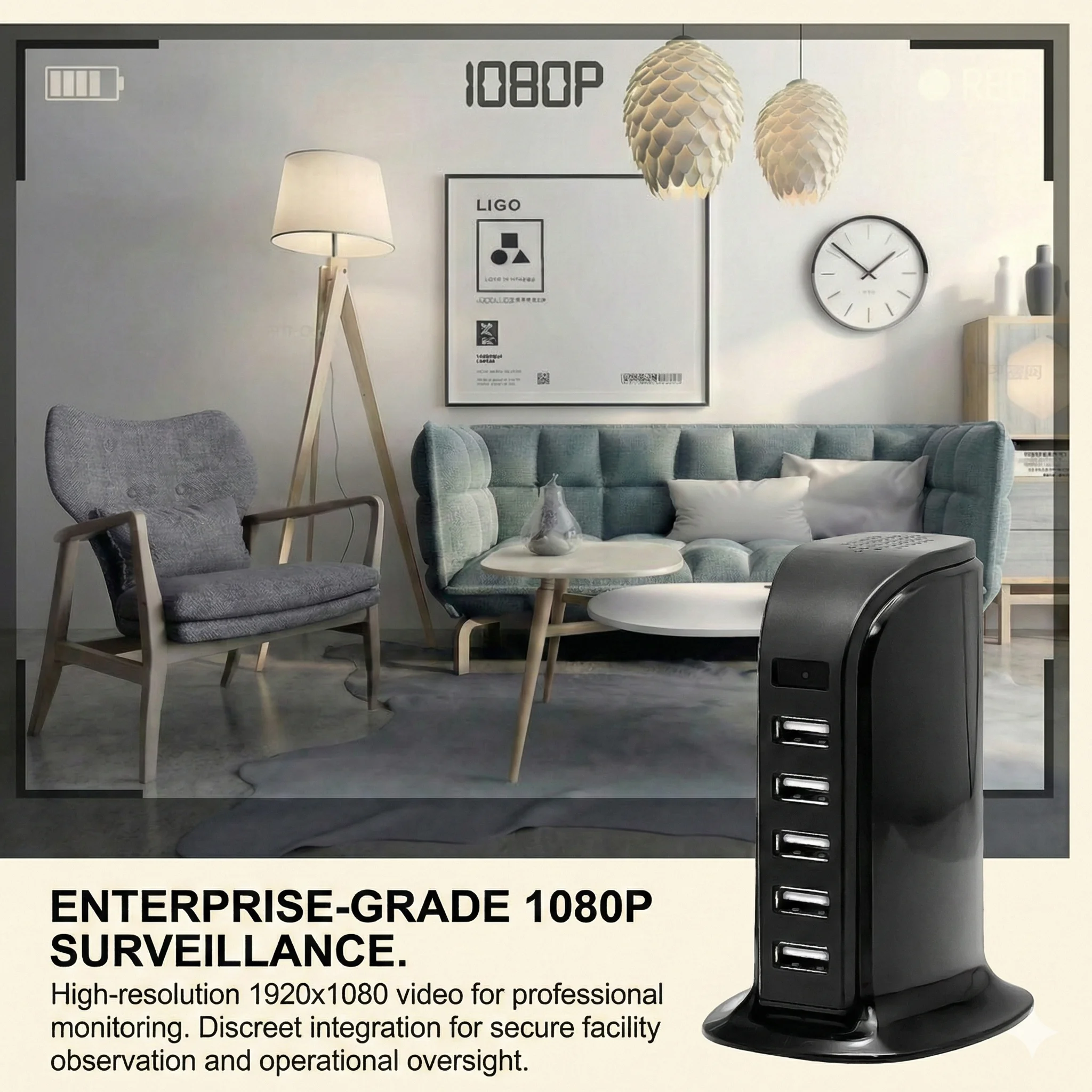
Voici ce que la plupart des gens comprennent mal : ils essaient d’appairer la caméra sur un réseau 5 GHz et se demandent pourquoi l’appareil n’apparaît jamais. Vérifiez les paramètres de votre routeur. Si votre réseau diffuse les deux bandes sous un même nom, séparez-les temporairement ou rapprochez-vous du routeur lors de la configuration.
For wholesale buyers sourcing WiFi spy cameras, always test the app compatibility on both iOS and Android before placing bulk orders. European retailers in Germany and France report that dual-platform support reduces return rates by over 30%.
Point clé à retenir : Use 2.4 GHz WiFi, charge the camera, and install the correct app before starting.
How Do WiFi Spy Cameras Connect to Phones?
WiFi is the most common connection method for modern hidden cameras. It offers unlimited range as long as both devices have internet access.
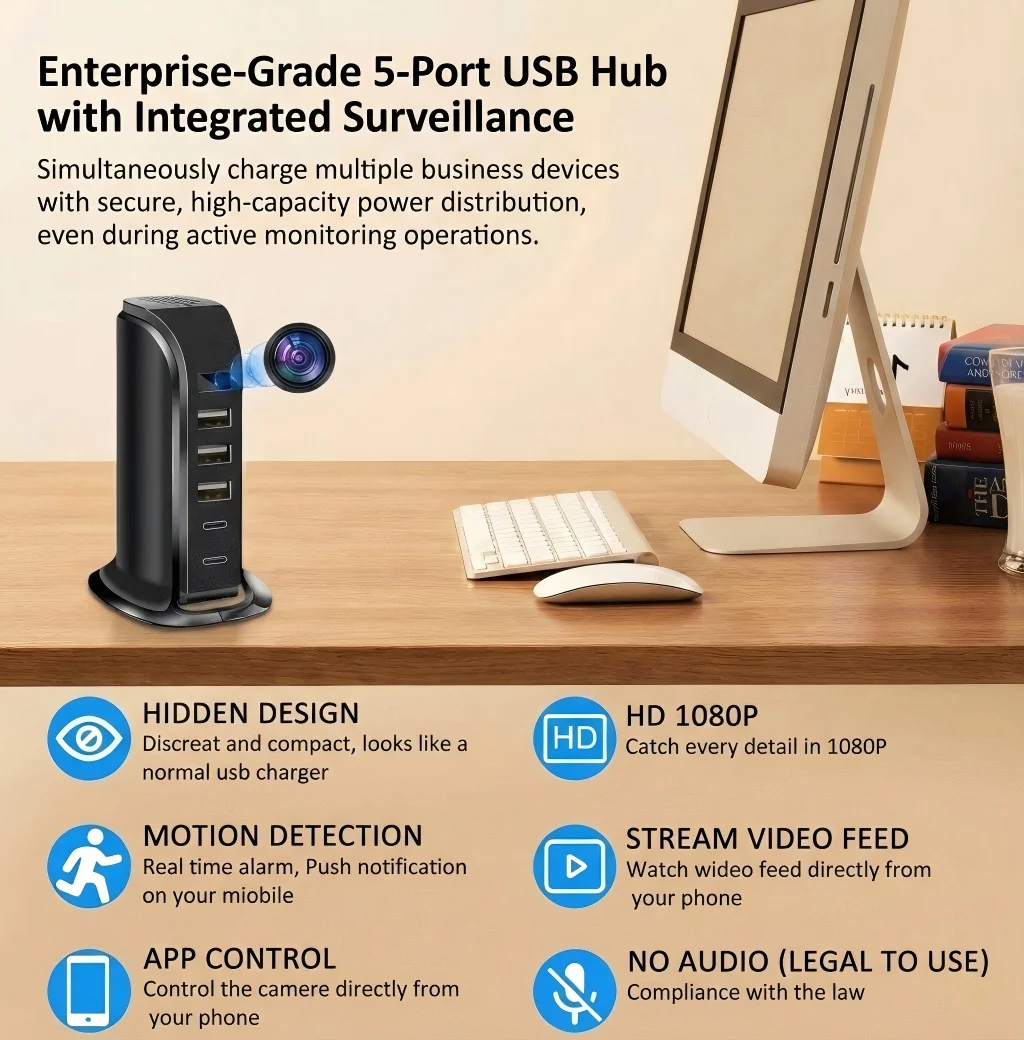
The camera creates a hotspot or joins your home network. Once online, it pushes video to cloud servers or uses P2P protocols to stream directly to your phone. The Z10 WiFi Spy Clock Camera uses this exact architecture—plug it in, scan the QR code in the Tuya Smart app, and the feed appears on your phone within 60 seconds.
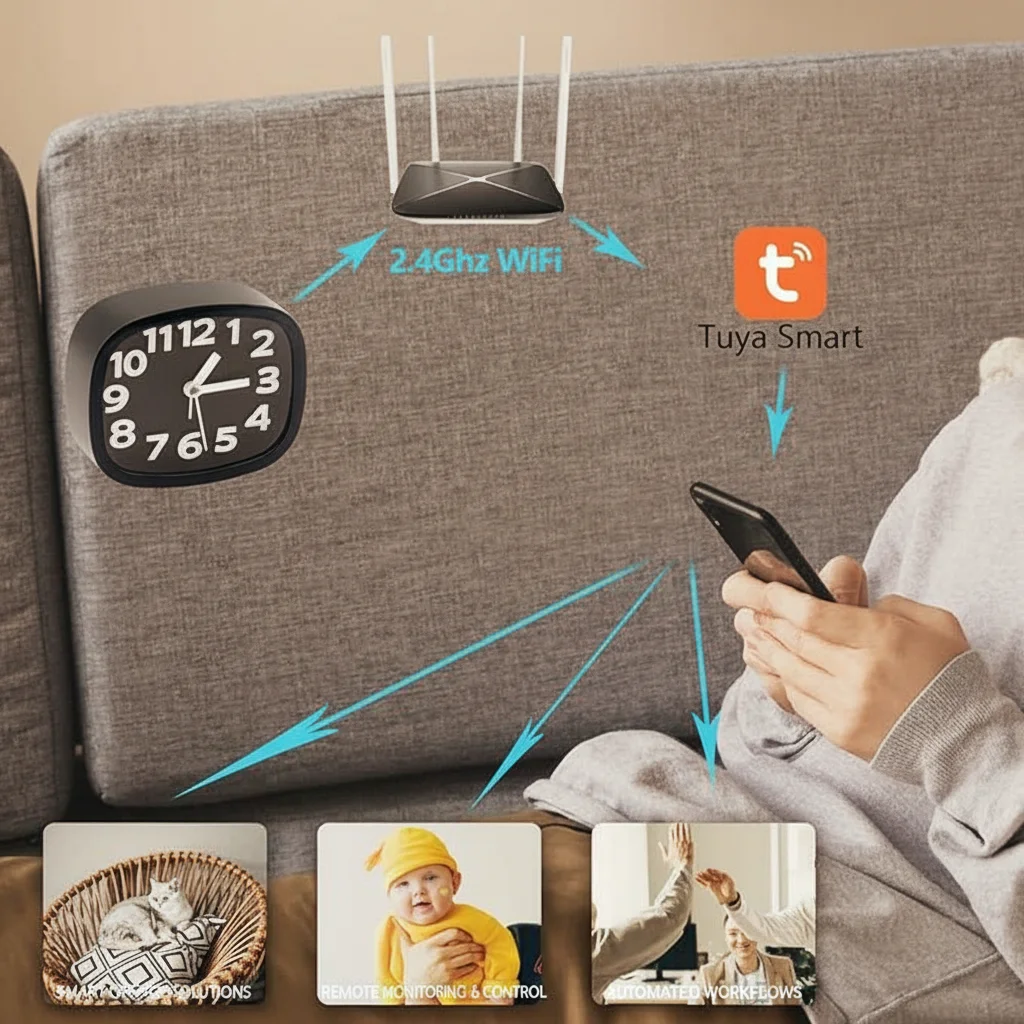
Mais voilà le problème : les connexions P2P reposent sur des serveurs relais en Chine ou dans l’UE. Si votre politique de confidentialité exige que les données restent à l’intérieur des frontières européennes, demandez à votre fournisseur quelle région de serveur l’application utilise. WiFi Smoke Detector Hidden Camera offers regional cloud options that comply with GDPR data-localization expectations.
| Fonctionnalité | P2P Direct | Cloud Relay | Local SD Card |
|---|---|---|---|
| Gamme | Unlimited | Unlimited | Physical access |
| Latency | 1-3 sec | 2-5 sec | Instant playback |
| Stockage de données | Phone/Cloud | Cloud server | SD card only |
| GDPR risk | Faible | Medium-High | Aucun |
Point clé à retenir : WiFi cameras use P2P or cloud relay. Verify server location for EU compliance.
Can You Connect a Spy Camera to Your Phone Without WiFi?
Not every location has reliable internet. Fortunately, several connection methods work offline or with minimal infrastructure.
Bluetooth cameras pair directly with your phone within a 10-meter range. They are ideal for body-worn setups like the Lunettes caméra HD dissimulées, where WiFi would drain the battery too fast. The trade-off is limited range and no remote access when you walk away.

Another option is direct hotspot mode. The camera broadcasts its own WiFi network. Your phone connects to that network instead of your home router. This works anywhere but means your phone loses internet access while viewing the feed. The Caméra espion pour clé de voiture supports this mode for field investigators who need instant playback without infrastructure.
For B2B buyers, cameras with dual-mode connectivity—WiFi + Bluetooth + hotspot—command higher margins. Distributors in Poland and Italy report that multi-mode devices outsell single-protocol units by nearly two to one.
Point clé à retenir : Bluetooth and hotspot mode work without internet. Choose based on range and battery needs.
What Apps Work Best for Spy Camera Phone Connections?
The app is the bridge between your camera and your phone. A bad app ruins the user experience regardless of hardware quality.
Tuya Smart is the dominant platform for white-label spy cameras. It supports thousands of devices, offers cloud storage, and receives regular security updates. The Z10 WiFi Spy Clock Camera et WiFi Power Bank Caméra cachée both integrate with Tuya, giving resellers a single app to recommend across multiple SKUs.
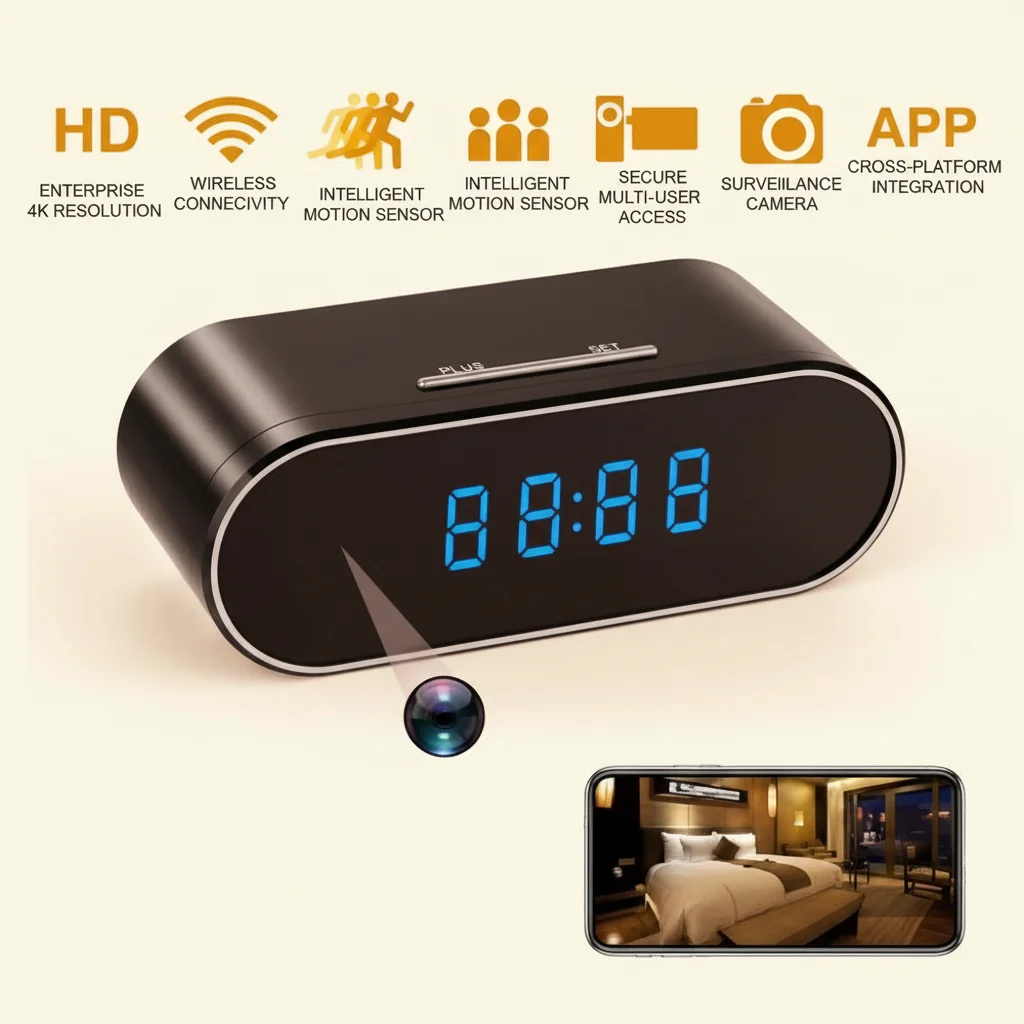
Mais voici ce que la plupart des gens comprennent mal : ils téléchargent la mauvaise application. Les appareils photo contrefaits sont souvent livrés avec des applications clones qui volent les identifiants. Vérifiez toujours l’éditeur de l’application sur Google Play ou l’App Store. Recherchez plus de 100 000 téléchargements et des dates de mise à jour récentes.
Some professional-grade cameras use proprietary apps with advanced features like motion-zone drawing, scheduled recording, and multi-device dashboards. These appeal to commercial installers but require more training for end users. If you are a distributor, bundle a printed quick-start guide with every unit.
Point clé à retenir : Tuya Smart dominates the market. Verify app authenticity before downloading.
How Do You Pair a Spy Camera with an iPhone?
iPhone users face stricter Bluetooth and WiFi permissions than Android users. The pairing process requires extra attention to iOS-specific settings.
D'abord, activez l'accès au réseau local dans Réglages iPhone > Confidentialité lorsque l'application vous le demande. Sans cela, l'application ne peut pas découvrir les caméras sur le même réseau WiFi. Ensuite, désactivez temporairement l'adresse WiFi privée lors de la configuration — cette fonction randomise votre adresse MAC et peut perturber les caméras qui autorisent les appareils par identifiant matériel.
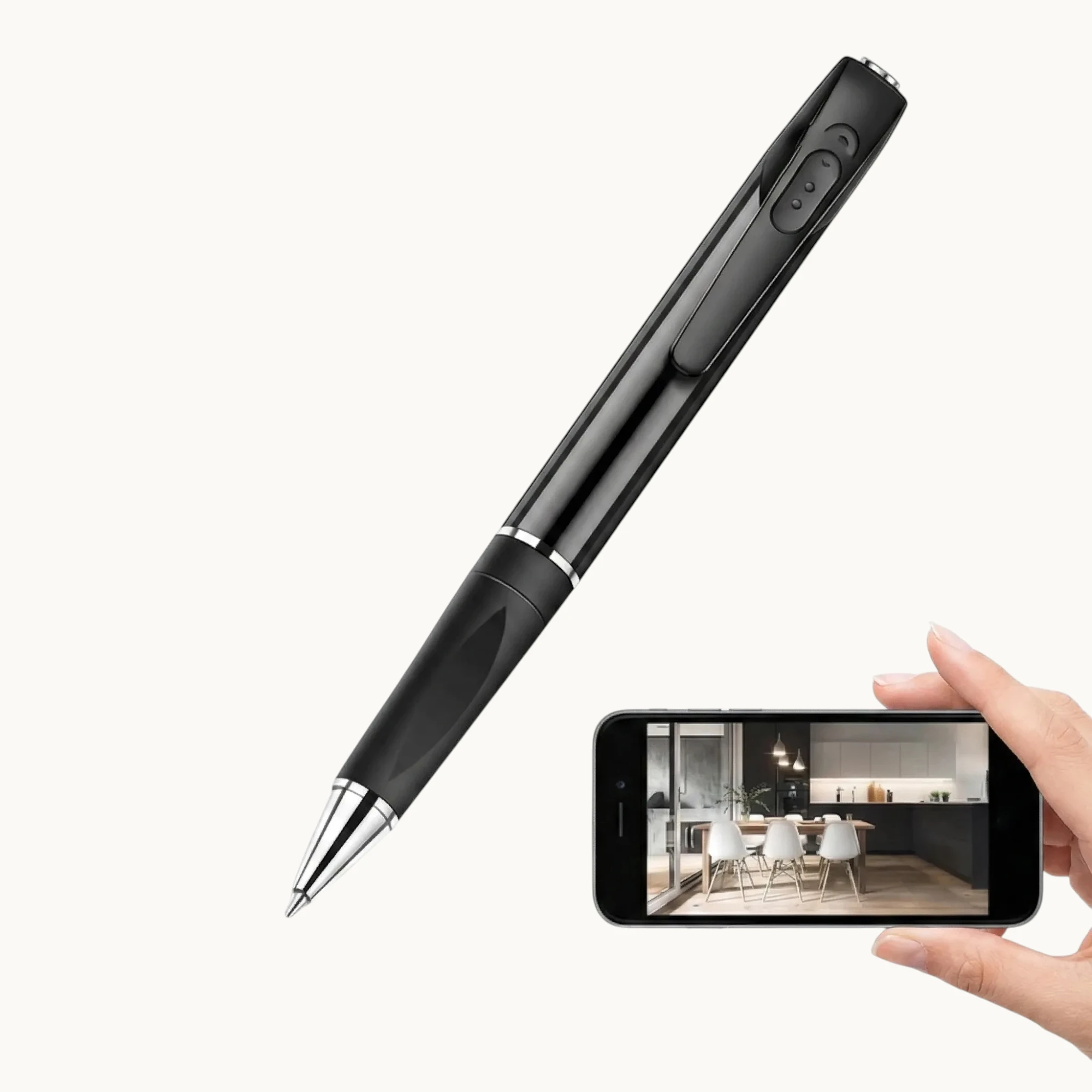
Le WiFi Spy Pen Camera with Audio includes iOS-specific instructions in its manual. Most connection failures on iPhone stem from users skipping the Local Network permission step. After pairing, you can re-enable Private WiFi Address without affecting the camera feed.
Pour les détaillants de l'UE : les iPhones détiennent 45-55% de parts de marché au Royaume-Uni et en Allemagne. Mentionner “compatible iOS” de manière visible sur les pages produits augmente les taux de conversion. Assurez-vous que votre fournisseur fournisse une documentation de certification sans MFi si l'appareil photo utilise des connecteurs Lightning pour la recharge.
Point clé à retenir : Grant Local Network permission and disable Private WiFi Address during iPhone setup.
How Do You Pair a Spy Camera with an Android Phone?
Android offers more flexibility but also more variation across manufacturers. Samsung, Xiaomi, and Google Pixel devices handle background permissions differently.
Commencez par désactiver l'optimisation de la batterie pour l'application appareil photo. Android tue agressivement les applications en arrière-plan pour économiser de l'énergie, ce qui interrompt les notifications push pour les alertes de mouvement. Accédez à Paramètres > Applications > [Application Appareil Photo] > Batterie > Non restreint. WiFi Spy Camera USB Charger relies on real-time alerts—without this setting, users miss events entirely.
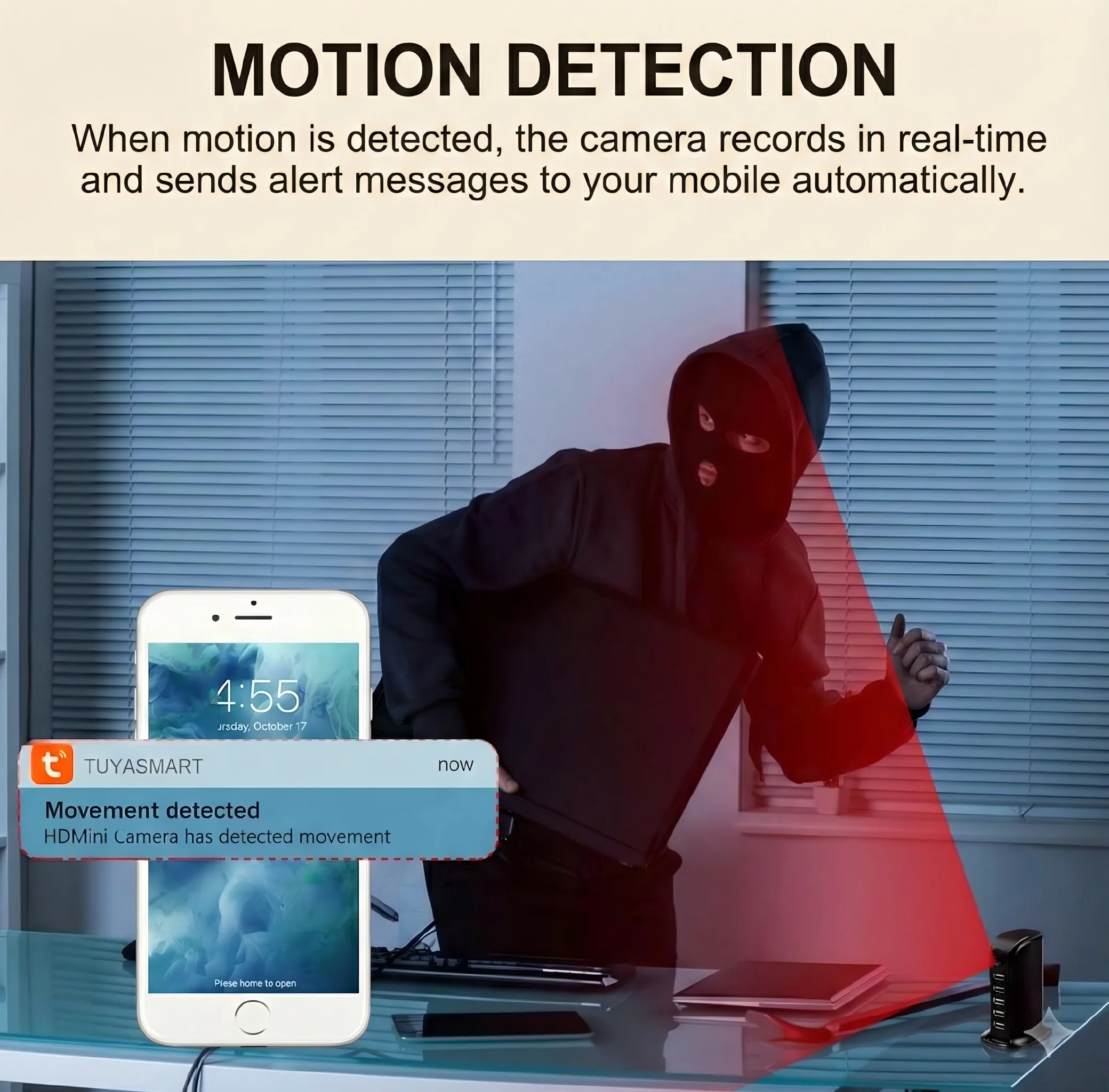
Mais voilà le problème : certaines surcouches Android empêchent les applications de démarrer automatiquement après un redémarrage. Vérifiez le gestionnaire de démarrage de votre téléphone et ajoutez l'application caméra à la liste blanche. C'est particulièrement crucial pour les utilisateurs de caméras de surveillance qui s'attendent à une surveillance 24h/24 et 7j/7 sans intervention manuelle.
For B2B buyers, recommend that your retail customers include a one-page Android setup guide with every camera. It reduces support tickets and improves reviews. Distributors in Spain report that bundled setup guides cut return rates by 18%.
Point clé à retenir : Disable battery optimization and whitelist auto-start for reliable Android notifications.
Why Does My Spy Camera Keep Disconnecting from My Phone?
Intermittent disconnections are the most reported issue in spy camera reviews. The root cause is usually one of three things.
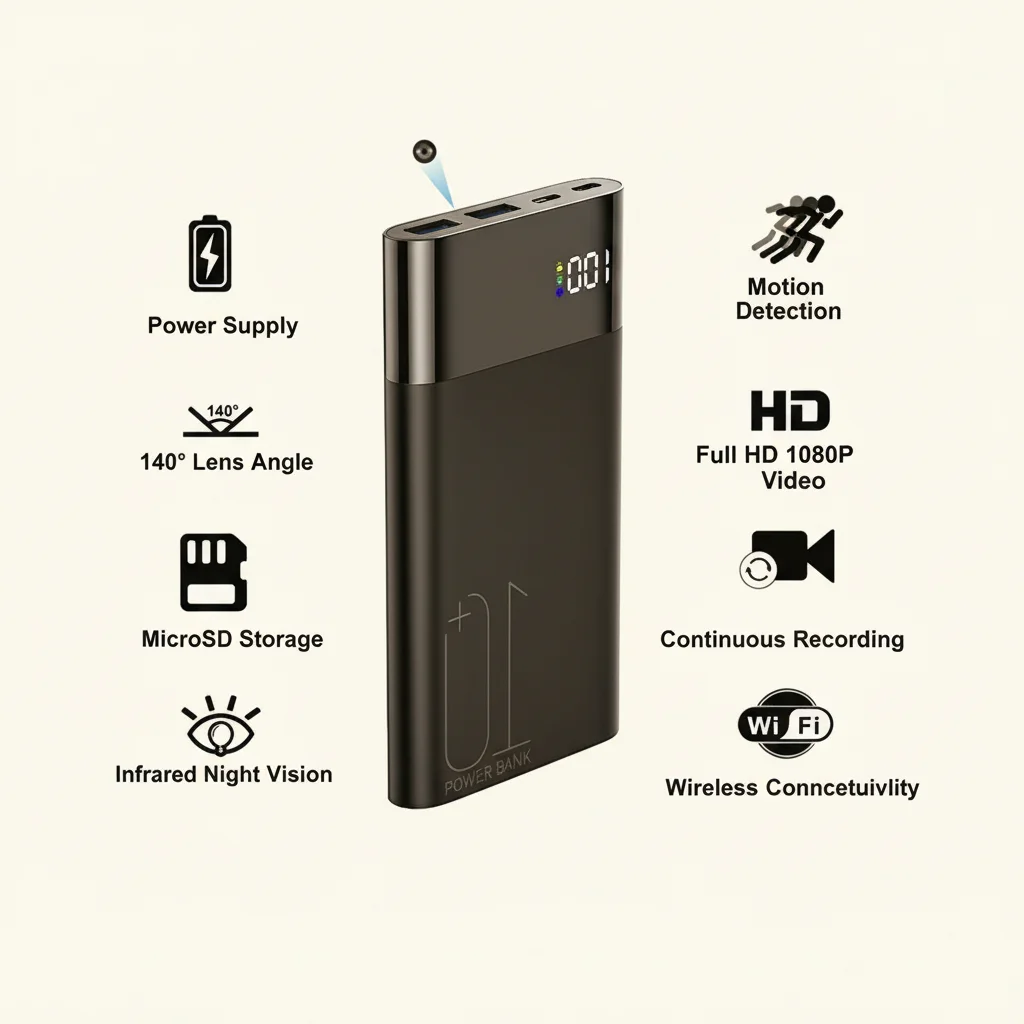
Weak WiFi signal is the primary culprit. Hidden cameras often sit inside objects—clocks, chargers, or power banks—that block radio waves. If the camera reports -70 dBm or weaker, move your router closer or add a WiFi extender. The WiFi Power Bank Caméra cachée includes an external antenna port for exactly this reason.
Router channel congestion is the second cause. In apartment buildings across Berlin and Paris, dozens of 2.4 GHz networks overlap. Use a WiFi analyzer app to find the least crowded channel—typically 1, 6, or 11—and set your router manually.
The third cause is firmware bugs. Cheap cameras ship with outdated firmware that crashes under load. Before sourcing in bulk, ask your supplier for the firmware version history and OTA update capability. Cameras that update over-the-air last longer in the field and generate fewer warranty claims.
Point clé à retenir : Check signal strength, router channel, and firmware version to fix disconnections.
How Do You View Spy Camera Footage Remotely from Another City?
La visualisation à distance est la principale raison pour laquelle les acheteurs choisissent des caméras WiFi plutôt que des enregistreurs autonomes. Mais “à distance” signifie différentes choses selon votre configuration.
Cloud-connected cameras store footage on external servers. You log in from any device, anywhere. The WiFi Smoke Detector Hidden Camera supports this model with encrypted cloud storage accessible through the Tuya app. The downside: ongoing subscription costs and potential GDPR compliance questions about where footage is stored.
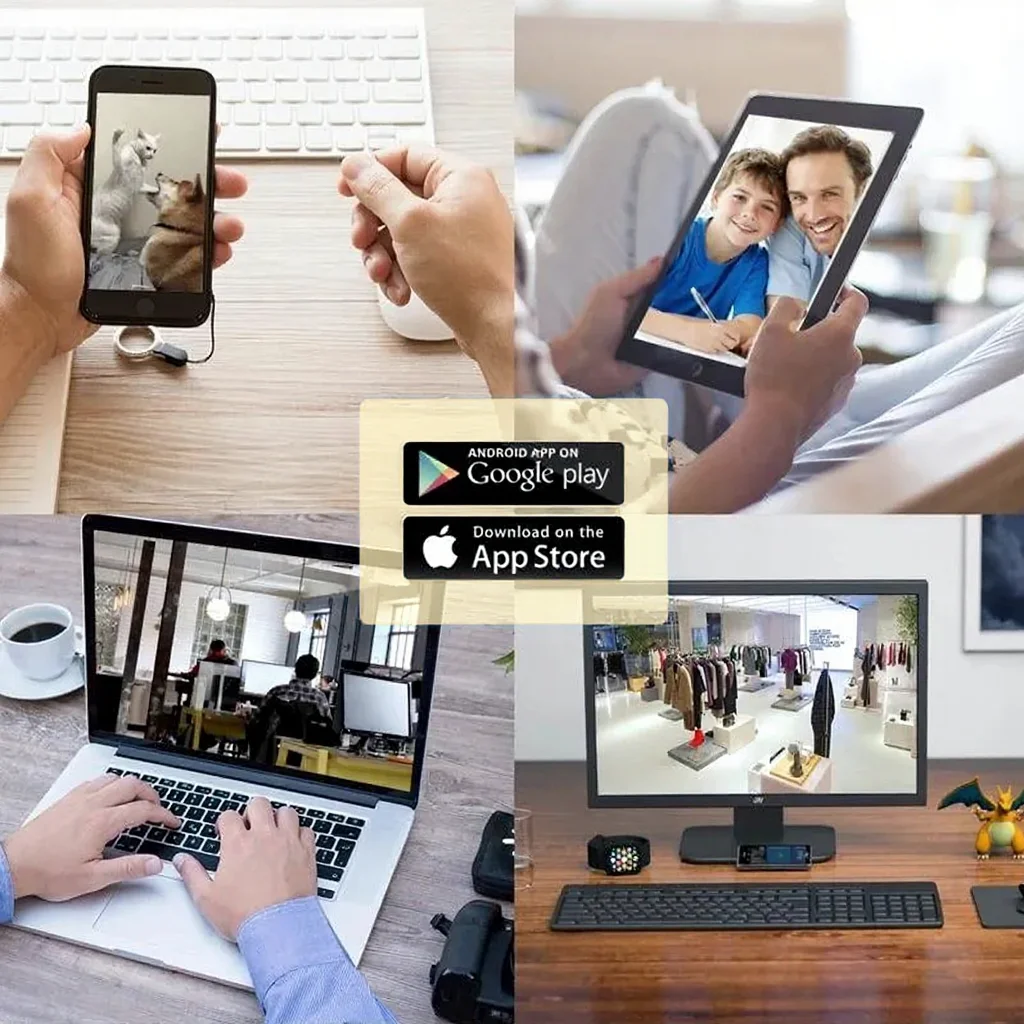
P2P cameras stream directly without cloud storage. Your phone talks to the camera through relay servers, but the video never sits on a third-party drive. This appeals to privacy-conscious users in the UK and Germany. The trade-off is no footage backup if the camera is stolen or damaged.
Pour les revendeurs B2B, proposer les deux modèles—cloud et P2P—couvre plus de segments de marché. Positionnez les caméras cloud comme des solutions “set and forget” pour les propriétaires. Commercialisez les caméras P2P auprès des professionnels soucieux de la confidentialité et des entreprises conscientes du RGPD.
Point clé à retenir : Cloud enables anywhere access; P2P keeps data off third-party servers. Offer both.
Can Multiple Phones Connect to the Same Spy Camera?
Family members, security teams, and business partners often need shared access. Most WiFi cameras support multi-user viewing, but the implementation varies.
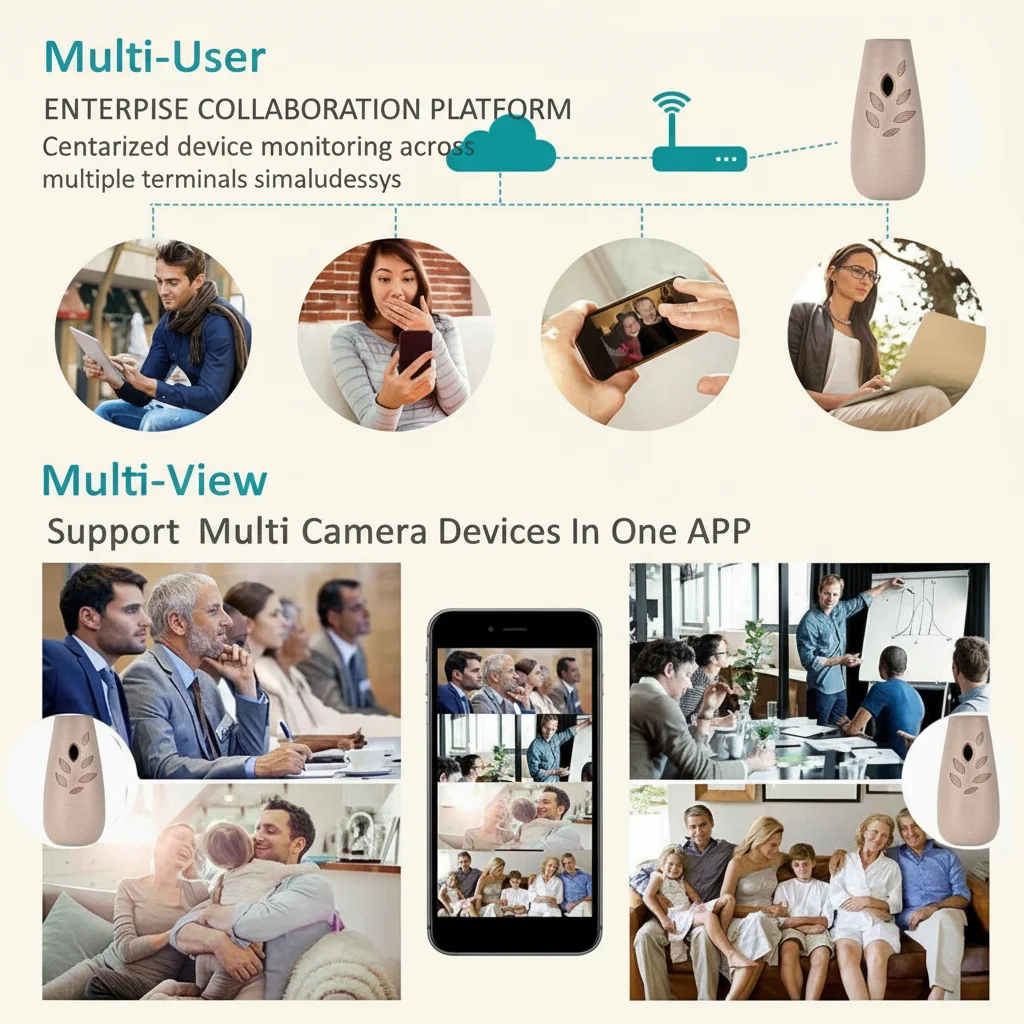
Tuya-based cameras allow you to share device access through the app. The primary account holder sends a QR code or invitation link to secondary users. Each person gets their own login credentials. The Z10 WiFi Spy Clock Camera supports up to five simultaneous viewers this way.
Mais voici ce que la plupart des gens comprennent mal : ils partagent le mot de passe du compte principal au lieu d'utiliser la fonction de partage. Cela crée des risques de sécurité et empêche des paramètres de notification indépendants. Chaque utilisateur devrait avoir son propre compte avec des préférences d'alerte personnalisées.
For commercial deployments—retail chains monitoring multiple stores—look for cameras with NVR or CMS software support. These systems centralize dozens of cameras on a single dashboard. The DIY Hidden WiFi Spy Camera Module integrates with open-source NVR platforms like iSpy and ZoneMinder for enterprise-grade scalability.
Point clé à retenir : Use app-based sharing, not password sharing. For commercial use, integrate with NVR/CMS platforms.
Que faire si la caméra ne se connecte pas du tout ?
When nothing works, a systematic reset usually fixes the problem. Follow this order.
First, power-cycle the camera. Unplug it for 30 seconds, then reconnect. This clears temporary memory corruption. Second, factory-reset using the hardware button—usually a recessed pinhole on the camera body. Hold it for 10 seconds until the LED blinks rapidly.
Third, delete and reinstall the app. Cached credentials from previous failed attempts can block new connections. Fourth, verify your phone is on the same 2.4 GHz network you intend the camera to use. Some routers broadcast 2.4 and 5 GHz under different names—make sure you pick the right one.
Si tout le reste échoue, vérifiez la version d’application supportée par l’appareil photo. Les appareils photo plus anciens peuvent ne pas fonctionner avec la dernière mise à jour Tuya Smart. Votre fournisseur devrait fournir un APK hérité pour Android ou des conseils sur la compatibilité iOS. Pour les acheteurs en gros, c’est une question critique avant l’achat : combien de temps le fournisseur garantit-il la compatibilité de l’application ?
Point clé à retenir : Power-cycle, factory reset, reinstall app, and verify network band in that order.
FAQ
Can I connect a spy camera to my phone without downloading an app?
Certains appareils photo offrent une visualisation via navigateur en tapant l’adresse IP de l’appareil dans le navigateur de votre téléphone. Cependant, cela nécessite généralement une configuration réseau avancée et offre des fonctionnalités limitées. Pour 99% des utilisateurs, l’application dédiée est la seule option pratique.
Quelle est la meilleure caméra espion pour la visualisation à distance par téléphone au Royaume-Uni ?
Le Z10 WiFi Spy Clock Camera is the top choice for UK homes. It uses Tuya Smart with EU server options, supports 1080p streaming, and blends into any room as a functional alarm clock.
How do I know if my spy camera is connected to my phone?
Ouvrez l'application et vérifiez la liste des appareils. Un point vert ou un statut “En ligne” signifie que la connexion est active. Essayez d'appuyer sur la vue en direct—si le flux se charge en moins de 3 secondes, l'appairage fonctionne correctement.
Pourquoi mon application de caméra espion dit “appareil hors ligne”?
This usually means the camera lost WiFi connection. Check if the router is online, if the camera has power, and if the WiFi password changed recently. After router password changes, you must re-pair the camera from scratch.
Can I use a spy camera with my phone on mobile data?
Yes. Once paired, you can view the camera from anywhere using 4G or 5G mobile data. The camera stays connected to WiFi at its location; your phone uses cellular data to reach it through the cloud or P2P servers.
Conclusion
Connecting a spy camera to your phone is straightforward when you follow the right sequence: prep your network, install the correct app, pair carefully, and optimize settings for your platform. WiFi remains the most versatile connection method, but Bluetooth and hotspot modes fill important niches.
For B2B buyers and distributors, camera connectivity is a make-or-break feature. Cameras with stable apps, multi-user support, and EU-compliant data handling command premium shelf space across Europe.
Ready to stock connected hidden cameras for your market? Contact QZT Security today for wholesale pricing, bulk samples, and EU warehouse fulfillment from our Italy distribution center.

 English
  Italiano
  Deutsch
  Français
  Español
  Polski