
Cómo monitorear a un padre anciano en casa de manera segura y legal
Your mother’s neighbour called at 7pm to say she had been wandering in the garden for two hours in her nightdress, confused about where she was. You were three hours away and had no idea. That is the moment when the abstract idea of home monitoring becomes an urgent practical question.
Setting up a camera in a relative’s home is not straightforward. There are real privacy concerns, legitimate legal constraints, and a significant emotional dimension — a parent who knows they are being watched may feel their independence is being taken away. But the safety case is equally real. Falls are the leading cause of injury-related death in adults over 65 in the UK, and the NHS records approximately 250,000 hospital admissions annually from fall-related injuries. Early detection of a fall, a medical emergency, or a sudden change in behaviour can be the difference between recovery and a permanent decline.
This guide addresses the whole picture: the legal framework for monitoring an elderly relative, the technical setup that works in a real home environment, and how to handle the conversation with the person being monitored.
Is It Legal to Install a Hidden Camera in an Elderly Relative’s Home?
This is the question most people ask first, and the answer depends on a critical distinction: who lives in the space being monitored.
Monitoring your own property while a carer is present. If you own or jointly own the property and a paid or voluntary carer visits, you are generally entitled to monitor the space for safeguarding purposes without informing the carer. The camera is on your property, and you have a legitimate duty of care to the person being looked after. The ICO guidance on domestic CCTV explicitly recognises home safety monitoring as a legitimate purpose.
Monitoring in a relative’s own home. This is more complex. If the camera is installed in a property your relative owns or rents independently, you do not have the same automatic right to install surveillance. Installing a camera in someone else’s home without their knowledge or consent is a serious privacy violation, regardless of your intentions.
There are two legitimate routes:
1. With consent. Your relative agrees to the camera and understands its purpose. This is both the legally cleanest and psychologically healthiest approach. Even where cognitive decline is present, consent should be sought at a level of understanding that is realistic for the individual.
2. Deputyship or lasting power of attorney. If you hold a Lasting Power of Attorney (Property and Financial Affairs) or are a court-appointed deputy, you have legal authority to make decisions in the best interests of a person who lacks the mental capacity to make them. Installing monitoring for safeguarding purposes may fall within the scope of this authority, but you should document your reasoning and consult a solicitor if in doubt.
Care homes and supported living settings. Placing a camera in a room in a care home requires consent from the facility management and, where possible, the resident. The Care Quality Commission (CQC) has published guidance on cameras in care settings that distinguishes between private rooms (where resident consent is paramount) and communal areas (where staff should be informed).
| Situación | Legal Position | Recommended Action |
|---|---|---|
| Your property, carer visits | Generally lawful for safeguarding | Install, document purpose |
| Relative’s own home, consent given | Lawful | Install, document consent |
| Relative’s own home, no consent | Not lawful without LPA or deputyship | Seek consent or legal advice |
| Care home private room | Requires resident consent and facility notification | Consult CQC guidance |
| Shared accommodation | Complex — multiple residents’ privacy affected | Legal advice required |
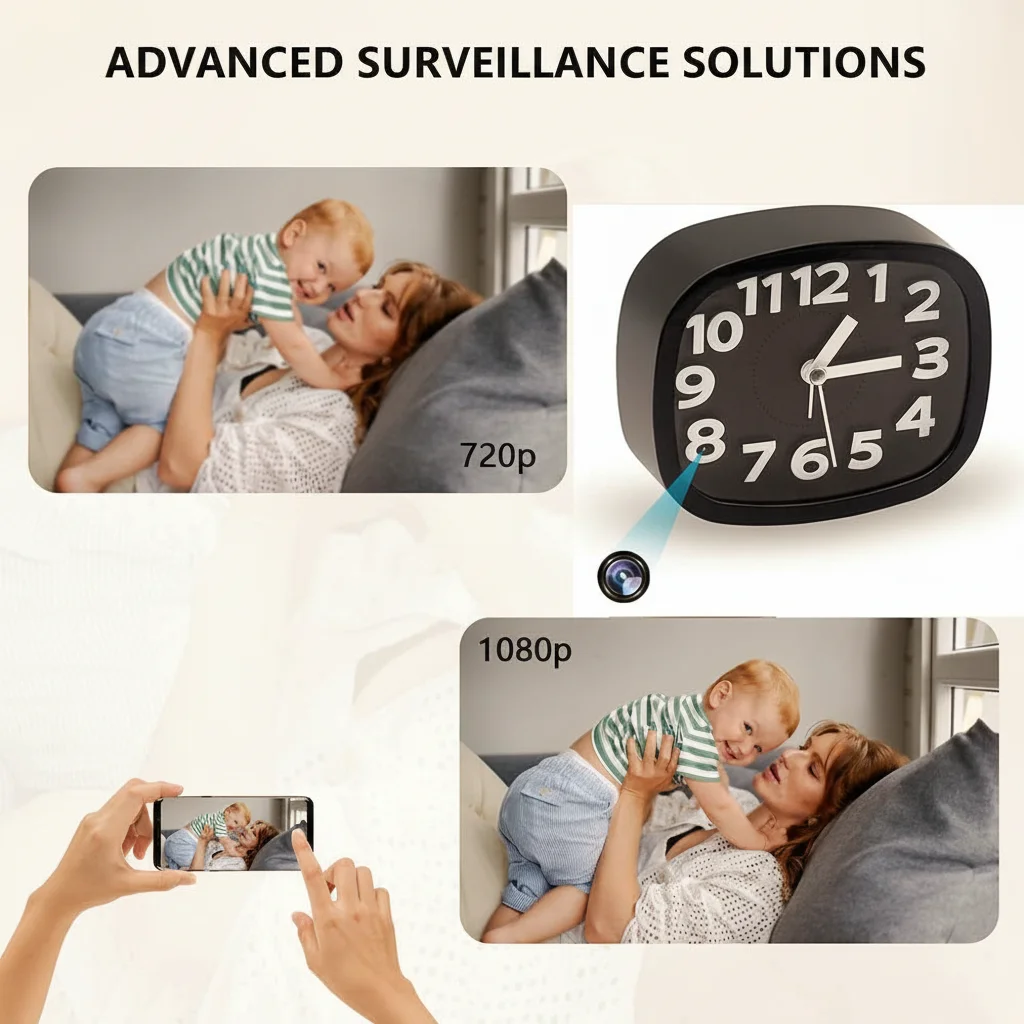
Conclusión clave: Monitoring in a property you own is generally lawful for safeguarding purposes. Monitoring in your relative’s independent home requires their consent or a formal legal authority. When in doubt, seek consent — it protects both you and them.
What Kind of Camera Works Best in an Elderly Person’s Home?
The ideal camera for monitoring an elderly relative has four characteristics that are distinct from typical security or surveillance applications:
Unobtrusive form factor. A visible dome camera in a living room communicates “you are being watched” every time the person looks at it. A clock camera on a shelf, a smoke detector shape on a ceiling, or a tabletop ornament blends into the home environment without dominating it visually. For elderly people with anxiety or mild cognitive decline, a visible surveillance camera can cause distress and disorientation.
Continuous power. Battery-powered cameras are unsuitable for long-term elder monitoring. A camera that runs out of battery at 3am on a night when a fall occurs defeats the entire purpose. A mains-powered camera — plugged into a wall socket or a USB hub — provides uninterrupted coverage without any maintenance requirement.
Visión nocturna. Falls and disorientation episodes are significantly more common at night. A camera with infrared night vision captures events in complete darkness, where most standard cameras produce unusable footage. The Digital Clock Camera with Infrared Night Vision combines a natural bedside or shelf clock form factor with 850 nm IR LEDs that cover a 6-metre range in complete darkness.
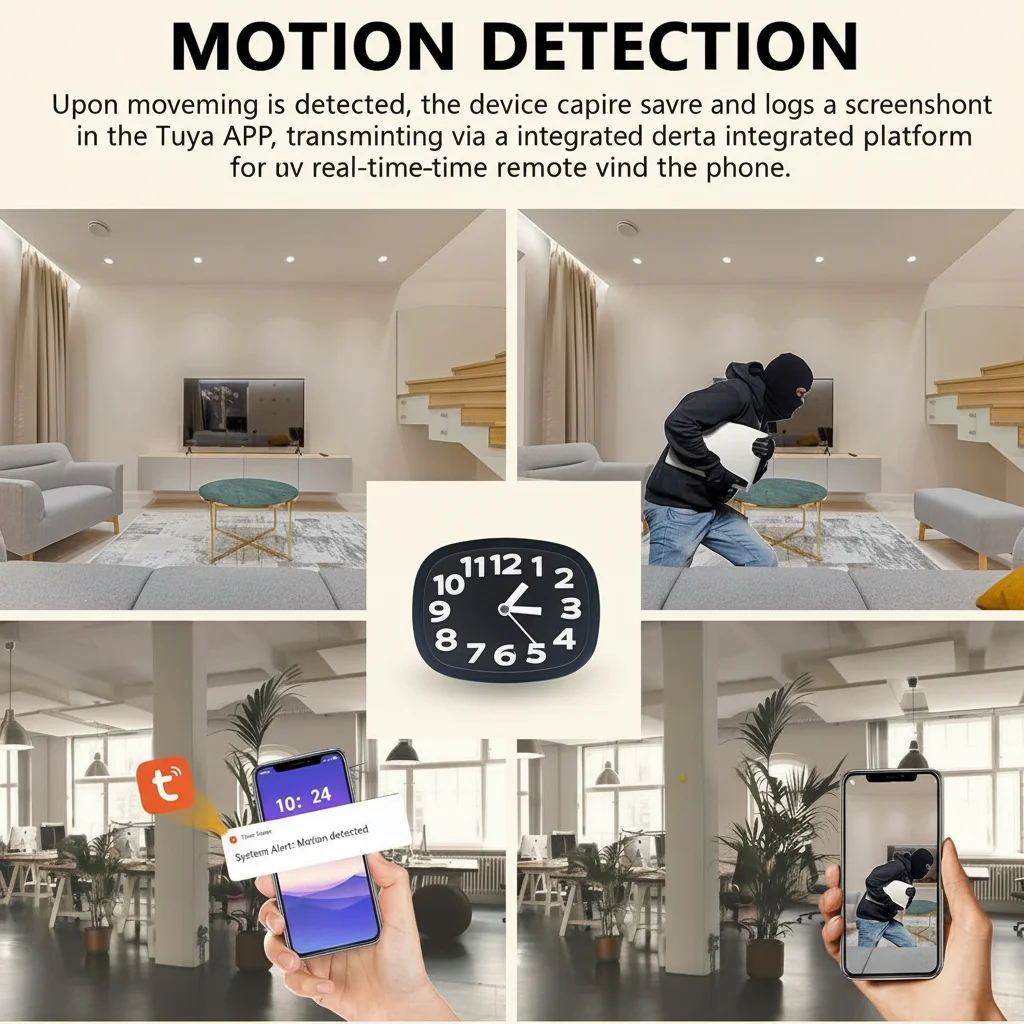
Motion alerts. Real-time push notifications when motion is detected allow remote family members to check in the moment something happens, rather than reviewing hours of footage after the fact. WiFi-connected cameras that send alerts via a smartphone app (such as Tuya Smart) give you the same real-time awareness as a baby monitor but across any distance.
Privacy settings. The ability to schedule recording windows — on at night, off during daytime when the person is active — respects the relative’s privacy during their normal daily activities while ensuring coverage during the hours when risk is highest.
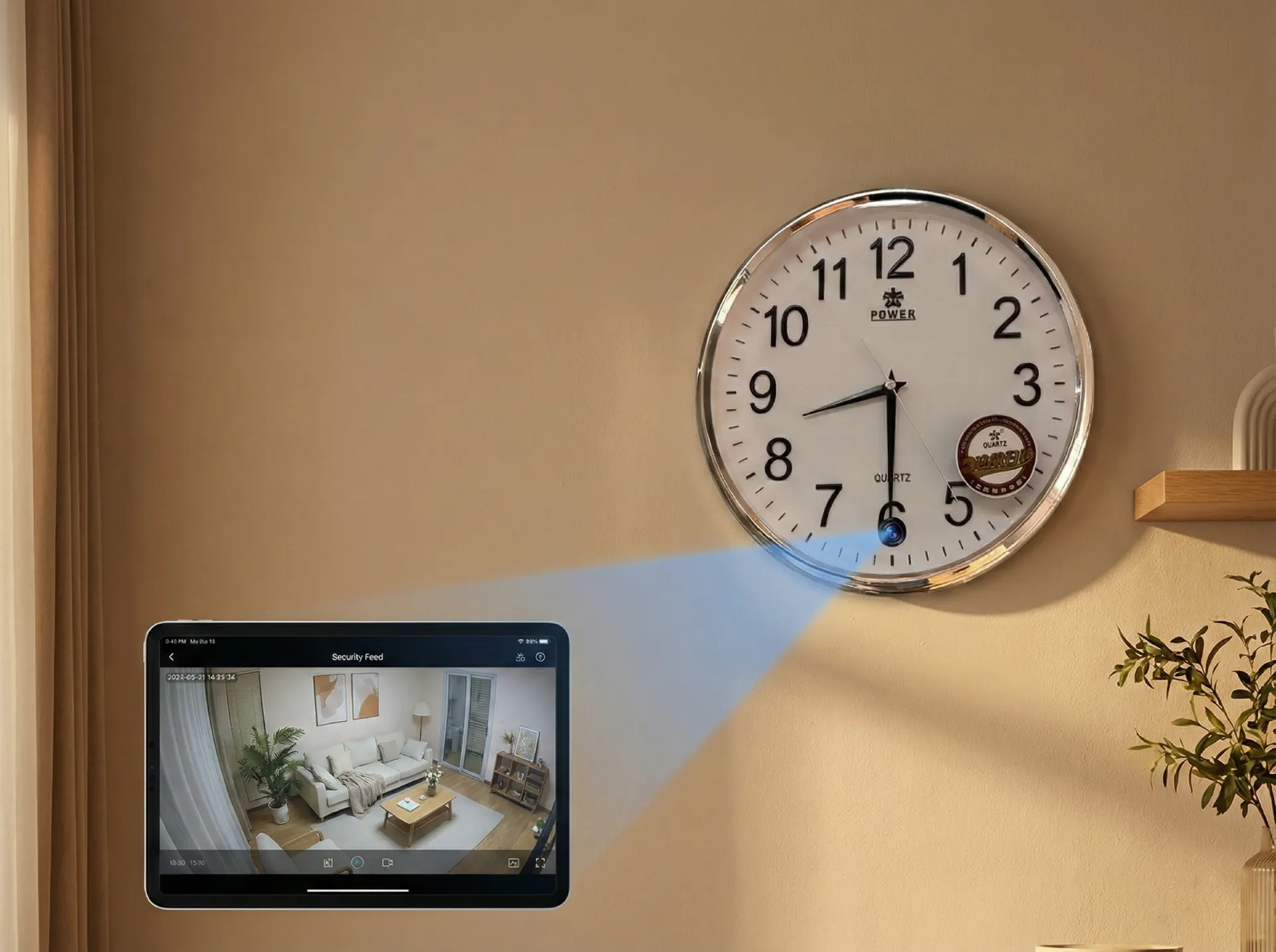
Conclusión clave: Mains-powered, night vision, motion alerts, and an unobtrusive form factor are the four essential requirements. Clock cameras and socket cameras meet all four and blend naturally into a home environment.
Where Should You Place Cameras in an Elderly Relative’s Home?
Effective placement covers the three highest-risk areas without unnecessarily invading private spaces.
Living room and main activity area. This is where the person spends most of their time and where general wellbeing can be assessed. A camera positioned at shelf height (1.2–1.5 metres) in a corner provides a wide view of the room. A wide-angle lens (120°–160°) covers the entire space from a single position. The WiFi Spy Clock Camera Z10 covers 120° from a natural clock position on a mantle or shelf, giving full coverage of a standard living room without any visible camera equipment.
Hallway and stairs. Stair falls are the most common cause of severe fall injuries in older adults. A camera at the top of the staircase or in the hallway detects movement at unusual hours (a parent getting up at 3am without a light on) and records any falls directly. A discreet smoke detector form factor ceiling-mounted at the top of the stairs is particularly effective — positioned above and looking down, the wide-angle lens captures the entire staircase.
Kitchen. Cooking accidents — leaving the hob on, forgetting a kettle boiling — are a significant safety risk. A kitchen camera, particularly one with motion alerts, allows you to detect unusual kitchen activity patterns (the hob has been on for four hours with no apparent cooking activity) that might otherwise go unnoticed.
What to avoid. Never place cameras in bathrooms, bedrooms, or any space where the person undresses or has a reasonable expectation of complete privacy, unless the person has specifically requested it for medical monitoring purposes and has consented. This restriction applies regardless of the safety motivation.
For a person living alone in a standard two-bedroom house, two cameras typically provide adequate coverage: one in the main living area and one in the hallway. A third in the kitchen adds value if cooking safety is a specific concern.
| Habitación | Risk | Tipo de cámara | Colocación |
|---|---|---|---|
| Salón | Falls, disorientation | Cámara reloj | Shelf/mantle at 1.2m, wide angle |
| Hallway/stairs | Stair falls, night wandering | Cámara detectora de humo | Ceiling, top of stairs |
| Cocina | Cooking accidents | Cámara de enchufe | Near cooker, socket-level |
| Dormitorio | Night falls, medical emergency | Clock camera (if consented) | Bedside table or shelf |
| Bathroom | Slip and fall | No recomendado | Privacy — consent required |
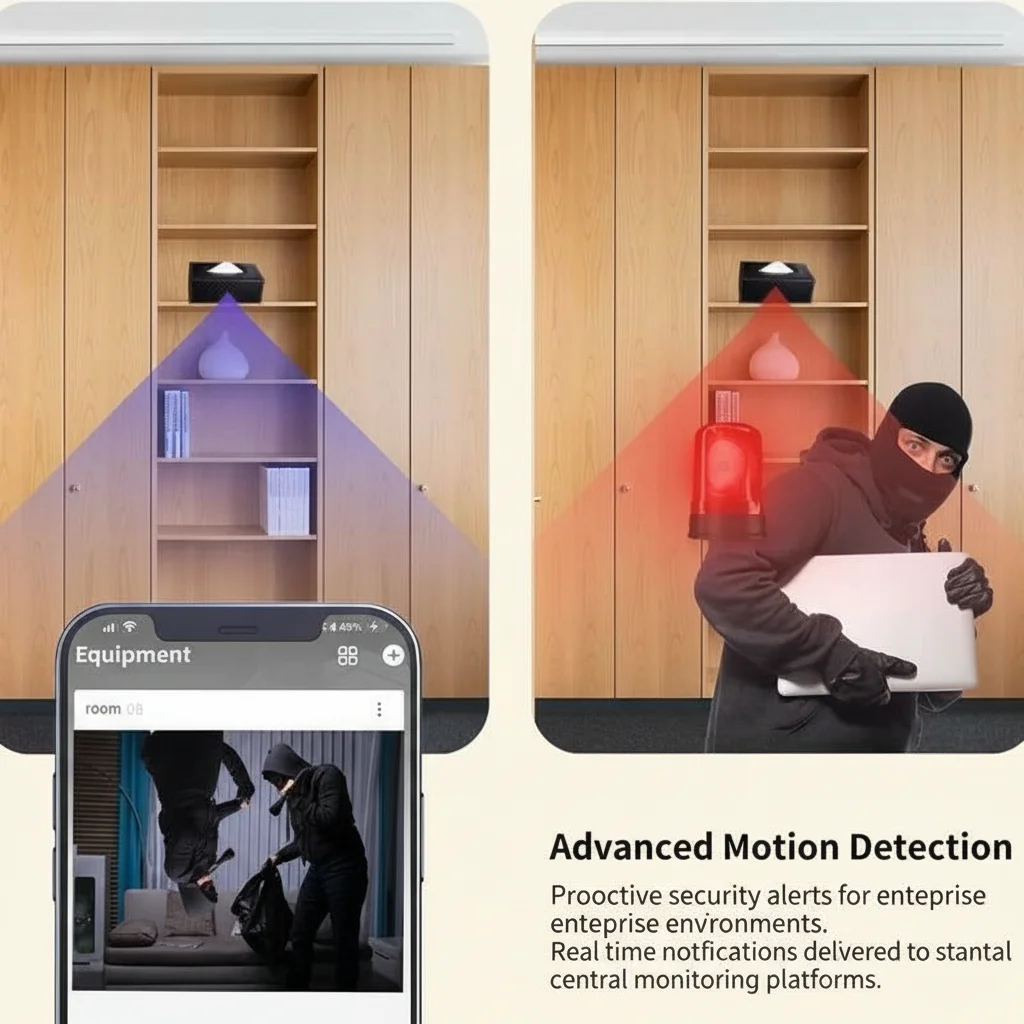
Conclusión clave: Prioritise living room, hallway, and kitchen. Never place cameras in bathrooms without explicit consent and a specific medical reason. Two to three cameras cover most single-storey or standard two-floor homes adequately.
How Do You Set Up Remote Viewing for Family Members?
The most significant practical advantage of WiFi-connected cameras over traditional DVR systems is the ability for multiple family members in different locations to monitor in real time through a shared smartphone app.
App setup (Tuya Smart). Most QZT cameras with WiFi functionality use the Tuya Smart platform (available free on iOS and Android). The setup process is:
1. Download Tuya Smart from the App Store or Google Play.
2. Create an account and verify by email.
3. Power the camera and follow the in-app pairing process (typically involves scanning a QR code displayed on the camera or connecting to a temporary WiFi hotspot broadcast by the device).
4. The camera appears in your device list within the app.
5. Share device access with additional family members through the app’s “Share Device” function — each person creates their own Tuya account and accepts your sharing invitation.
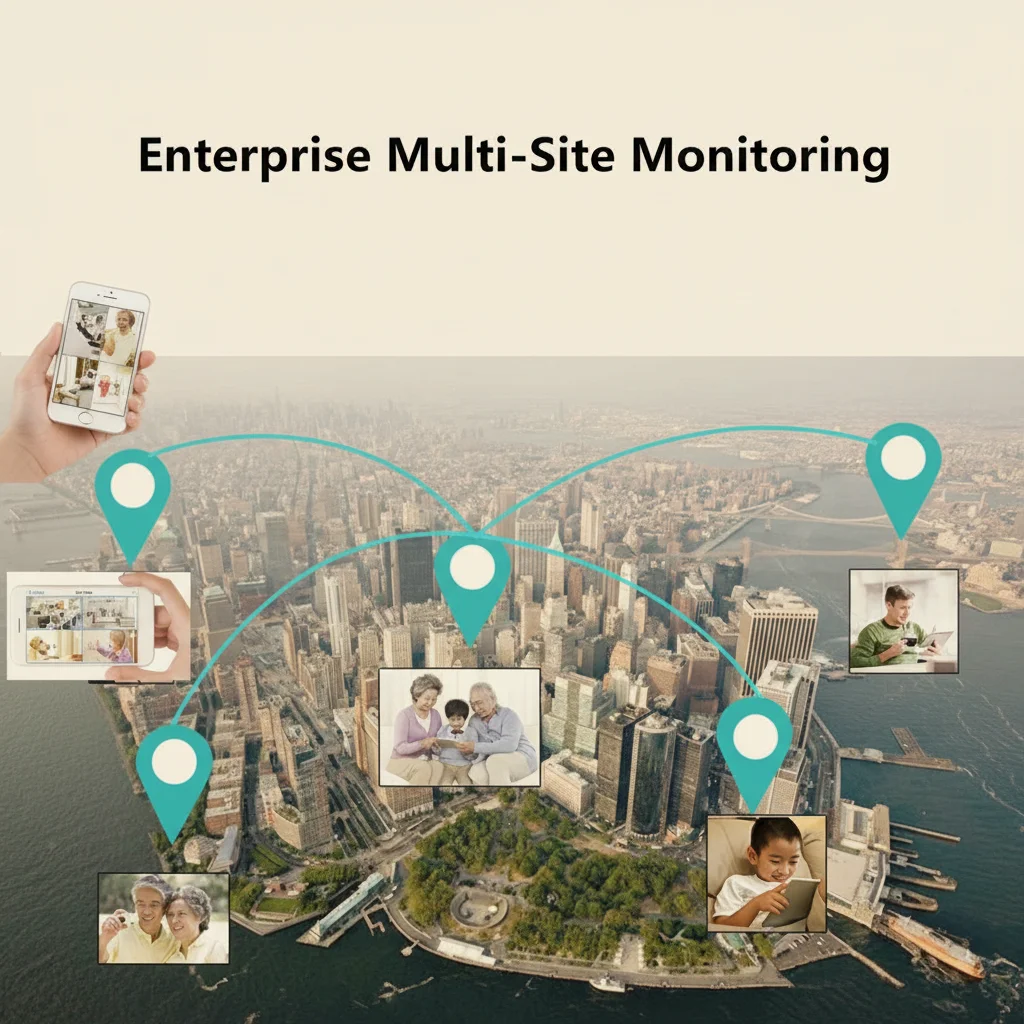
Once shared, all invited family members receive motion detection alerts simultaneously and can open a live view of the camera from anywhere with an internet connection. There is no limit on the number of shared viewers.
SD card local recording. The camera stores footage locally on a microSD card (up to 128GB). This provides an independent record that does not depend on an internet connection or cloud subscription. 128GB stores approximately 72 hours of 1080p continuous footage before loop overwriting begins. For most monitoring purposes, 30 days of retained footage is more than sufficient.
Cloud backup. Some cameras support optional cloud storage that keeps footage accessible even if the local SD card is removed or damaged. For elder monitoring where footage may be needed for safeguarding reports or care reviews, cloud backup provides a redundant copy. Tuya Cloud storage plans typically run £5–£10 per month per camera.
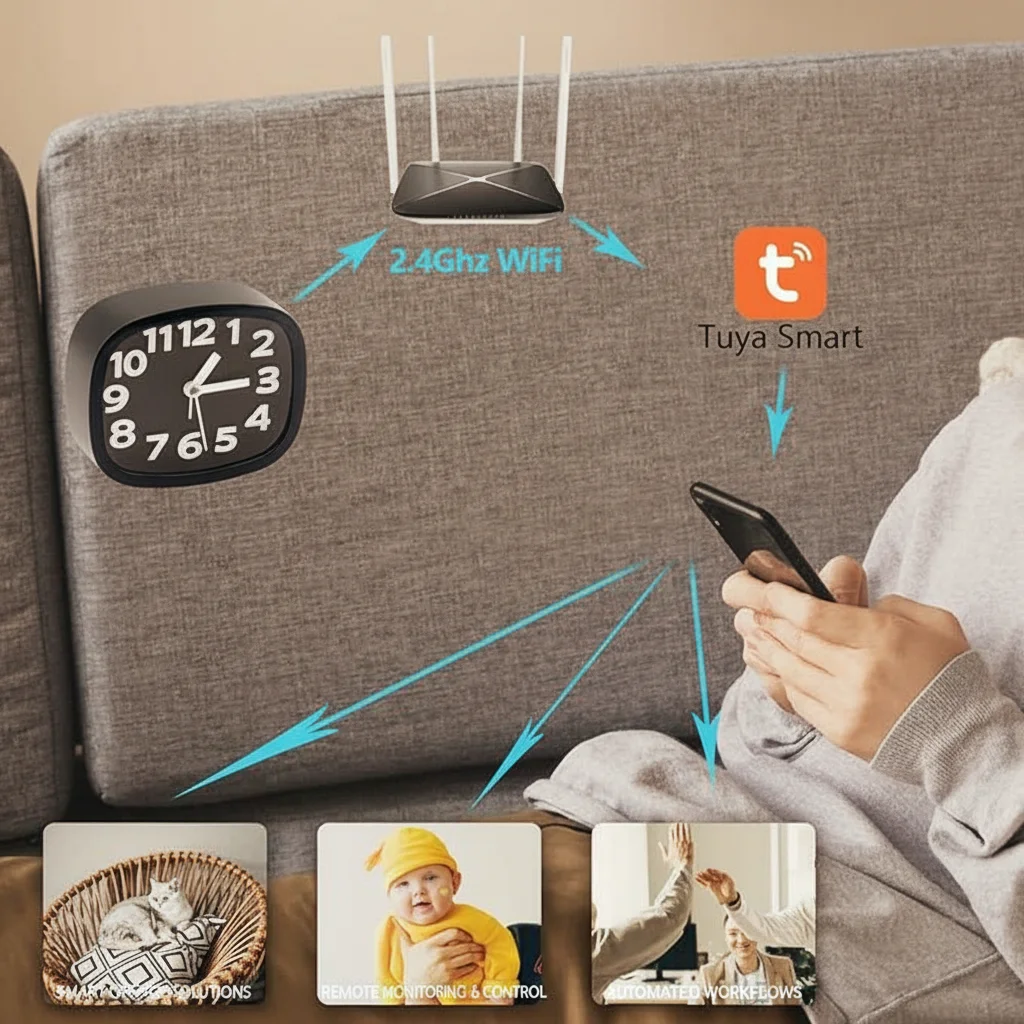
Network requirements. All QZT WiFi cameras operate on 2.4 GHz WiFi. In homes with older routers that broadcast only on 5 GHz, the camera will not connect. Before purchasing, confirm the home WiFi router supports 2.4 GHz. Most modern dual-band routers broadcast both automatically.
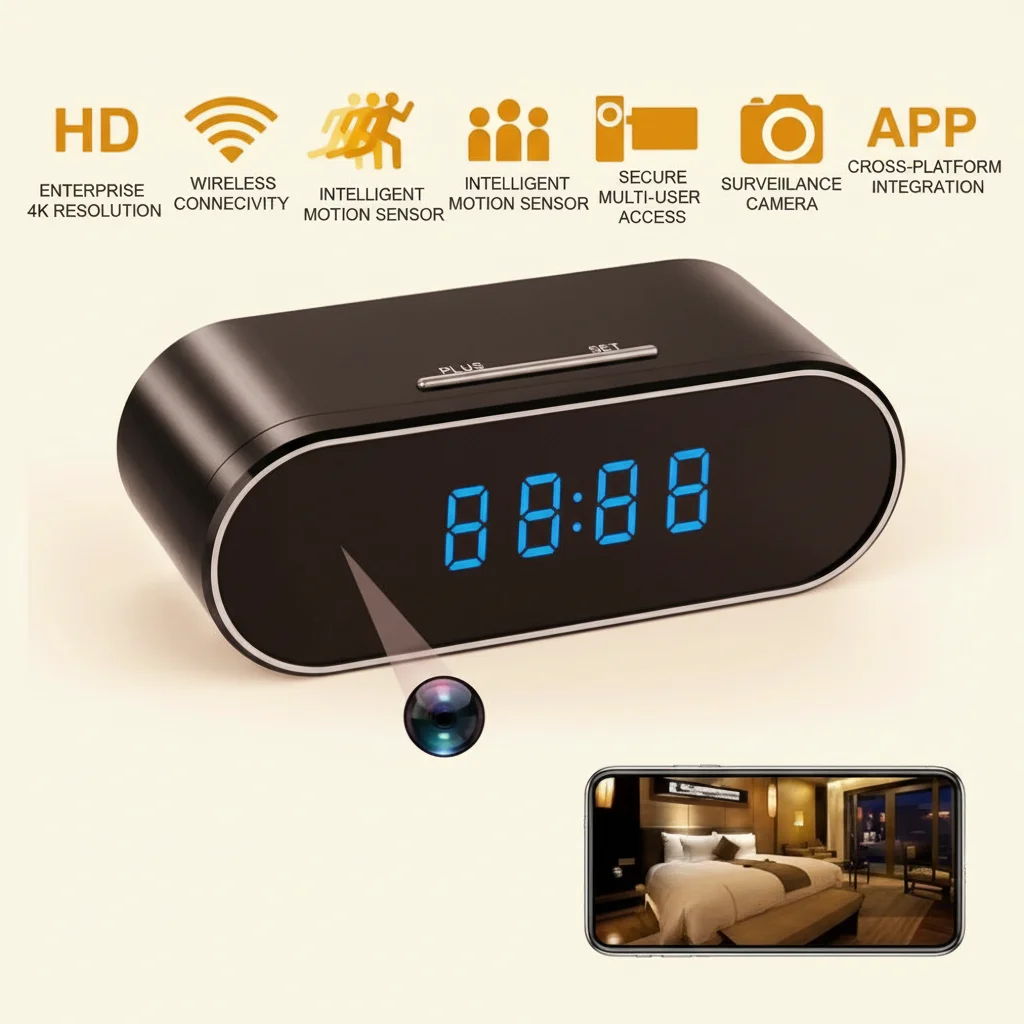
Conclusión clave: Tuya Smart app allows unlimited shared viewers and real-time alerts. Pair with a 128GB SD card for local backup. Confirm 2.4 GHz WiFi availability before setup — this is the single most common installation failure point.
How Do You Have the Conversation With Your Relative?
The hardest part of setting up elder monitoring is often not the technology — it is the conversation with the person being monitored.
A parent who still feels independent will resist the idea of surveillance, and understandably so. The framing matters enormously. These are the approaches that tend to work:
Frame it as family connection, not surveillance. “This camera lets me check in on you when we’re not there — I can see you’re having your morning cup of tea and know you’re fine” is a different conversation from “I want to watch you to make sure you don’t fall.” The first emphasises connection; the second emphasises incapacity.
Involve them in the decision. Ask where they would be comfortable with a camera and where they would not. A parent who has chosen the placement of the camera in their own living room has exercised agency over the decision, which changes the psychological dynamic entirely.
Comience pequeño. Una cámara en la sala de estar, con su conocimiento, configurada juntos. Si la experiencia es positiva — si encuentran los chequeos remotos tranquilizadores en lugar de intrusivos — puede expandirse desde allí.
Reconozca honestamente la compensación de privacidad. “Sé que esto significa que puedo ver lo que sucede en la sala de estar, y entiendo si eso te resulta extraño. Podemos apagarlo en cualquier momento, y solo revisaré las grabaciones si me preocupa algo.”
Para personas con demencia o deterioro cognitivo significativo, la conversación es más compleja. La capacidad no es binaria: una persona puede carecer de capacidad para tomar decisiones financieras complejas, pero conservar suficiente comprensión para consentir o rechazar una cámara. Un terapeuta ocupacional o el médico de cabecera de la persona puede asesorar sobre el nivel y método de consentimiento apropiados.
Conclusión clave: La conversación es tan importante como la tecnología. Involucra a la persona en la decisión cuando sea posible, presenta la cámara como una herramienta de conexión en lugar de vigilancia, y comienza con una cámara en una ubicación acordada.
¿Qué haces cuando se activa una alerta?
Las alertas de movimiento en tiempo real solo son útiles si se tiene un protocolo claro sobre qué hacer cuando llega una. Sin un protocolo, las alertas generan ansiedad en lugar de seguridad: cada notificación desencadena una espiral de preocupación en lugar de una verificación tranquila.
Niveles de triaje. Antes de configurar la cámara, establezca qué nivel de alerta requiere qué respuesta:
– Nivel 1 (Normal): Movimiento en horas normales del día en áreas esperadas. Una mirada a la vista en vivo confirma que todo está bien. No se requiere acción.
– Nivel 2 (Chequeo): Movimiento en un momento inusual (3am en la cocina) o ausencia de movimiento esperado cuando debería haberlo (son las 10am y la persona siempre se levanta antes de las 8am). Revisa el clip de grabación en la aplicación. Si parece estar bien, llama o envía un mensaje para confirmar. Si no hay respuesta, escala la situación.
– Nivel 3 (Emergencia): Persona visible en cámara en apuros, en el suelo o sin respuesta. Llame al 999 inmediatamente y contacte a cualquier contacto de emergencia local. Una cámara no reemplaza una respuesta de emergencia, la complementa.
Lo que una cámara no puede hacer. Una cámara detecta y graba; no actúa. Para una persona con riesgo significativo de caídas, una cámara debe combinarse con una alarma personal o una pulsera de respuesta de emergencia (como las proporcionadas por Age UK o Careline) que la persona pueda activar por sí misma. La cámara cubre el escenario donde la persona no puede activar una alarma personal; la alarma personal cubre el escenario donde la persona puede actuar pero la cámara no se está observando en tiempo real.
Ritmo de revisión regular. Una revisión semanal de 10 minutos del material de la semana anterior — no buscando problemas, solo obteniendo una idea general de los patrones de actividad — detecta cambios graduales que las alertas en tiempo real pierden. Una persona que caminaba con confianza hace seis semanas pero que ahora se mueve muy lentamente y se sostiene de la pared muestra un cambio que ninguna alerta individual capturaría pero una revisión periódica revelaría.
Conclusión clave: Cree un protocolo de respuesta de tres niveles antes de que llegue la primera alerta. Combine la cámara con una alarma de emergencia personal para una cobertura integral. Las revisiones semanales de patrones detectan cambios graduales que las alertas en tiempo real pasan por alto.
¿Cuáles son las mejores opciones de cámara para monitoreo de adultos mayores en 2026?
Para el monitoreo de adultos mayores específicamente, los siguientes tipos de cámara de la gama QZT abordan los requisitos principales: alimentación por red eléctrica, visión nocturna, gran angular, alertas WiFi y diseño discreto.
Para salas de estar y espacios principales: En Cámara Espía en Reloj Z10 WiFi 1080p es un reloj digital funcional con una cámara oculta de 1080p, visión nocturna infrarroja, conectividad WiFi e integración con Tuya Smart. Se coloca de forma natural en cualquier estante o repisa sin sugerir vigilancia. Las alertas de detección de movimiento, la grabación en bucle en microSD y la visualización en vivo remota lo convierten en la opción más completa de un solo dispositivo para monitorear la sala de estar.
Para pasillos y posiciones en el techo: Una cámara con factor de forma de detector de humo se monta al ras del techo y cubre todo el ancho de un pasillo o escalera desde arriba. La Cámara oculta WiFi Detector de humo 1080p cubre 100° desde la altura del techo, tiene visión nocturna infrarroja y es indistinguible de un detector de humo estándar.
Para cocinas y áreas de encimera: Una cámara de estilo enchufe conectada directamente a un tomacorriente de pared proporciona energía continua y un factor de forma compacto y natural. La Cámara espía WiFi Cargador USB 1080p funciona como un cargador USB funcional mientras graba imágenes en 1080p con detección de movimiento.
| Cámara | Factor de forma | Resolución | Visión nocturna | Fuerza | Ideal para |
|---|---|---|---|---|---|
| Cámara reloj Z10 | Reloj digital | 1080p | IR 850nm | Red eléctrica | Sala de estar, dormitorio |
| Cámara detectora de humo | Montaje en techo | 1080p | IR 850nm | Red eléctrica | Pasillo, escalera |
| Enchufe espía con cámara | Enchufe de pared | 1080p | Sí | Red eléctrica | Cocina, áreas de encimera |
| Power Bank Cámara | Sobre mesa | 1080p | IR 850nm | Batería (6-10h) | Monitoreo temporal |
Conclusión clave: La cámara de reloj Z10 cubre la mayoría de las necesidades de la sala de estar. Agregue una cámara detectora de humo para cobertura de escaleras. Las tres opciones alimentadas por red eléctrica proporcionan la cobertura continua que exige el monitoreo de ancianos.
Preguntas frecuentes
¿Puedo monitorear a mi padre anciano en casa sin decirle?
Solo si es propietario de la propiedad y tiene una preocupación específica de protección — por ejemplo, sospecha de que un cuidador remunerado los maltrata. Si su padre es propietario o alquila su propia casa de forma independiente, debe buscar su consentimiento o actuar bajo un Poder Notarial Duradero formal. El monitoreo oculto sin consentimiento en el hogar de otra persona es una violación de sus derechos de privacidad independientemente de sus intenciones.
¿Cuál es la mejor cámara oculta para monitorear a padres mayores en el Reino Unido?
Una cámara reloj WiFi alimentada por red eléctrica como la Z10 — parece un reloj de mesita estándar, funciona continuamente sin preocupaciones de batería, envía alertas de movimiento a tu teléfono a través de la aplicación Tuya Smart y graba localmente en la tarjeta SD. La resolución 1080p con visión nocturna infrarroja cubre los escenarios (caídas nocturnas, episodios de desorientación) donde el monitoreo es más crítico.
¿Cómo sé si mi padre anciano ha sufrido una caída si no estoy viendo la vista en vivo?
Las alertas de detección de movimiento se activan en segundos tras detectar movimiento. En una cámara bien ubicada, una caída desencadena una notificación inmediata con un clip de vista previa de 10 segundos. El clip muestra lo suficiente para evaluar si la alerta requiere acción. La cámara también proporciona un registro de grabación continua que se puede revisar si su padre menciona una caída o dolor y no recuerda lo sucedido.
¿Pueden los familiares en el extranjero acceder a la cámara?
Sí. La aplicación Tuya Smart funciona desde cualquier conexión a internet en todo el mundo. Todos los familiares compartidos reciben las mismas alertas en tiempo real y pueden acceder a la vista en vivo simultáneamente, independientemente de su ubicación física.
¿La cámara graba incluso cuando el WiFi se cae?
Sí — todas las cámaras QZT con ranuras para microSD graban localmente independientemente de la conectividad WiFi. Las grabaciones se almacenan en la tarjeta SD incluso durante cortes de internet. La vista en vivo y las notificaciones push no están disponibles durante una interrupción, pero la grabación continúa sin interrupciones y se puede acceder una vez que se restablece la conectividad.
Un paso práctico que vale la pena tomar hoy
Esperar hasta que ocurra un incidente grave antes de configurar el monitoreo significa que siempre vas un paso atrás. Una cámara instalada hoy — con una conversación, con consentimiento, en el lugar correcto — está lista en el momento en que se necesita. La tranquilidad para usted y la capa adicional de seguridad para su familiar son inmediatas.
Explora el Gama de cámaras ocultas de seguridad QZT para opciones adecuadas para el monitoreo de adultos mayores en casa. Si necesita asesoramiento sobre qué cámara se adapta mejor a la distribución específica de su hogar o a sus requisitos de monitoreo, contáctenos directamente.

 English
  Italiano
  Deutsch
  Français
  Español
  Polski